WD TV Live HD Media Player
User Manual
SETTINGS AND ADVANCED FEATURES – 132
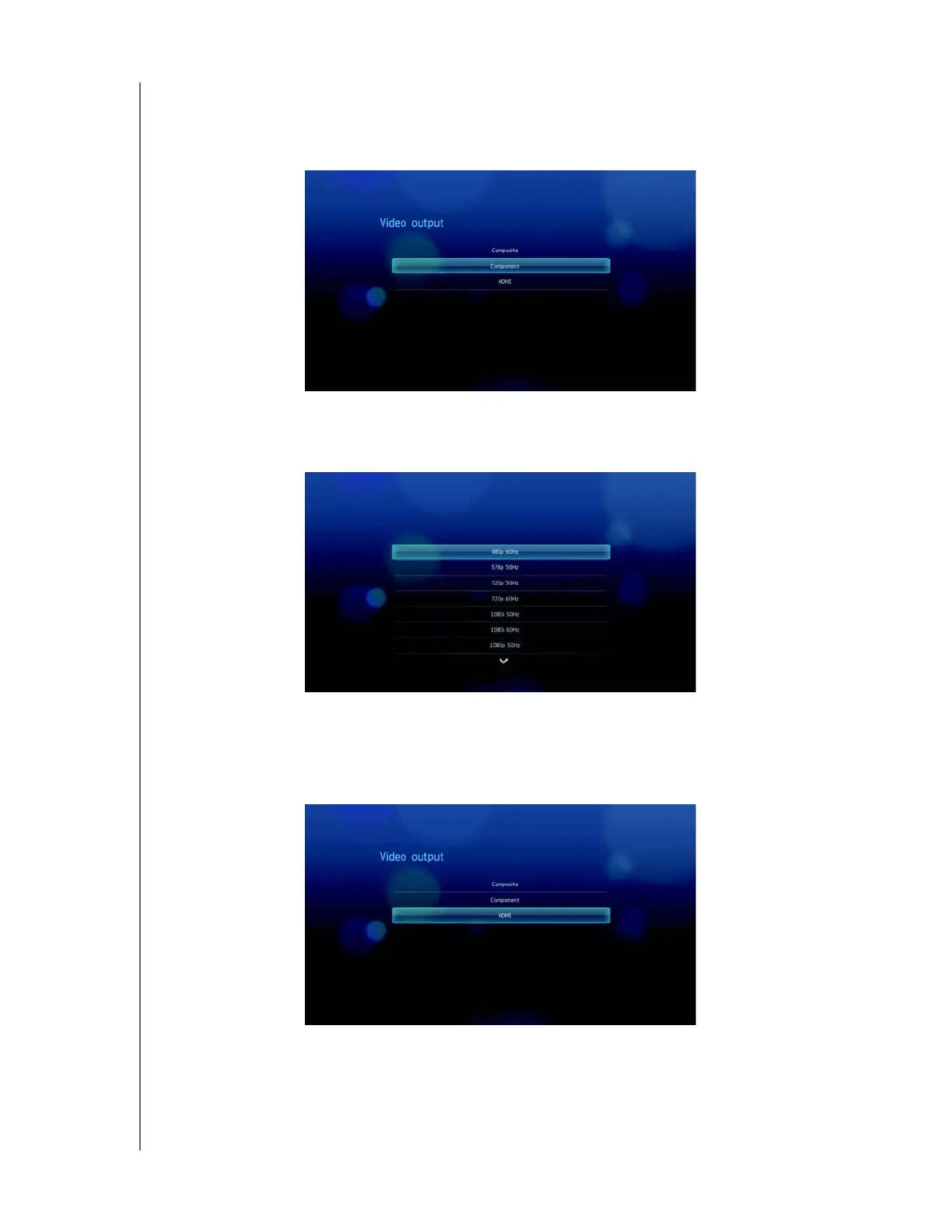
Component
When using the YPbPr cable (green, blue, and yellow connectors) to connect the
media player, select Component in the Video output screen.
You will be prompted to select the video display resolution for your device. Select
display resolution then press ENTER.
HDMI
When using an HDMI cable (if your TV supports HDMI resolution), select HDMI in
the Video output screen.



 To Next Page