WD TV Live HD Media Player
User Manual
SETTINGS AND ADVANCED FEATURES – 139
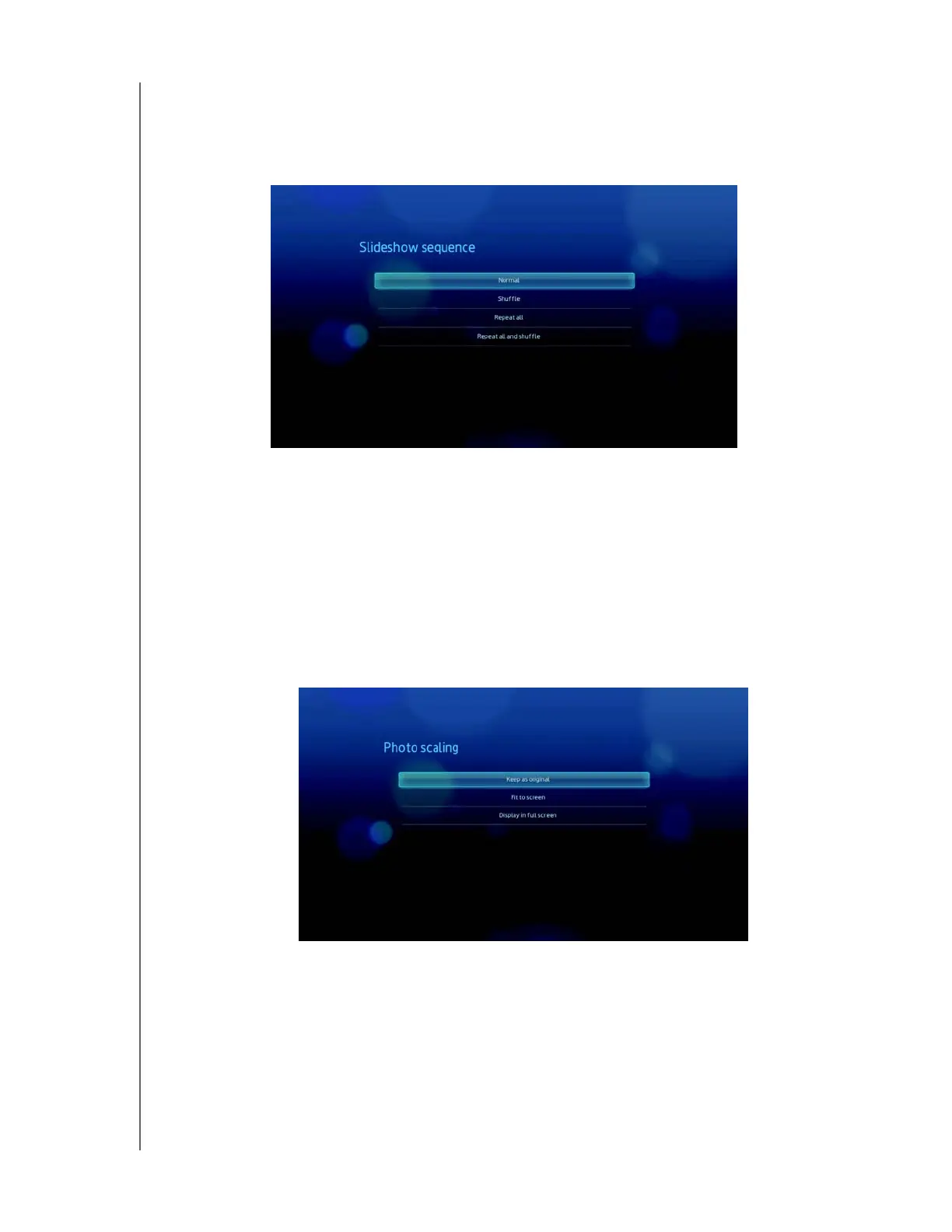
Slideshow Sequence
Use this menu to set the slideshow sequence mode. The default setting is Normal.
See “Repeating and/or shuffling a Slideshow” on page 53 for a description of these
slideshow sequence modes.
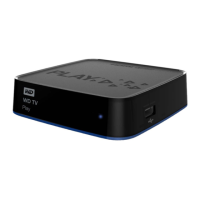
Photo Scaling
Use this menu to define how pictures are scaled when you view them. This also
applies when pictures are viewed in a slideshow. Options include:
• Keep as original – Maintains the original resolution of the image (default).
• Fit to screen – Fills as much of the display area as possible while maintaining
correct image proportions.
• Display in full screen– Fills the display area with the image (this can lead to
image distortion).



 To Next Page