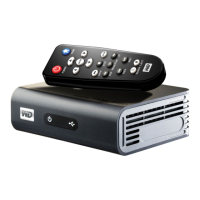
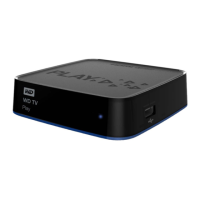
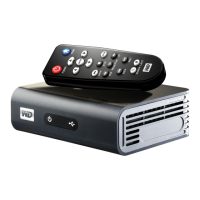
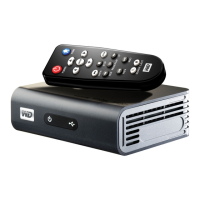
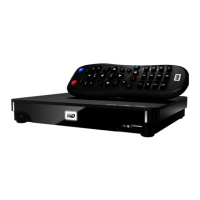
WD TV Live HD Media Player
User Manual
IMPORTANT USER INFORMATION – 4
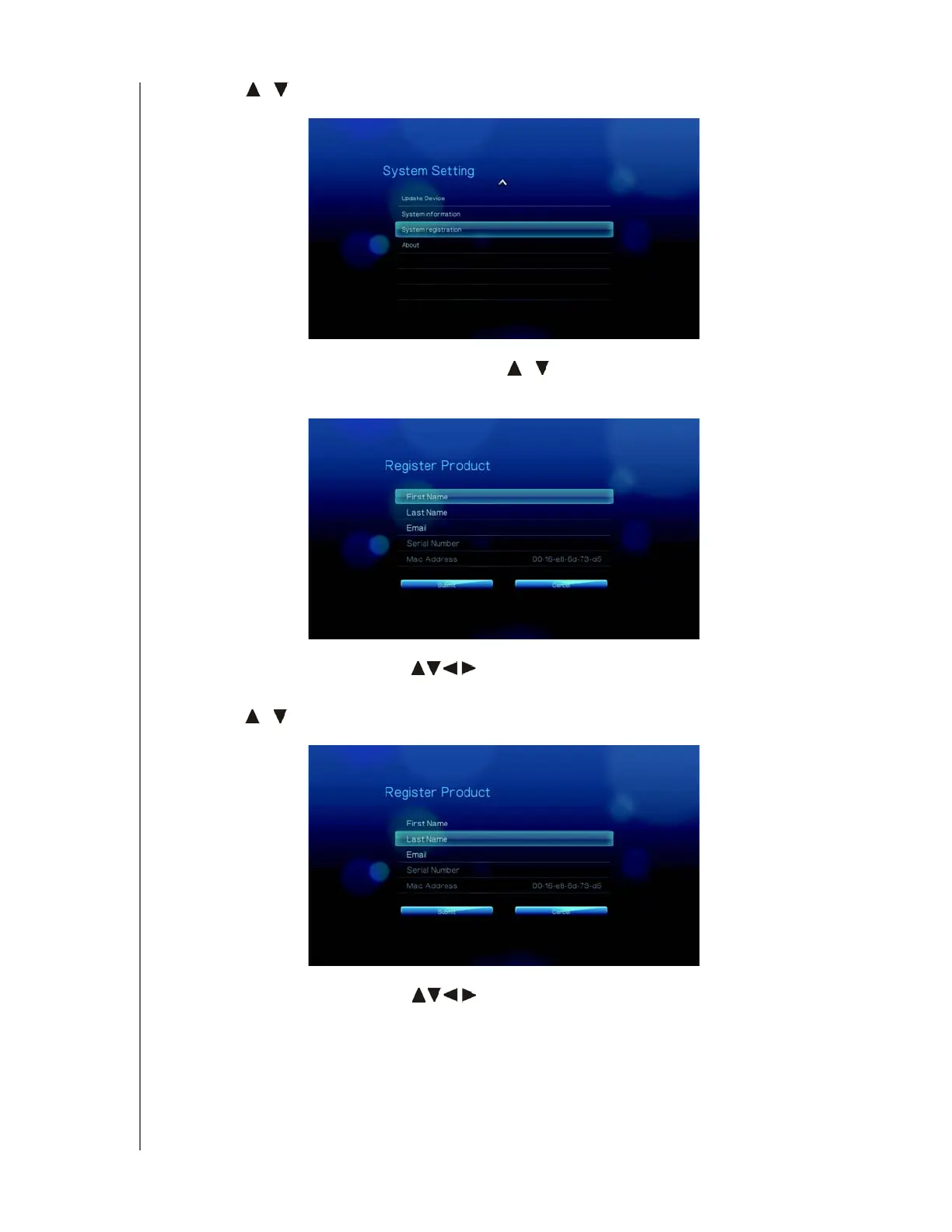
4. Press / to select System registration, then press ENTER.
5. On the Register Product screen, press / to select First Name, then press
ENTER.
6. Use the navigation buttons to type in your first name using the on-screen
keyboard. Select Submit, then press ENTER.
7. Press / to select Last Name, then press ENTER.
8. Use the navigation buttons
to type in your last name using the on-screen
keyboard. Select Submit, then press ENTER.


 To Next Page
 Loading...