WD SERIAL ATA RAID CONTROLLER
EASYBUILD OPTIONS AND FEATURES - 22
USER MANUAL
10. Press ENTER. The following screen displays.
11. Under Select Drive for Rebuild, highlight the replacement drive by using the up or down
ARROW keys.
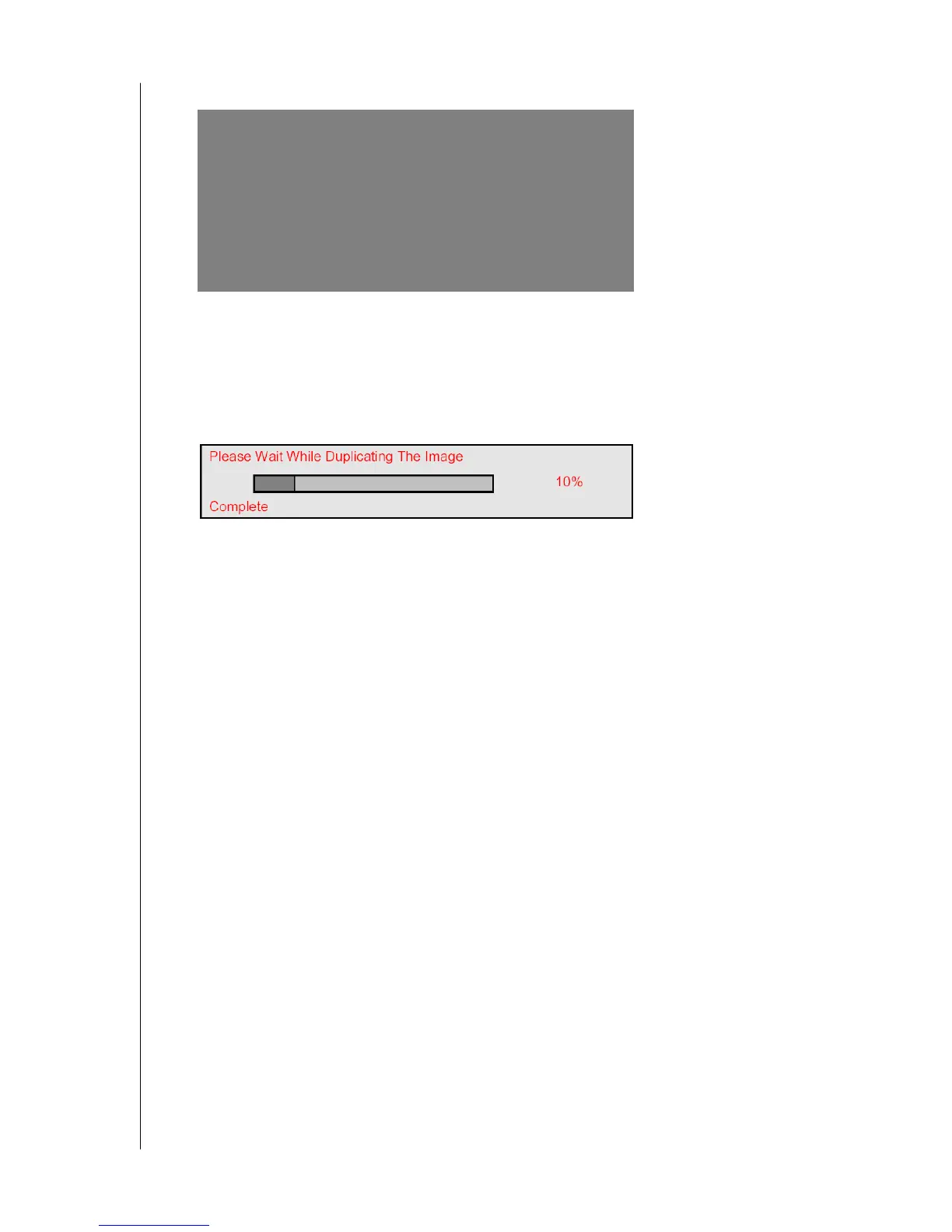
12. Press ENTER and confirm that the data will be copied on to the selected drive. All data on
the replacement drive will be written over with mirrored information from the array drive.
A progress bar appears.
13. Once the rebuild process is complete, reboot the system. The WD SATA RAID
controller's BIOS will now display the drive with no errors.
Note: Disk Duplication (rebuilding) may take up to several hours depending on how
much data will be copied to the new drive. For instance, 120 GB of data would take one
to two hours on average to be duplicated in a newer computer system.
EasyBuild(tm) Utility 2.xx (c)2003 Western Digital Technologies, Inc.
[Rebuild Array Menu]
Array No RAID Mode Total Drv Status
Array 2 Mirror 2 Critical
Stripe Block: Not Available Gigabyte Boundary: ON
[Select Drive for Rebuild]
Channel:ID Drive Model Capacity(MB)
1 : WD WD740GD-00DAC3 74025
[Keys Available]
[
↑] Up [↓] Down [ESC] Exit [Enter] Select



 To Next Page