SETUP MENUS
53
English
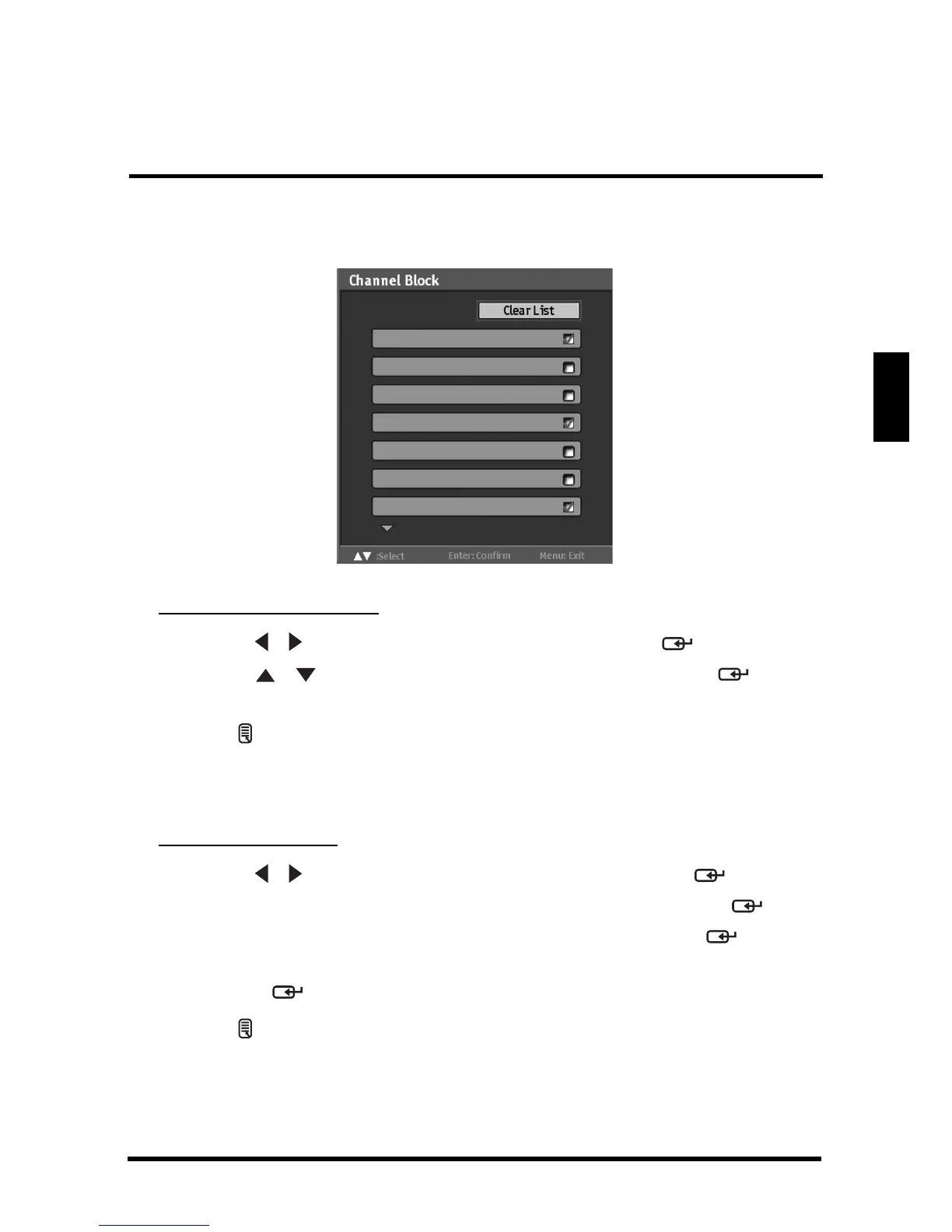
• Channel Block: Channel Block allows you to block channels.
Adjusting Channel Block
1
Use the
/
keys to select
Channel Block
and press .
2 Use the / keys to select the desired channel and press
repeatedly to block or unblock.
3 Press to save and exit the screen.
• Change Password: Change Password allows you to change your current
password.
Changing Password
1
Use the
/
keys to select
Change Password
and press .
2 Use the Channel keys to enter the current password and press
.
3 Use the Channel keys to enter the new password and press
.
4 Use the Channel keys to enter the new password again for confirmation
and press
.
5 Press to save and exit the screen.
11.0
23.0
22.0
21.0
17.0
16.1
13.0



 To Next Page