SETUP MENUS
54
English
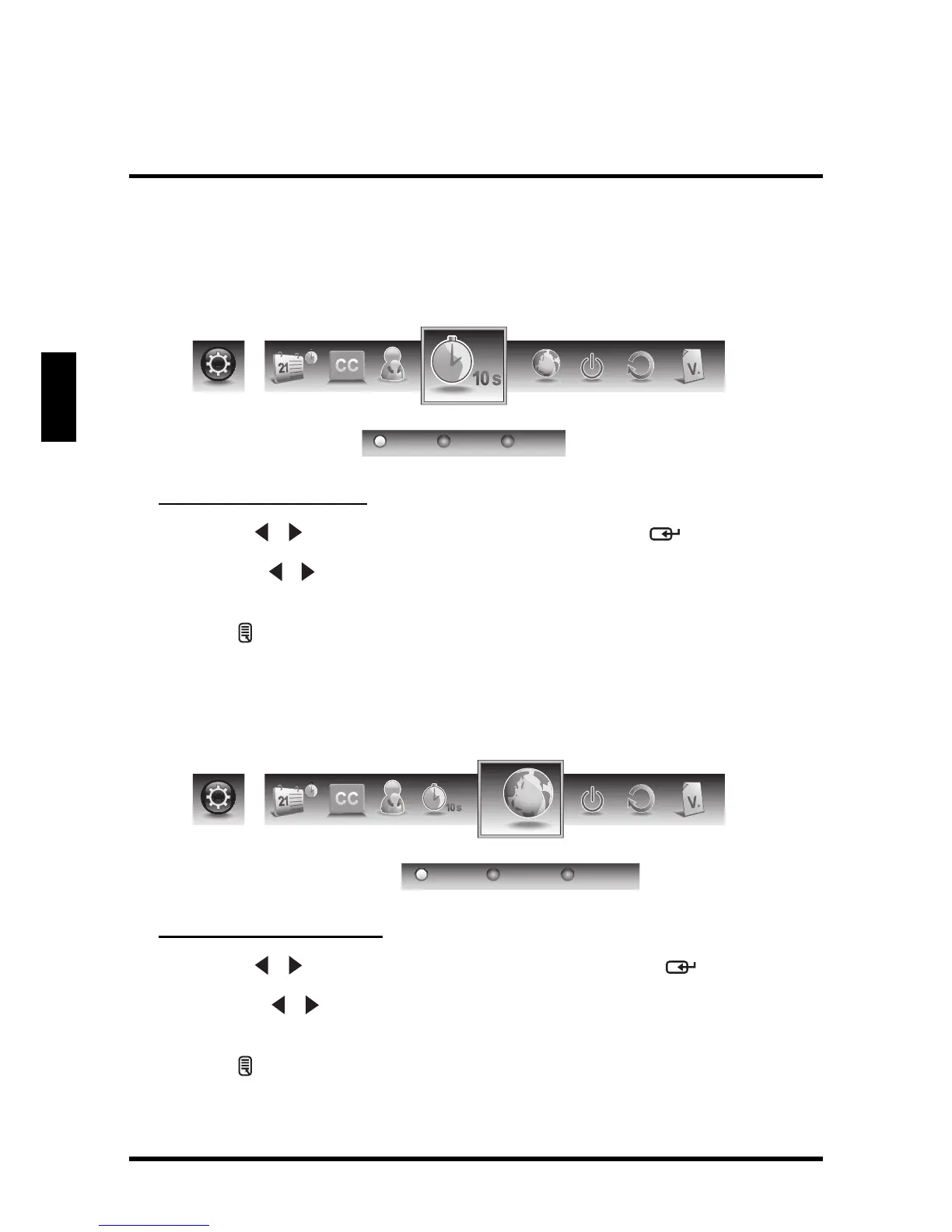
OSD Timeout
Use OSD Timeout to adjust the OSD duration on the screen: 10 sec, 20 sec, or 30
sec.
Adjusting OSD Timeout
1
Use the
/
keys to select
OSD Timeout
and press .
2 Press the / keys on the remote control to select 10 sec, 20 sec, or 30
sec.
3 Press to save and exit the screen.
OSD Language
Use OSD Language to select the language to display on the screen: English,
French, or Spanish.
Adjusting OSD Language
1
Use the
/
keys to select
OSD Language
and press .
2 Press the / keys on the remote control to select English, French or
Spanish.
3 Press to save and exit the screen.


 To Next Page