40
Machine control board, Software
704 67 020 00 _ 111
GF Robimat XL / XM
OPERATING INSTRUCTIONS
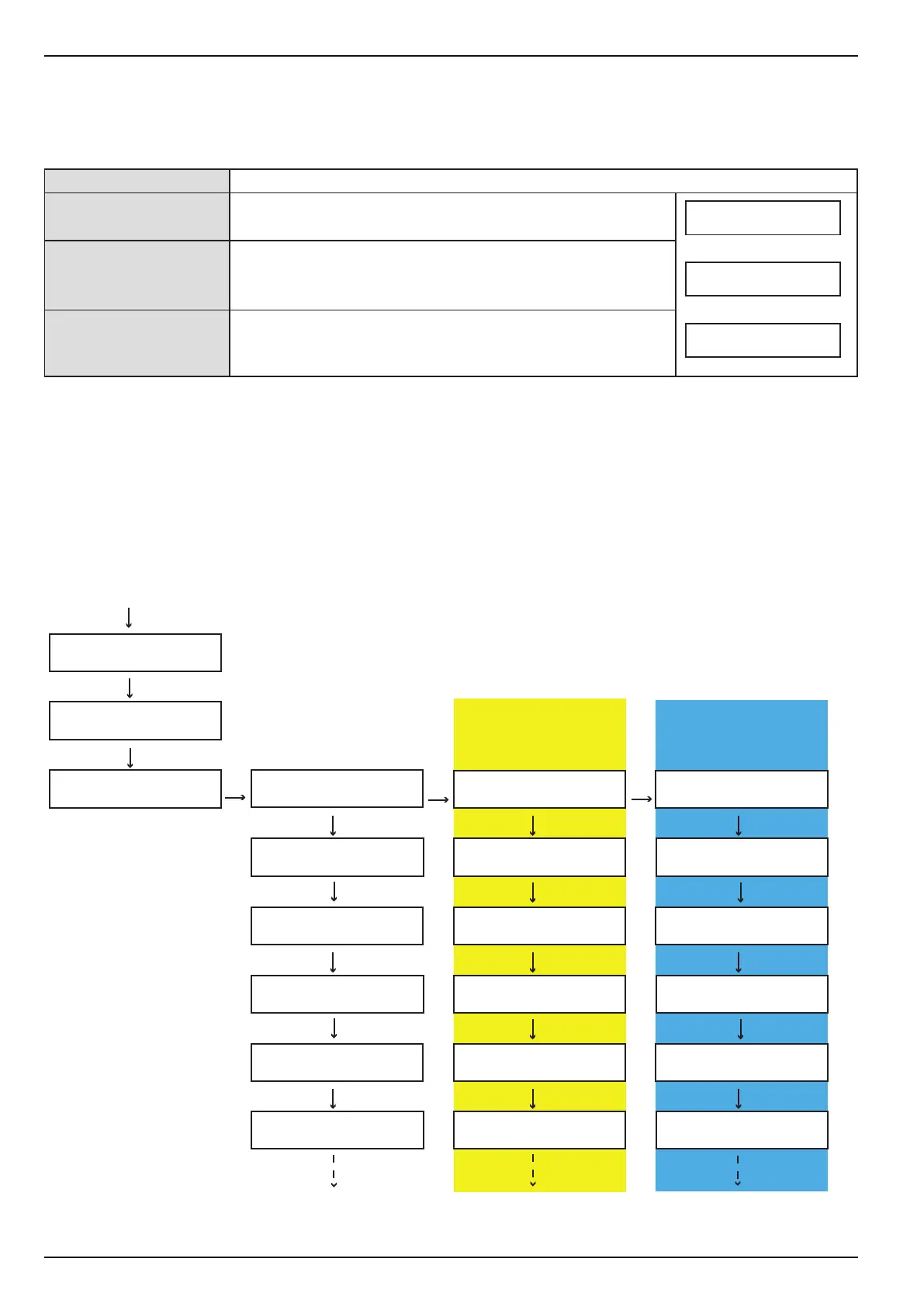
With this function the price of selection 10 can easily be copied for all other selections. All selections now have the same
price.
When setting [AGE VERIFICATION] function to [active] in [INSTALLING MODE] - [MACHINE], you can additionally
assign one of the following settings to each selection.
The current setting is changed by pressing [ R ].
M
E
M
M
E
E
M
E
PROGRAMMING MODE
←L SEL. M→ :E
PROGRAMMING MODE
PRICE CASH
SET £ 45.00
PRICE CASH
SHELF ? 1-9
SURE ??
SEL 10:£ 2.00
SEL 11:£ 2.00
SEL 12:£ 2.00
SEL 13:£ 2.00
SET £ 45.00
PRICELIST 1
SHELF ? 1-9
SURE ??
SEL 10:-1- 2.00
SEL 11:-1- 2.00
SEL 12:-1- 2.00
SEL 13:-1- 2.00
SET £ 4.00
HAPPY HOUR
SHELF ? 1-9
SURE ??
SEL 10:-1- 4.00
SEL 11:-1- 4.00
SEL 12:-1- 4.00
SEL 13:-1- 4.00
CHECK
←L SEL. M→ :E
Age verication
OK+ No age verication: The product is sold without age
verication.
18+ Age verication from 18: The product is sold after age
verication of minimum age 18 years.
16+ Age verication from 16: The product is sold after age
verication of minimum age 16 years. This function depends
on the document reader in use.
new price + E new price + E new price + E
Age verication can only be set if the software version installed bears the letter "j".
Example: Software version ROMFjb11.pat
SEL 10:£ 2.00
OK+
SEL 10:£ 2.00
18+
SEL 10:£ 2.00
16+
only if [PRICE LIST] is
activated
only if [HAPPY HOUR]
is activated and [PRICE
LIST] deactivated



 To Next Page