PAIRING THE CABLE TO A DEVICE
How to pair the cable to the device:
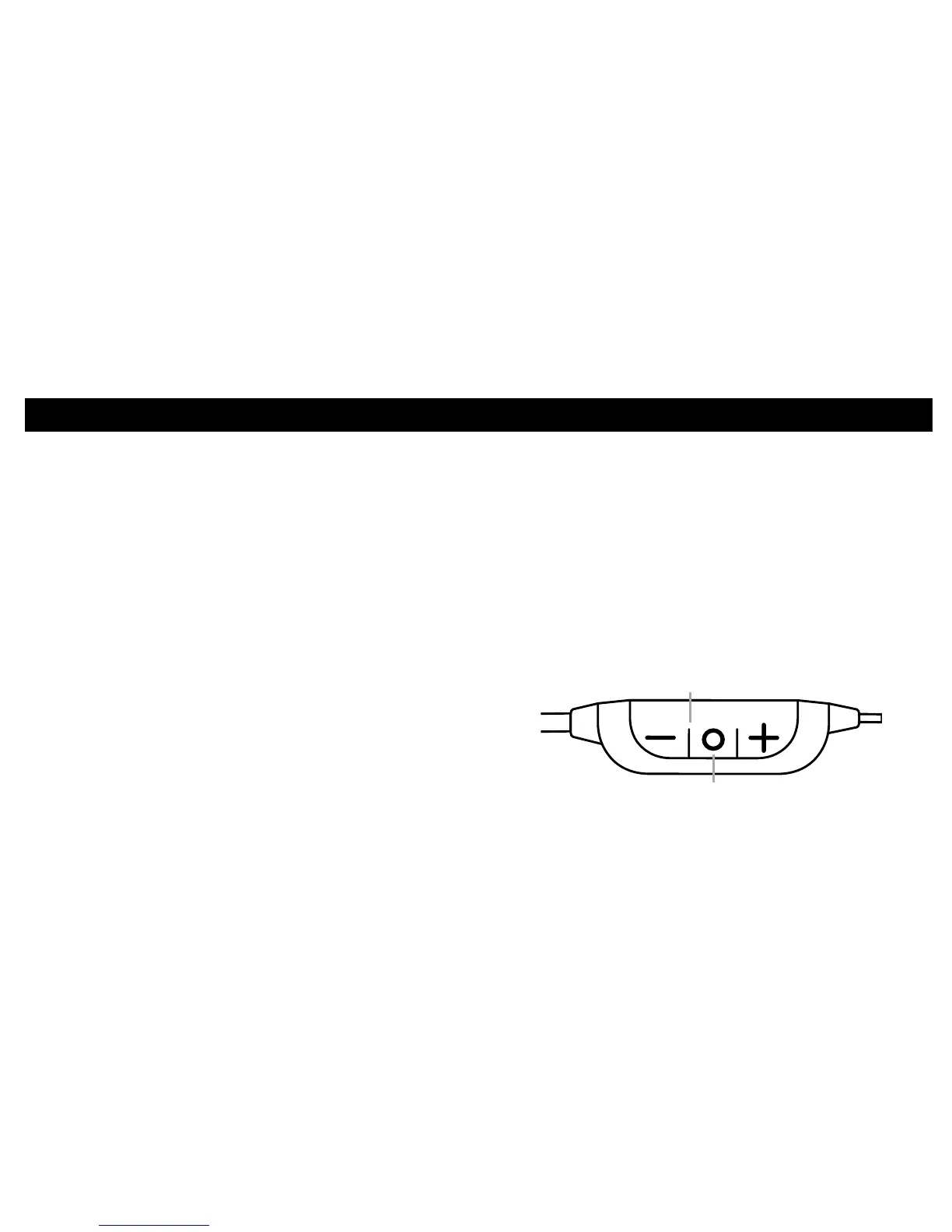
1. Hold down the power button for ve seconds. The
indicator light located next to the power button
will begin ashing red and blue to indicate the
pairing process has begun. The voice prompt will
indicate “Pairing”.
2. To complete pairing the cable with the device
follow these steps:
• iPhone: Go to Settings/General/
Bluetooth/On*
• Android: Go to Settings/Bluetooth/On/
Scan for devices*
• Windows: Go to Settings/Bluetooth/On*
*Pairing procedure can vary per device.
3. Select “Westone BT V2”
4. If the device asks for a passcode, enter four zeros
(0000) for the passcode or accept the connection.
5. Once the device is successfully paired the indicator
light will ash blue three times every two seconds.
The voice prompt will indicate “Connected”.
Power Button
Indicator Light


 To Next Page