5
Exchanging the Faceplate
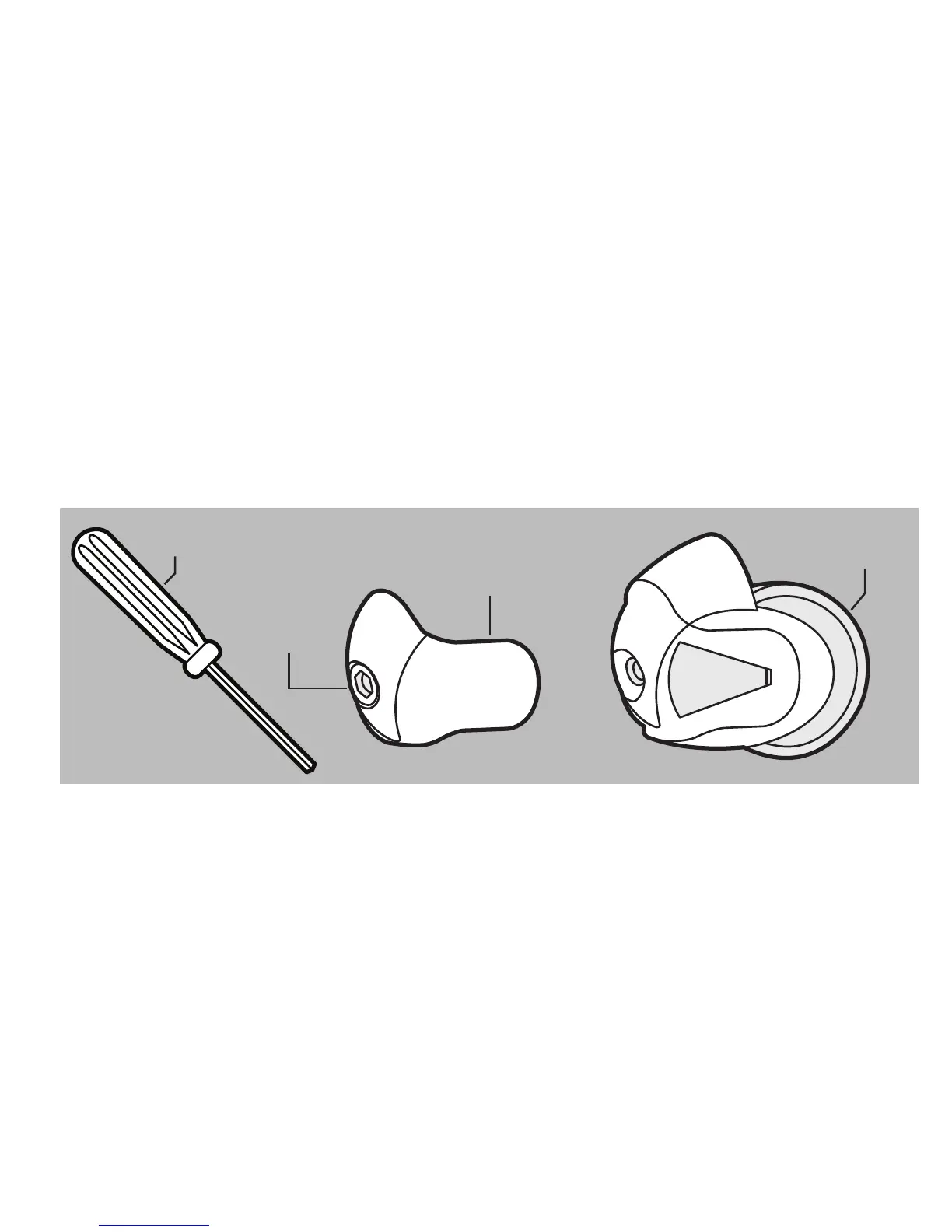
1. Using supplied tool, unscrew faceplate fastener.
Note: Screw is attached to the faceplate and cannot be removed.
2. Remove faceplate by sliding it directly away from your earphone.
3. Align new faceplate to grooves in earphone and slide into place.
4. Tighten faceplate fastener, ensuring not to cross-thread screw or over-tighten.
TOOL
FACEPLATE
FASTENER
FACEPLATE
EARPHONE
g



 To Next Page