POWER AMPLIFIER
3
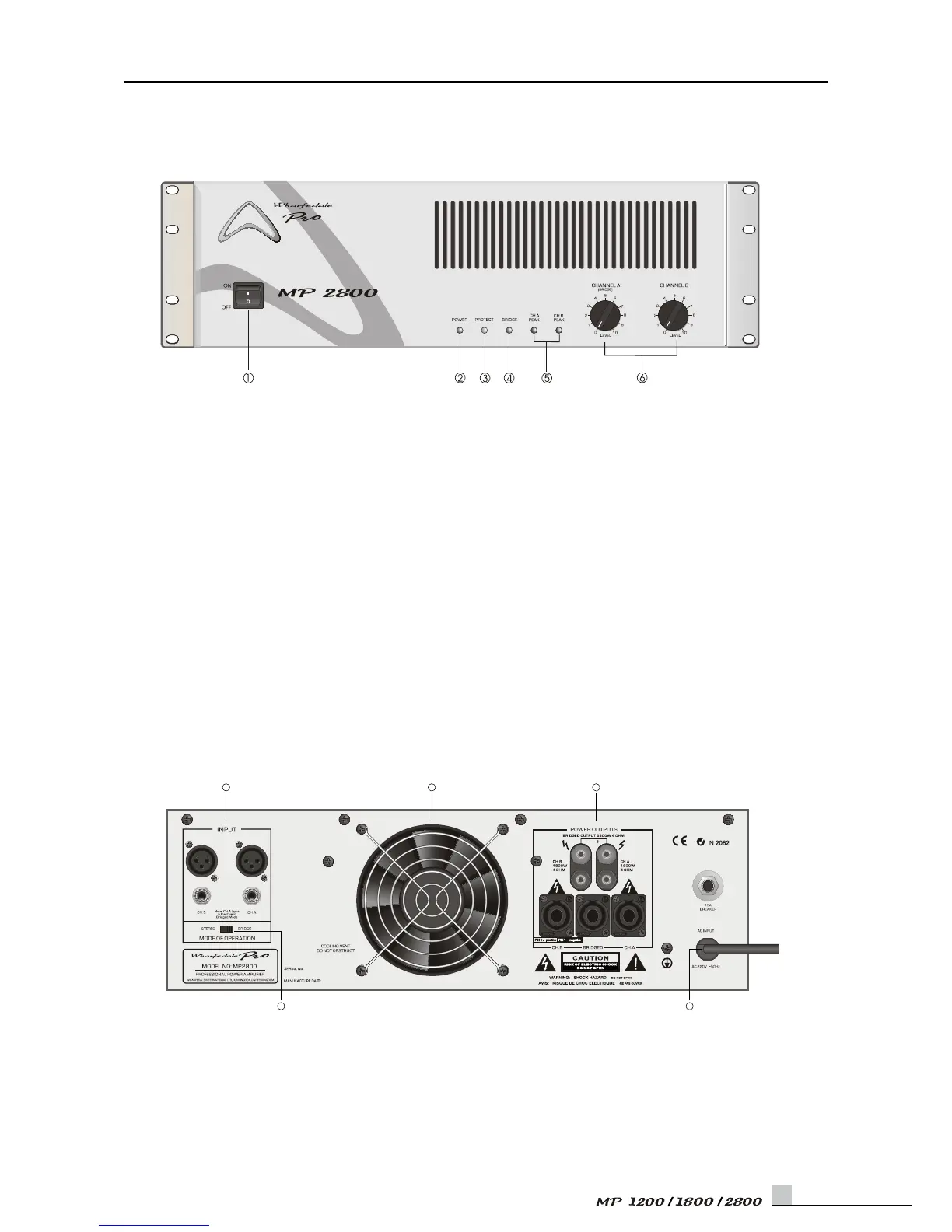
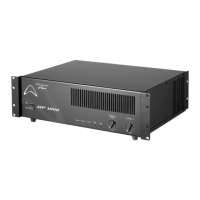
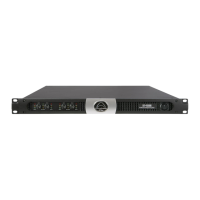
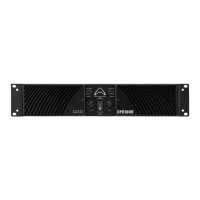
Front Pane
1.POWER SWITCH
The power switch is used to turn on and off the AC
power.
2.POWER ON INDICATOR
The power indicator lights up when the amplier is
powered ON.
3.PROTECTION INDICATOR
The pr otect ion systems ar e a ctivated wh en
overheating occurs or a DC voltage Is present at
the amplier outputs.
4.BRIDGE ON INDICATOR
When the rear panel’s STEREO/BRIDGE switch be
placed in BRIDGE. Then the front panel’s BRIDGE
indicator will be bright.
5.PEAK INDICATORS
PEAK indicator on each channel illuminates when
distortion reaches or exceeds approximately 1%.
6.INPUT ATTENUATORS
Separate level controls are provided for channel
one and channel two input, clockwise rotation of
the controls increase level.
Rear Panel
UK
USA
3 1 2
45


 To Next Page