37
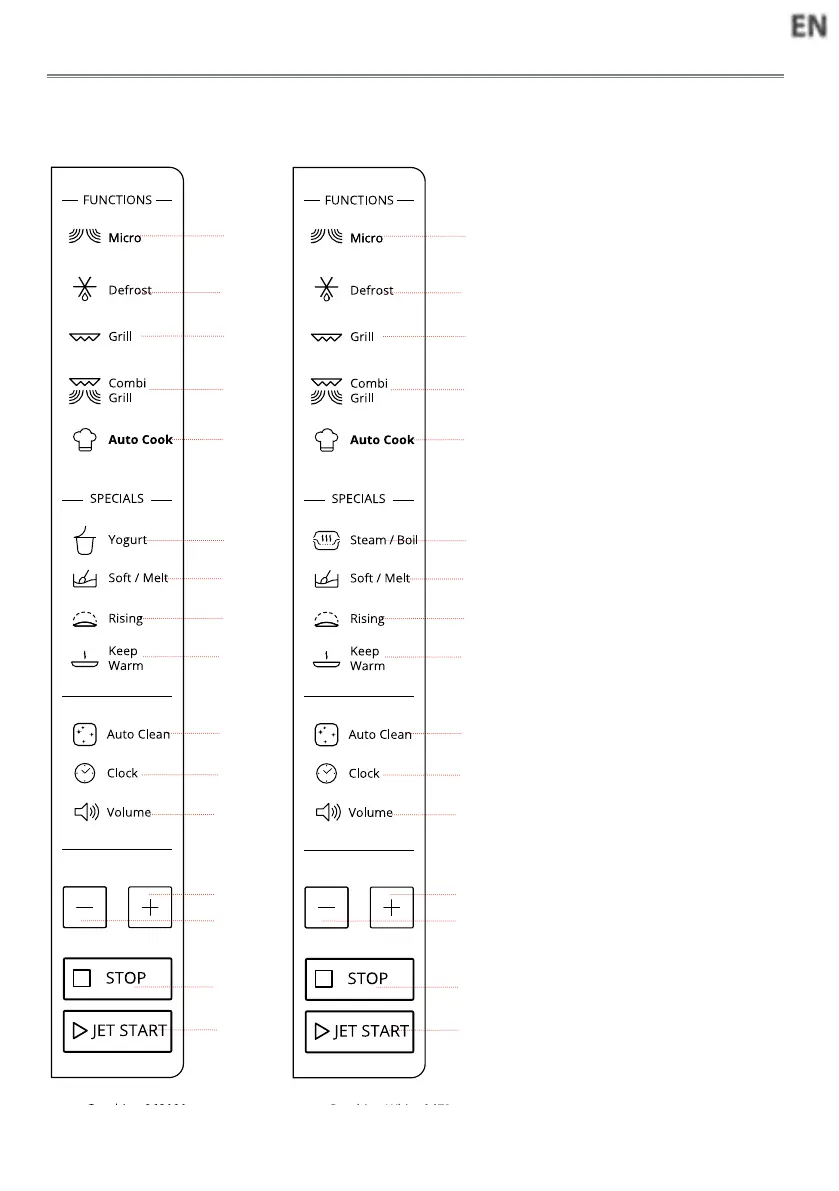
CONTROL PANEL DESCRIPTION
qMicro
Use to set power level.
wDefrost
To set defrost programs.
eGrill
Press this button to access grill
cooking mode.
rCombi Grill
Press this button to access one of
two combination cooking settings.
tAuto Cook
Use to access the automatic reci-
pes menu.
yYogurt
To set Yogurt function.
uSteam/Boil
iSoft/Melt
oDough Rising
Use to set Dough Rising function.
aKeep Warm
Use to set Keep Warm function.
sAuto Clean
Use to clean oven.
dClock
Use to set the time of day.
fVolume
Use to activate/deactivate beep
signal.
g+/-
Use to input food menu code, clock
time, cook time, cook weight.
hSTOP
Use to pause stop or cancel coo-
king.
jJET START
Use to start the cooking.
Use too set quick start program.
q
w
e
r
t
y
i
o
a
s
d
f
g
h
j
q
w
e
r
t
u
g
i
o
a
s
d
f
g
h
j
g
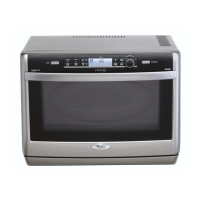
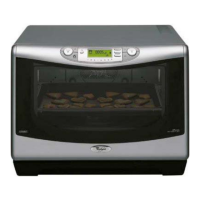
MWP 303
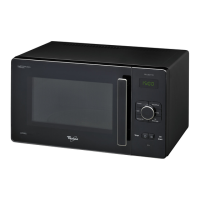
MWP 304




 To Next Page