12
USING YOUR MICROWAVE OVEN
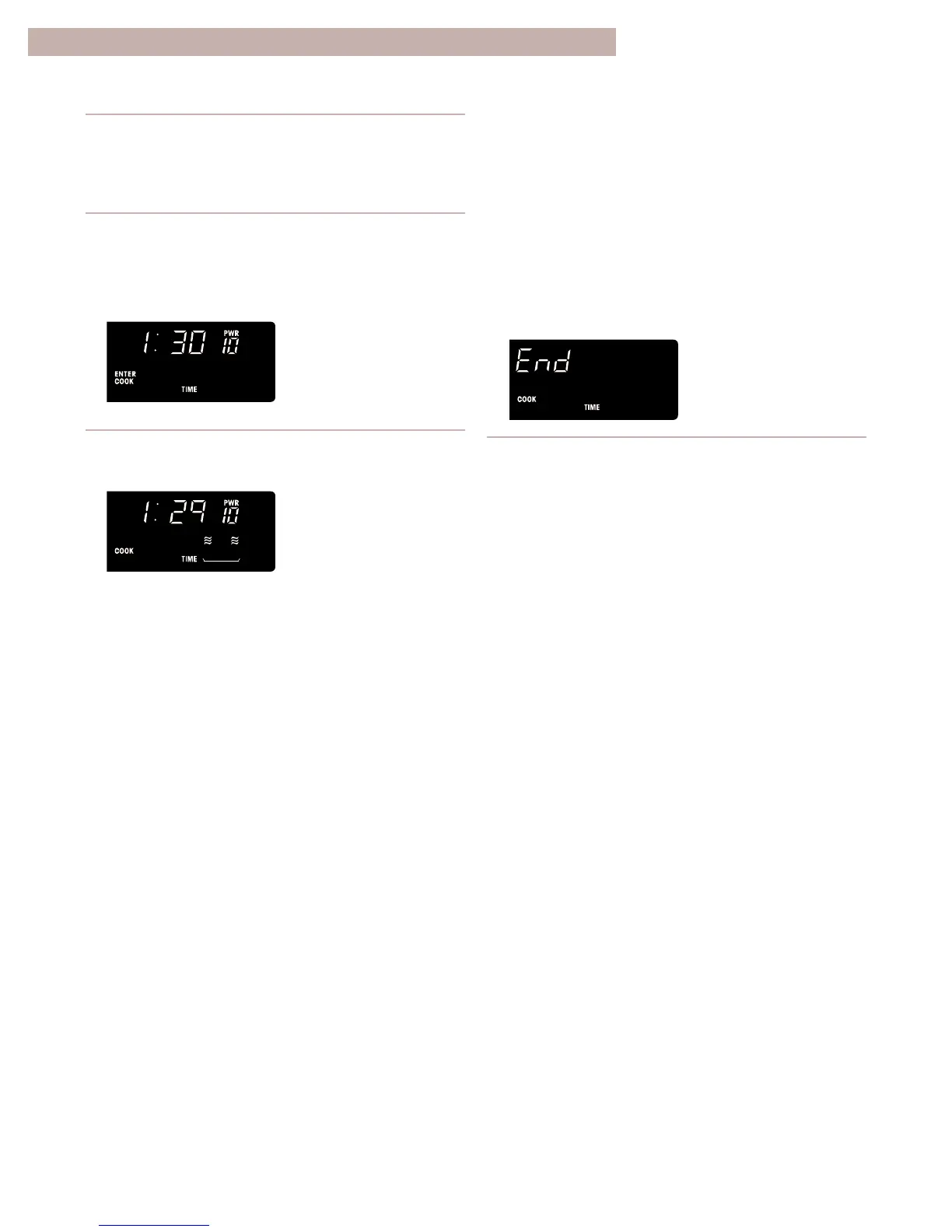
Cooking at high cook
power
1. Put food in oven and close door.
2. Set cooking time.
Example for 1 minute, 30 seconds:
Touch “1, 3, 0 QUANTITY” .
3. Start oven by touching START/ENTER.
YOU SEE
YOU SEE
YOU SEE
NOTES:
• If you want to add more time during or after
cooking, use ADD MINUTE or COOK A BIT
MORE. See “Using ADD MINUTE” and “Using
COOK A BIT MORE” earlier in this section.
• If you want to reset the cooking time after
cooking has started, touch OFF/CANCEL and
then repeat Steps 2 and 3.
When cooking time ends:
Four tones will sound.
4. After cooking, open the door.
OR
Touch OFF/CANCEL.
Four tones will repeat every minute until you open
the oven door or touch OFF/CANCEL. This will
clear the display.
NOTE: For additional cooking and reheating
information, see “MICRO TIME chart” in the
“Cooking Guide” section.
(oven automatically cooks
at high cook power/
display counts down time)



 To Next Page