5
Use this function for normal cooking and reheating.
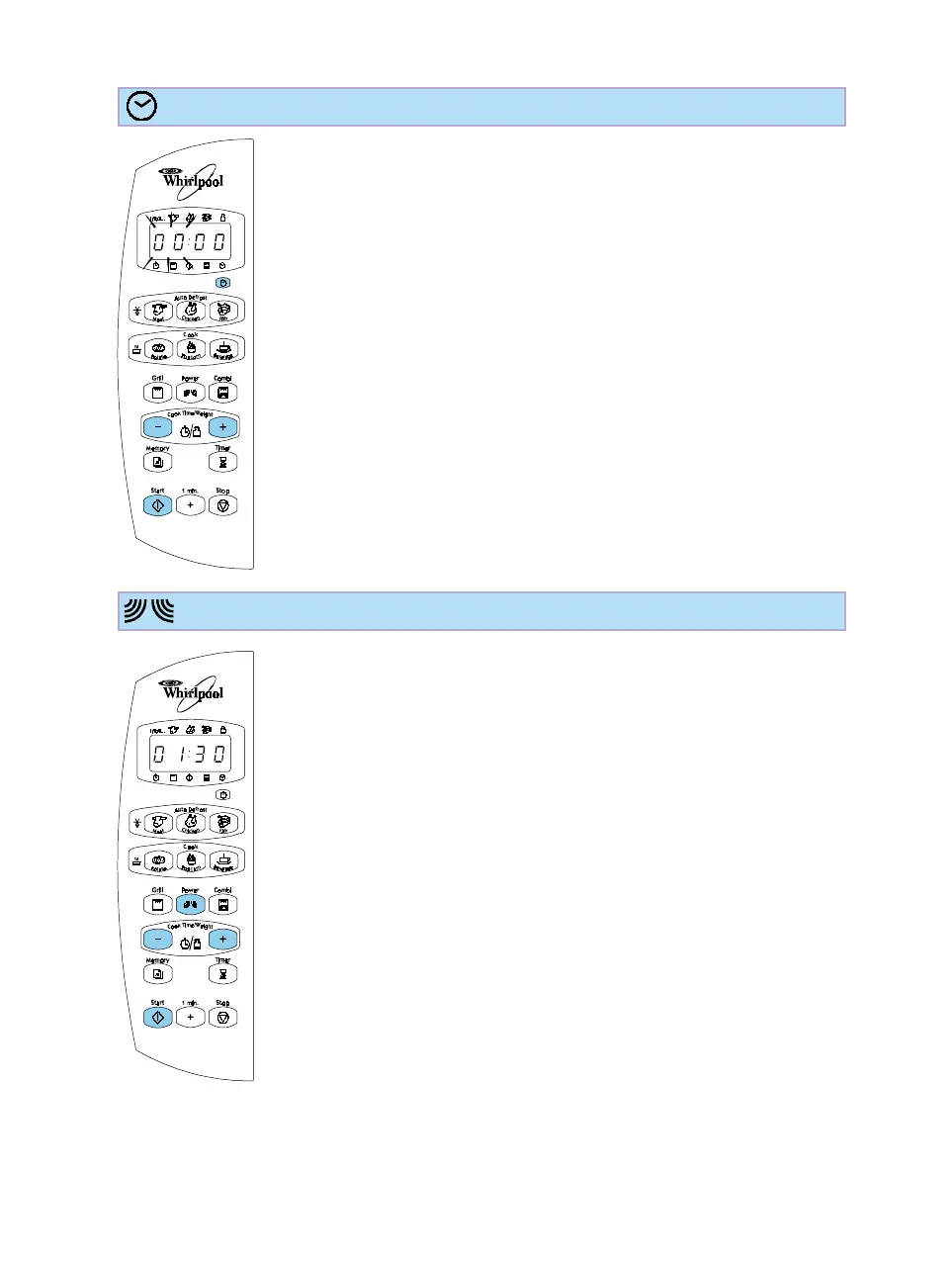
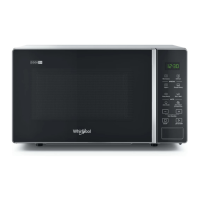
HOW TO USE THE OPTIONAL CLOCK DISPLAY
1. Press the Clock button. The left-hand digit (hours) flicker.
2. Press the + / - buttons to set the hours.
3. Press the Clock button again. The two right hand digits (minutes)
flicker.
4. Press the + / - buttons to set the minutes.
5. Press the Clock button again. The Clock is set and in operation.
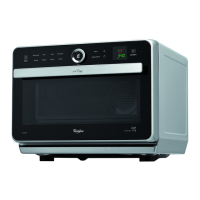
1. Press the + / - buttons to set the time.
2. Press the power button repeatedly.
3. Press the Start button.
Once the cooking process has been started:
The time can easily be increased or decreased by pressing the + / -
buttons.
After pressing the power button you may also change the power level
by then pressing the + / - buttons.
HOW TO COOK & REHEAT WITH MICROWAVES






 To Next Page