Baking/roasting
1. Position the rack(s) properly before turning
on the oven. To change rack position, lift
rack at front and pull out. For further informa-
tion, see “Positioning racks and pans” on
page 9.
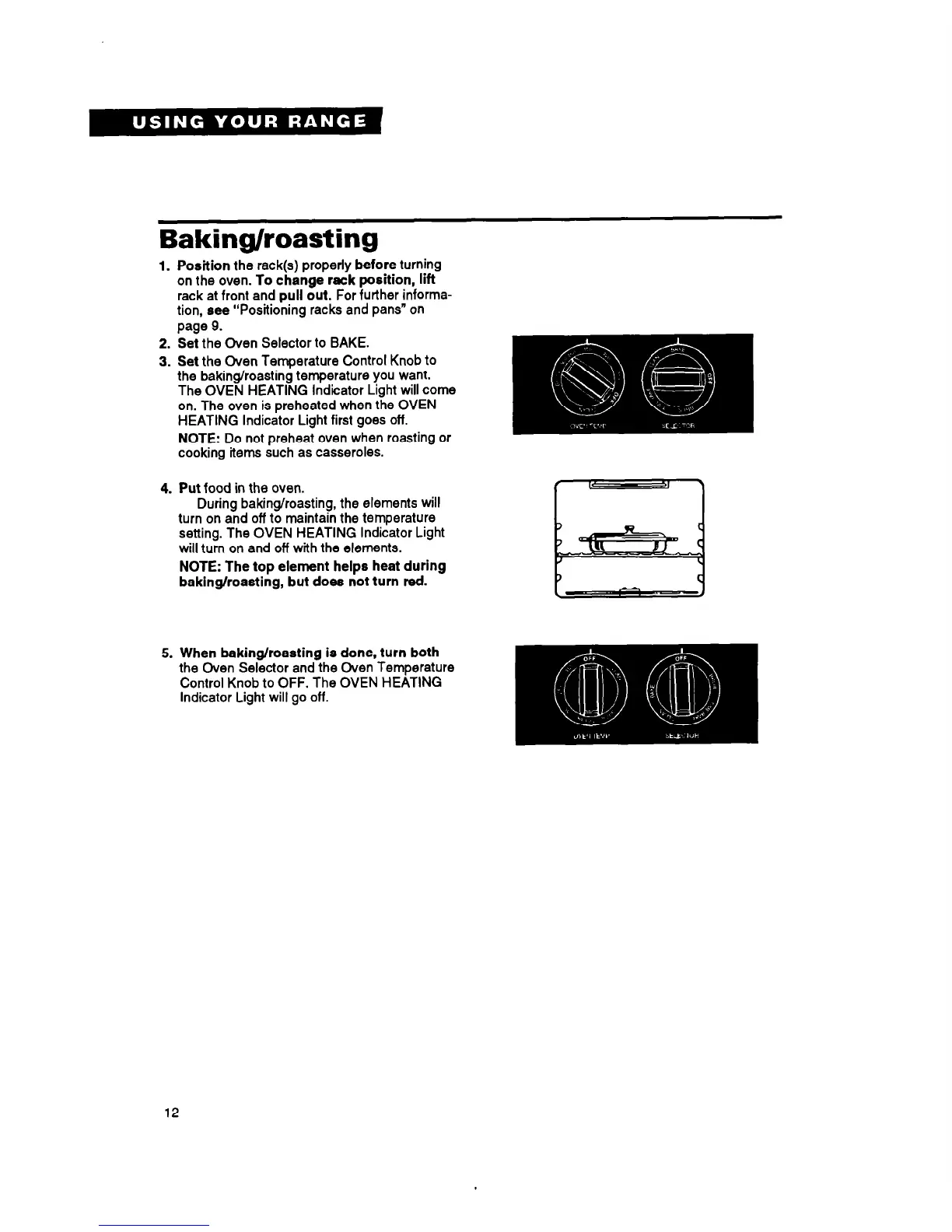
2. Set the Oven Selector to BAKE.
3. Set the Oven Temperature Control Knob to
the baking/roasting temperature you want.
The OVEN HEATING Indicator Light will come
on. The oven is preheated when the OVEN
HEATING Indicator Light first goes off.
NOTE: Do not preheat oven when roasting or
cooking items such as casseroles.
4. Put food in the oven.
During baking/roasting, the elements will
turn on and off to maintain the temperature
setting. The OVEN HEATING Indicator Light
will turn on and off with the elements.
NOTE: The top element helps heat during
baking/roasting, but does not turn red.
5. When baking/roasting is done, turn both
the Oven Selector and the Oven Temperature
Control Knob to OFF. The OVEN HEATING
Indicator Light will go off.
12



 To Next Page