EasyManua.ls Logo

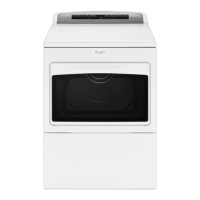
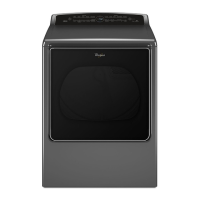
Whirlpool WGD8700EC - User Manual

Whirlpool WGD8700EC
28 pages
Print Icon
To Next Page IconTo Next Page
Loading...
W10722883A
W10722884A - SP
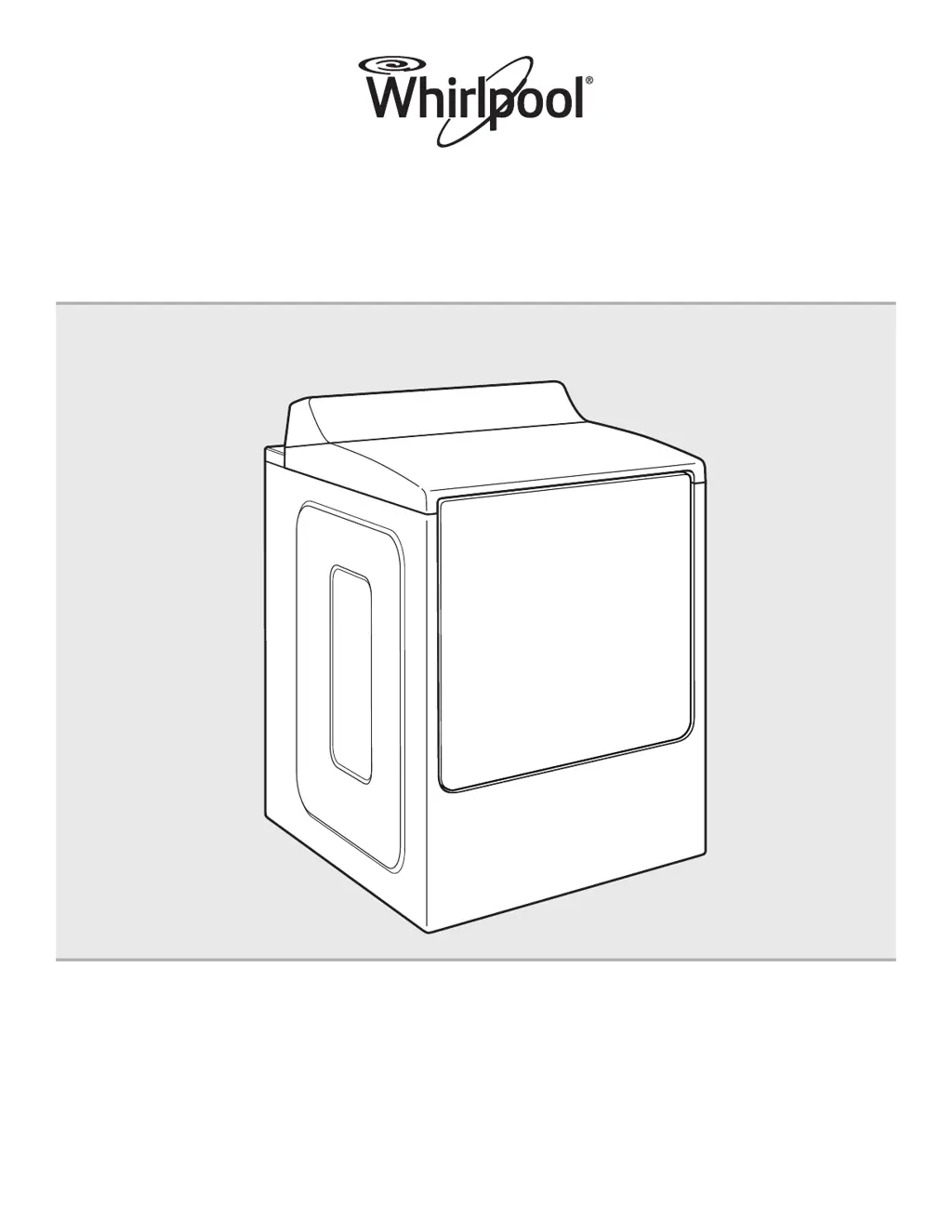
Use & Care Guide
Smart Electronic Dryer
Para obtener acceso
al Manual de uso y
cuidado en español, o para
obtener información adicional
acerca de su producto, visite:
www.whirlpool.com.
Get the app and connect instructions, terms of use, and privacy policy at www.whirlpool.com/connect
If you have any problems or questions, call Whirlpool Corporation Connected Appliances at 1-866-333-4591

Questions and Answers

  • J
    Joshua BurnettAug 17, 2025
    Why my Whirlpool Dryer will not run?
    • K
      Kimberly MooreAug 17, 2025
      If your Whirlpool dryer won't run, make sure the door is completely closed. Touch and hold the START/PAUSE button with the pad of your finger, not your fingernail. Check your household fuses or circuit breakers; electric dryers often have two. Replace any blown fuses with time-delay fuses or reset tripped breakers. If problems persist, consult an electrician to ensure you have a 240-volt power supply.
  • N
    Nicholas BrownAug 20, 2025
    Why is my Whirlpool WGD8700EC not heating up?
    • A
      Amy GuerraAug 20, 2025
      If your Whirlpool dryer isn't heating, the drum may still be turning. Electric dryers use two household fuses or circuit breakers; check and replace them if necessary. If the issue continues, contact an electrician to verify a 240-volt power supply. For gas dryers, ensure the valve on the gas supply line is open.
  • K
    kstanleyAug 22, 2025
    Why is my Whirlpool Dryer making a rattling noise?
    • L
      Linda PerezAug 22, 2025
      If your Whirlpool dryer is making a rattling or vibrating noise, check for small objects caught between the edges of the dryer drum and clean out pockets before doing laundry. Ensure the dryer is properly leveled according to the Installation Instructions, with all four feet firmly on the floor. Also, separate clothing items if they are balled up, and then restart the dryer.
  • W
    wallcynthiaAug 26, 2025
    Why is my Whirlpool WGD8700EC Dryer making a thumping noise?
    • J
      Julie DunlapAug 26, 2025
      This is normal. The thumping sound should diminish after a few minutes of use.
  • A
    Allison MartinezAug 28, 2025
    Why my Whirlpool WGD8700EC makes humming noise with Steam cycle?
    • A
      April MaysAug 28, 2025
      The water pump on the Whirlpool dryer is used during the Steam function. If the dryer has just been installed or unused for an extended period, the pump may be louder and run longer. This is normal.
  • J
    Joshua CooleyAug 30, 2025
    How to clean lint screen on Whirlpool WGD8700EC?
    • M
      Mr. John BakerAug 30, 2025
      Clean the lint screen of your Whirlpool dryer before each load and clean the space where the lint screen is located as needed. Use a vacuum to gently remove any lint that has accumulated outside of the lint screen.
  • M
    Michelle FarrellSep 2, 2025
    What to do if exhaust vent is clogged with lint in Whirlpool Dryer?
    • K
      Kathy HoweSep 2, 2025
      Run your Whirlpool dryer for 5–10 minutes and hold your hand under the outside exhaust hood to check for air movement. If you do not feel air movement, clean the exhaust system of lint or replace the exhaust vent with heavy metal or flexible metal vent. See the Installation Instructions.
  • N
    Natasha PerkinsSep 5, 2025
    What to do if Wi-Fi icon does not light after pressing Connect button on Whirlpool Dryer?
    • C
      Christina EstesSep 5, 2025
      If the Wi-Fi icon on your Whirlpool dryer doesn't light up after pressing the Connect button, try unplugging the dryer for 30 seconds, then restore power and repeat the Wi-Fi connection process. If the dryer operates correctly otherwise, but still can't connect, call for service.
  • M
    Matthew FosterSep 8, 2025
    Why Whirlpool WGD8700EC connected to Wi-Fi, but app or Smart Grid don't work?
    • P
      Patricia KramerSep 8, 2025
      If your Whirlpool dryer is connected to Wi-Fi but the Whirlpool™ app or Smart Grid functions aren't working, check if the Smart Grid indicators on the dryer are continuously lit. If not, touch CONNECT to turn the Smart Grid feature on. Also, see the “Connectivity Setup” section or the Whirlpool™ app for account setup and dryer registration instructions. Ensure the dryer is paired with your account in the app and that your e-mail address, mobile number, and notification preferences are correct. If the blue Smart Grid indicator is blinking, the connection to the Whirlpool™ app and Smart Grid service may be unavailable.
  • A
    Amy RaySep 12, 2025
    What size should the exhaust vent diameter be on a Whirlpool WGD8700EC?
    • R
      Ryan HaneySep 12, 2025
      Use 4" (102 mm) diameter vent material for your Whirlpool dryer.

Summary

Dryer Safety

Risk of Fire Warning

Key safety warning about fire risk related to dryer installation and venting.

Gas Leak Safety Procedures

Steps to take if you detect a gas leak from the dryer.

Dryer Vent System Maintenance

Ensuring Good Air Flow

Importance of proper venting for dryer efficiency and performance.

Smart Dryer Features and Connectivity

Smart Features Overview

Remote control, cycle monitoring, notifications, and custom cycles.

Dryer Performance and Operation

Wi-Fi Connectivity Setup

WPS Automatic Setup

Step-by-step guide for connecting the dryer to Wi-Fi using WPS.

Registering Dryer in User Account

Instructions for registering the dryer in the user account via the app.

Dryer Cycle Guide

Basic Dryer Operation

Safety Warnings for Operation

Warning about flammable materials and vapors near the dryer.

Smart Dryer Operation Modes

Dryer Care and Cleaning

Troubleshooting Connectivity Issues

Dryer Wi-Fi Connection Problems

Troubleshooting steps when the dryer is not connected to Wi-Fi.

Troubleshooting Dryer Operation Problems

Dryer Not Running or Heating

Reasons for the dryer not running, turning off, or heating.

Dryer Display Codes and Error Messages

Explanations for dryer display codes like PF, L2, F#E#, and AF.

Whirlpool Limited Warranty and Service

Whirlpool WGD8700EC Specifications

General IconGeneral
Colorsilver, chrome shadow
Dryer Capactity8.8 cubic feet
Number of Cycles10
Cycle Selectionsmixed, casuals, towels, delicates, bulky, normal, sanitize, gentle, steam refresh, timed dry
Optionsstatic reduce, end beep, damp bep wrinkle shield option, eco boost option, steam refresh
Ventingno
Temperature Settings5
Temperature Selectionsno heat, low, medium, high, hot
Temperature Controlyes
Child Lockno
Cycle Signalyes
Interior Lightyes
Moisture Sensor Optionyes
Steamyes
Smart Homeyes
Weight and Dimensions IconWeight and Dimensions
Depth32.25 inches
Height42.25 inches
Width29 inches
Net Weight148 pounds

Related product manuals