2
Electronic Oven Controls
BUTTONS
FEATURE INSTRUCTION
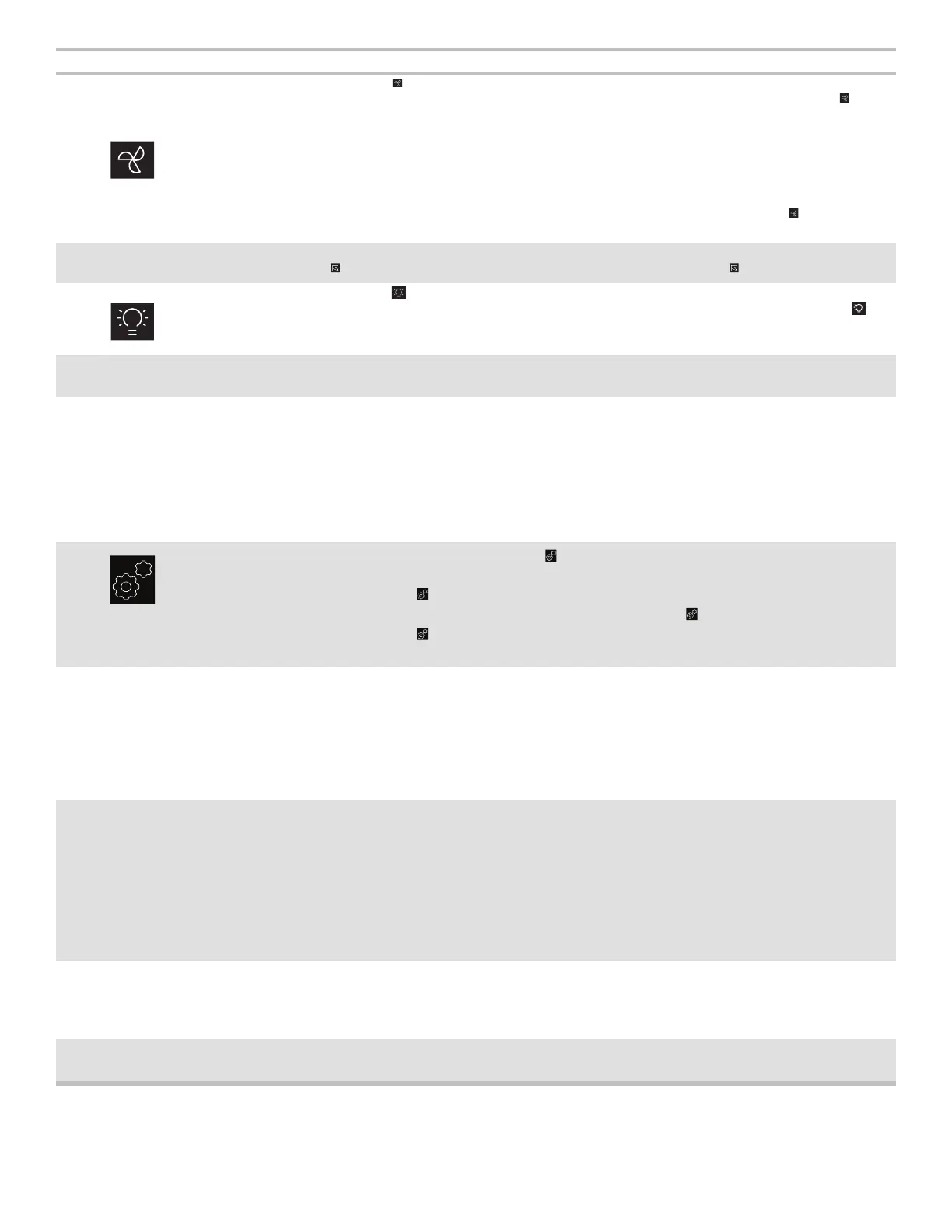
Turn on/off the
hood fan
Press the button repeatedly to adjust the hood fan setting among
High->Medium->Low->Off. When the hood fan is on state (High, Medium, Low), the icon
will be displayed.
The hood fan function can be operated independently.
NOTE: To keep the microwave oven from overheating, the vent fan will automatically turn
on if the temperature from the range or cooktop below the microwave oven gets too hot.
When this occurs, the vent fan cannot be turned off. The “AUTO” icon and “Hood fan” icon
will turn on the display.
During cooking, the hood fan will turn on at a low speed, you can press the
button to
adjust the fan speed to medium or high, but you can not turn the hood fan off.
Turntable On·Off Turn on/off the
turntable
During manual cycles, pressing the Turntable on·off button can stop the turntable, the icon
will be displayed. Press again to turn the turntable on, the icon will disappear.
Turn on/off hood
light
Press the
button repeatedly to adjust the hood light setting among
High->Medium->Low->Off. When the hood light is on High, Medium or Low state, the
icon will be displayed.
The hood light function can be operated independently.
Cooking start The Start button begins any oven function. If cooking is interrupted by opening the door,
touching the Start button after the door is closed again will resume the preset cycle.
Quick start for
30 seconds
Use the +30 sec and 1, 2 and 3 minute express start buttons to quickly start a cycle or add
time mid cycle.
See Express Cook section for details.
See the Manual Cooking section to change the cooking time or power level.
EXPRESS START “1”
Quick start for
1 minute
EXPRESS START “2”
Quick start for
2 minutes
EXPRESS START “3”
Quick start for
3 minutes
7 settings (for
USA models)
8 settings (for
Canada
models)
There are 7 or 8 choices under the
button: Set Clock, Sound, Scrolling Speed, Clock
Display, Language (for Canada model only), Filter Reset, Demo Mode, Factory Reset.
1. Press the
button once or repeatedly to select your choice.
2. Use the number buttons to enter (skip if you press the
button repeatedly in step 1).
3. Press the
button or wait a few seconds will save.
See the Settings section for more detail.
STOP/CANCEL Stop or cancel
cooking function
During input
Pressing the STOP/CANCEL button once will clear the input.
Pressing the STOP/CANCEL button twice will exit input.
During non sense cooking cycle
Pressing the STOP/CANCEL button once will pause the cycle.
Pressing the STOP/CANCEL button twice will stop/cancel the cycle.
During sense cooking cycle
Pressing the STOP/CANCEL button once will cancel the sensing.
Cook Time/Power Set manual
cooking time
and power
To set cooking time length and change power level:
1. Press the Cook Time/Power button.
2. Press the number buttons to set the length of cook time, for example 2:30, press
number “2 3 0”.
3. Press the Cook Time/Power button again to change the power level.
4. Press number buttons to set the power level, for example press “8 0” to set the power
level to 80%.
5. Close the door and press the START button to start.
You can skip steps 3 and 4 if you want to cook at 100% power level.
Timer Set·Off Kitchen Timer For example to set a 60 minutes timer.
1. Press the Timer Set·Off button.
2. Press the number buttons “6 0 0 0”.
3. Press the Timer Set·Off button to begin.
Popcorn Popcorn
1. Press the Popcorn button, Sense 3.0-3.5 oz.
2. Press the Start button to cook.
START/+30 sec
START/+30 sec





 To Next Page