EasyManua.ls Logo

Whistler D28RS - User Manual

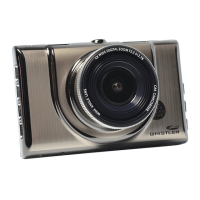
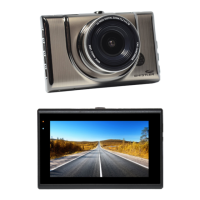
Whistler D28RS
32 pages
Print Icon
To Next Page IconTo Next Page
Loading...
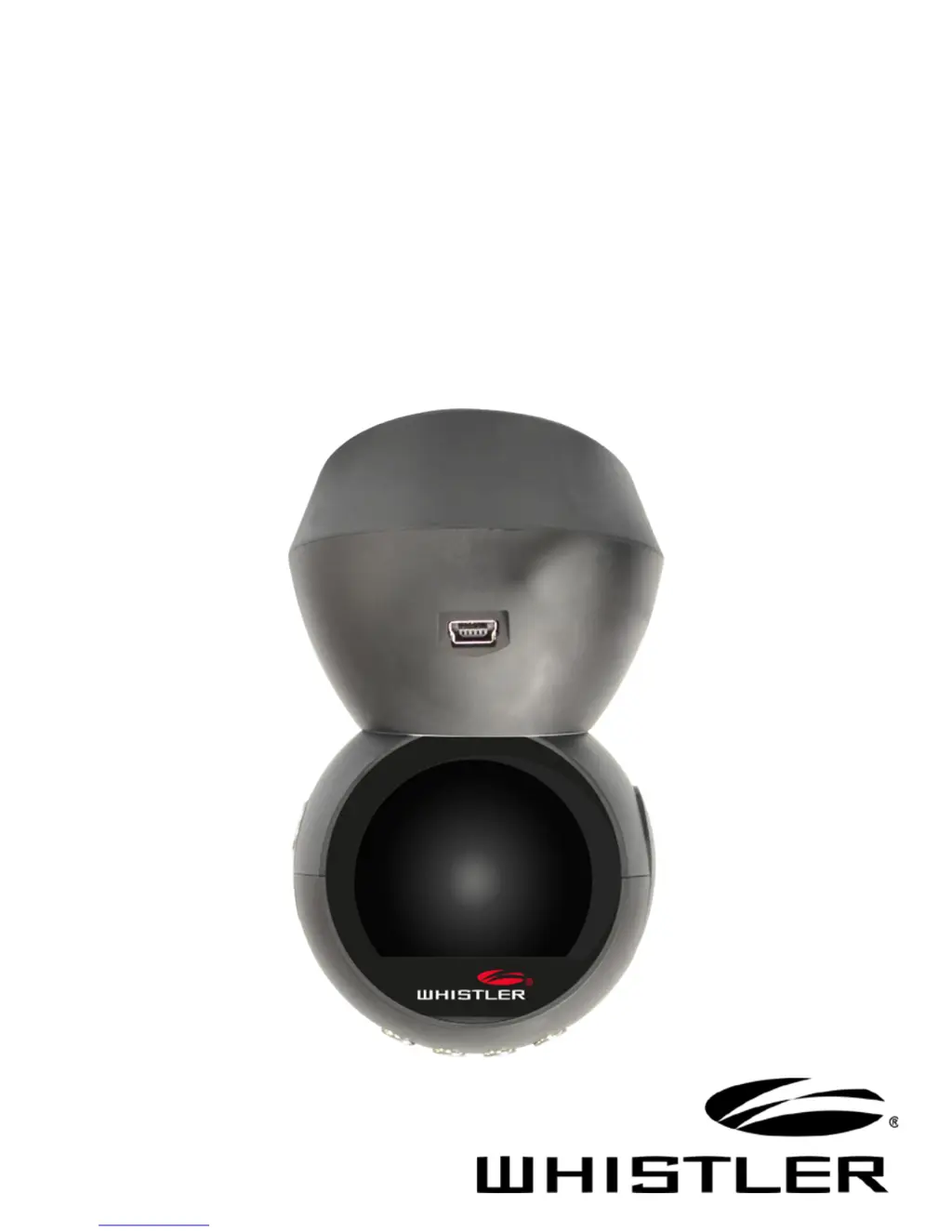
D28RS
User Guide
DASH CAM
AUTOMOTIVE
DIGITAL VIDEO RECORDER

Questions and Answers

Summary

Welcome and Support

Product Introduction

Feature Descriptions: Power and Controls

Power and Control Functions

Details on device power, status indicators, and button functions for operation.

Dash Cam Installation

Mounting and Connection

Instructions for installing the dash cam, connecting power, and securing the mount.

Wi-Fi App Installation

Mobile App Setup

Step-by-step guide to download and install the Whistler Dash Cam app.

Operations: Date and Time Setting

Date & Time Setting

Procedure for setting the device's date and time.

Device Functions: Movie Settings

Movie Recording Settings

Configuration options for video quality, clip duration, and post-power-off recording.

Troubleshooting Common Issues

Common Issues and Solutions

Guidance for resolving common problems like recording errors, fuzzy video, and card recognition.

Specifications Overview

Technical Specifications

Detailed technical parameters including processor, display, resolution, and storage.

Precautions and Guidelines

Safety and Usage Guidelines

Important warnings and recommendations for safe and proper operation.

Menu Options: Settings

Movie and System Settings

Configuration options for video recording, motion detection, and sound.

Warranty Information

Consumer Warranty Terms

Details of the product's limited warranty, coverage, and exclusions.

Summary

Welcome and Support

Product Introduction

Feature Descriptions: Power and Controls

Power and Control Functions

Details on device power, status indicators, and button functions for operation.

Dash Cam Installation

Mounting and Connection

Instructions for installing the dash cam, connecting power, and securing the mount.

Wi-Fi App Installation

Mobile App Setup

Step-by-step guide to download and install the Whistler Dash Cam app.

Operations: Date and Time Setting

Date & Time Setting

Procedure for setting the device's date and time.

Device Functions: Movie Settings

Movie Recording Settings

Configuration options for video quality, clip duration, and post-power-off recording.

Troubleshooting Common Issues

Common Issues and Solutions

Guidance for resolving common problems like recording errors, fuzzy video, and card recognition.

Specifications Overview

Technical Specifications

Detailed technical parameters including processor, display, resolution, and storage.

Precautions and Guidelines

Safety and Usage Guidelines

Important warnings and recommendations for safe and proper operation.

Menu Options: Settings

Movie and System Settings

Configuration options for video recording, motion detection, and sound.

Warranty Information

Consumer Warranty Terms

Details of the product's limited warranty, coverage, and exclusions.

Whistler D28RS Specifications

General IconGeneral
G-SensorYes
Loop RecordingYes
Parking ModeYes
Night VisionYes
Resolution1080P
Memory Card TypeMicroSD
BatteryRechargeable Lithium Battery
TypeDashboard Camera

Related product manuals