EasyManua.ls Logo

White Rodgers UP400 - User Manual

White Rodgers UP400
18 pages
Print Icon
To Next Page IconTo Next Page
Loading...
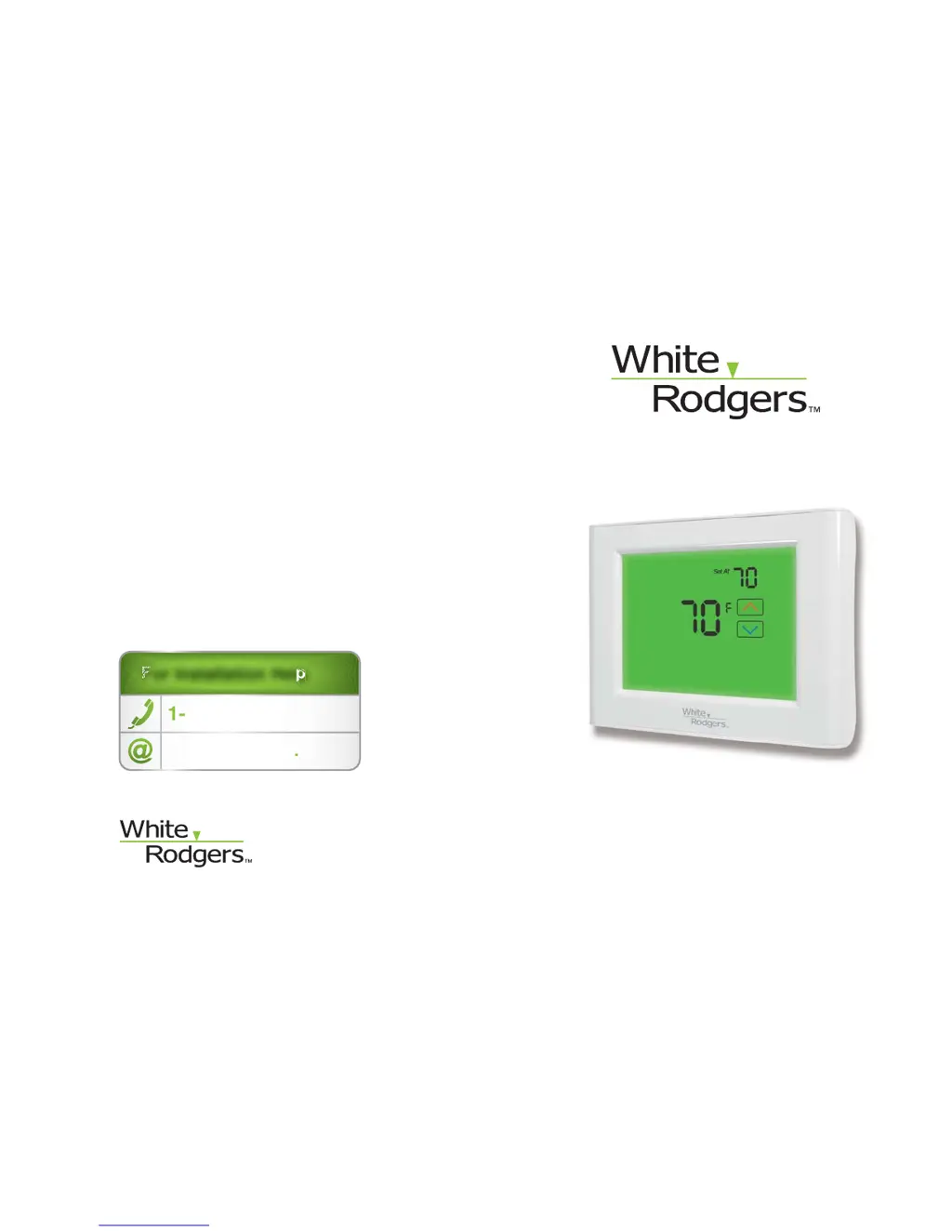
UP400 Programmable Thermostat
Installation Instructions & User Guide
Congratulations on the purchase of your White-Rodgers
thermostat!
Save these instructions for future use!
Questions? Contact White-Rodgers
customer service at 1-877-654-9394
For Installation Help
1-877-654-9394
White-Rodgers.com
F
F
F
F
F
For Installation HelpFor Installation Help
For Installation Help
For Installation Hel
p
1
1
-
877
-
654
-
9394
877 654 9394
W
hite-Rod
g
ers
.
c
o
m
0037-7254A
© 2011 Printed in China
White-Rodgers
8100 West Florissant Avenue
St. Louis, MO 63136

Questions and Answers

  • K
    Kenneth HaasJul 31, 2025
    What to do if White Rodgers UP400 has no heat, no cool, or no fan?
    • C
      Cristian JacksonJul 31, 2025
      If your White Rodgers Thermostat isn't producing heat, cool air, or fan, here's what you can check: * First, examine the fuse and circuit breaker. Replace the fuse or reset the breaker if necessary. * Ensure the furnace power switch is turned to the ON position. * Verify the furnace blower compartment door or panel is correctly installed, engaging the safety interlock or door switch. * Check for loose connections at the thermostat or system and tighten them. * Finally, replace the batteries, as low batteries can cause these issues.
  • T
    Todd ChristensenAug 7, 2025
    How to fix a White Rodgers UP400 Thermostat that doesn’t follow the schedule?
    • A
      Alyssa VelasquezAug 7, 2025
      If your White Rodgers Thermostat isn’t following the scheduled program, the AM or PM setting on the thermostat’s clock may be incorrect. Check the current settings and make sure the AM and PM designations are correct for each time period.
  • B
    Brandon HerreraAug 16, 2025
    Why is my White Rodgers UP400 display not working?
    • J
      john80Aug 16, 2025
      If your White Rodgers Thermostat display is not working or the backlight is off, the most likely cause is low batteries. Replace the batteries to restore the display.
  • S
    shermanteresaAug 23, 2025
    What does it mean if the HEAT or COOL icon is flashing on my White Rodgers UP400 Thermostat?
    • G
      Gary BarrettAug 23, 2025
      If you see the HEAT or COOL icon flashing on your White Rodgers Thermostat, no action is required.

Summary

Part 1: Before Getting Started

1.2 Answer questions about source of heating in your home

Determine the type of heating system for proper configuration.

1.4 Turn off power to your heating and cooling system

Safety step to disconnect power before installation.

Part 2: Remove Old Thermostat and Install New Thermostat

2.1 Expose wires connected to old thermostat

Steps to access and label wires on the old thermostat.

2.2 Label and disconnect the wires

Process for labeling and disconnecting wires from the old thermostat.

2.3 Install new thermostats wallplate

Steps to detach and mount the new wallplate.

2.4 Match and connect wires

Connecting the labeled wires to the new thermostat terminals.

2.5 Install batteries

Installing the required AA batteries into the thermostat.

Part 3: Quick Setup

3.3 Select options

Configuring initial settings through a series of questions.

Part 5: Troubleshooting Guide

White Rodgers UP400 Specifications

General IconGeneral
Stages1 Heat/1 Cool
Voltage24 VAC
BacklightNo
ProgrammableNo
Filter Change AlertNo
TypeNon-Programmable
Display TypeDigital
CompatibilitySingle Stage Heating and Cooling Systems
Hold FeatureYes

Related product manuals