49
Chapter 5 DFX
™
Pro Options
7
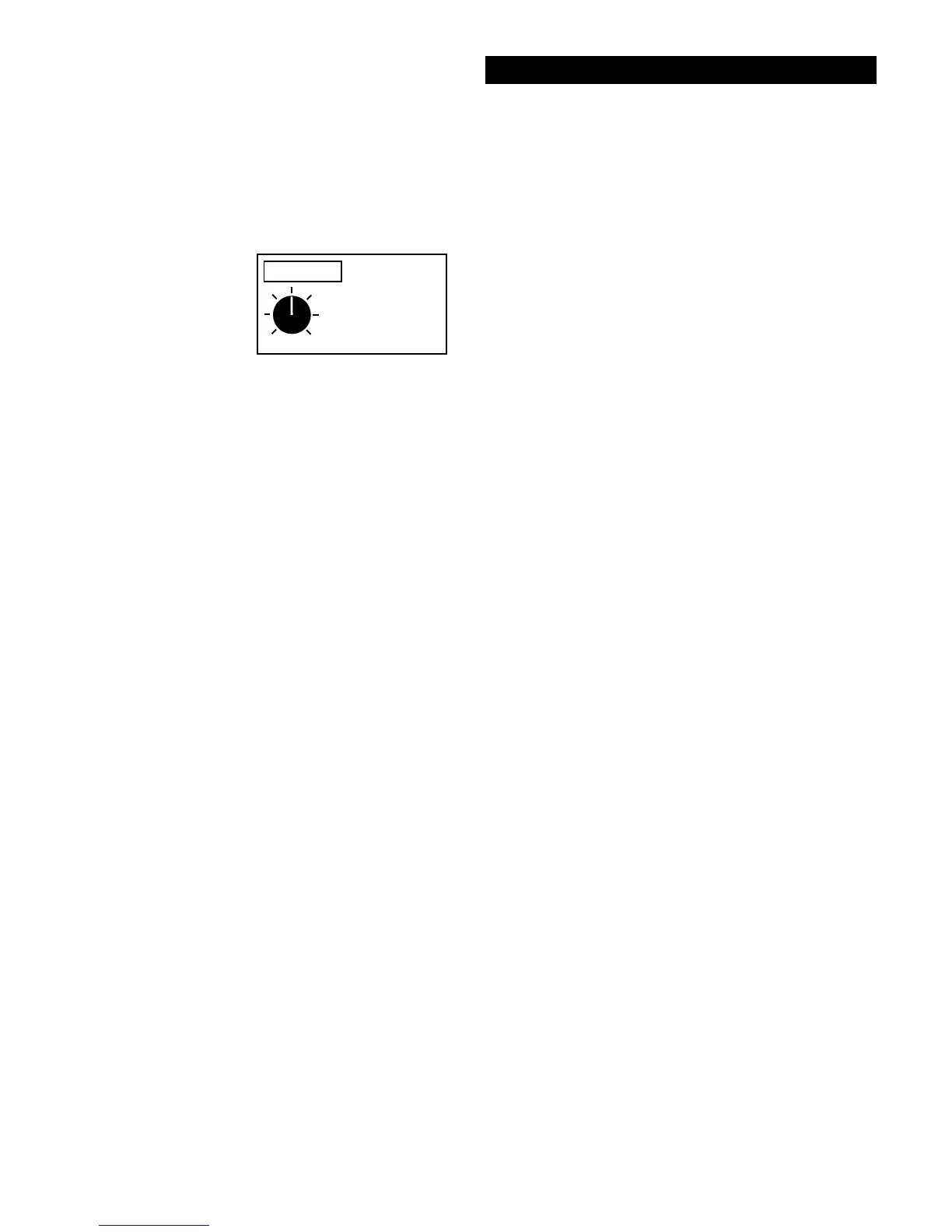
FADE RATE
MIN MAX
(Display section)
28. Fade
Clears or fades noncurrent SignaGraph
®
informa-
tion (bars).
FADE allows past information to automatically
clear or fade from the SignaGraph
®
. Without Fade,
or with too slow of a FADE rate, the SignaGraph
®
will fill with information that is no longer valid as
you sweep through a search area.
A minimum setting of 1 equals the least degree of
fading. A maximum setting of 14 selects a very
quick fade rate. The SignaGraph
®
information will
automatically clear from the graph quickly. Ideally,
a Fade Rate should be selected that allows time to
adequately view the SignaGraph
®
information yet
still clear the graph in a timely manner.
Tips - Recommended
for all but the SINGLE
SWEEP mode. Adjust
the rate of FADEing to
have time to view the
SignGraph™ prior to it
resetting. However, do
not set it so slow as to
show noncurrent
information. Settings
from 1 - 14 are avail-
able.




 To Next Page