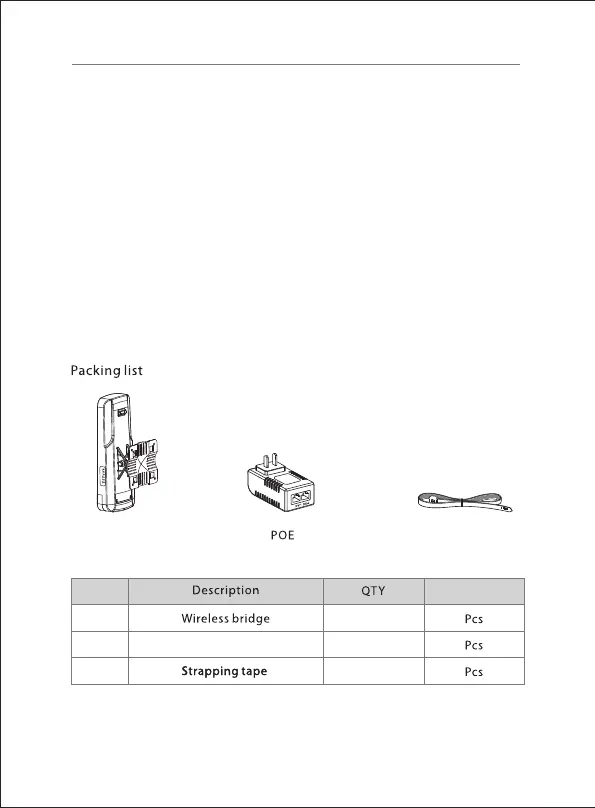
※ If you find any items are missing or damage, please feel free to contact your supplier.
Itme Unit
1
2
3
1
1
2
Strapping tape
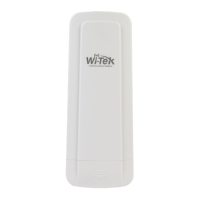
wireless bridge
This guide applies to:
WI-CPE211,WI-CPE513,WI-CPE515,WI-CPE516,WI-CPE517,WI-CPE518
,WI-CPE214SMA,WI-CPE514SMA WI-CPE515-KIT,WI-CPE518-KIT,
WI-CPE213-KIT.This guide introduces how to build a wireless network
using the CPE products:
1. Check the System Requirements
2. Log In to the Device
3. Set Up the Wireless Network
4. WI-CPE515-KIT,WI-CPE518-KIT,WI-CPE213-KIT is pre-configuration
software, so can do Point to Point by auto-connect
The following parts detailedly introduces these steps.
,
Product Profile
1
POE adapter



 To Next Page