●
Turning the Product On and Off
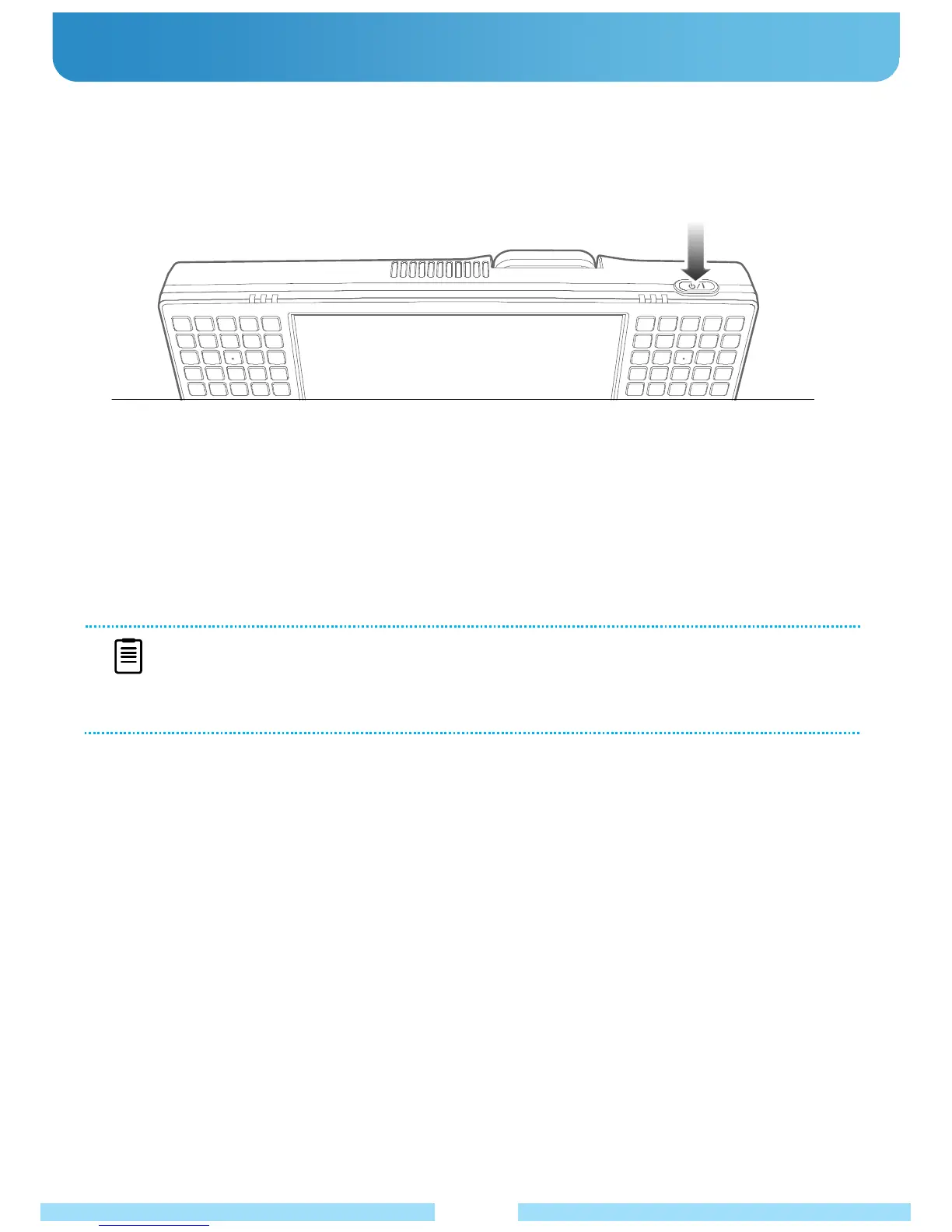
● Turning On
1. Attach the battery or connect the AC adapter.
2. Press the power button.
NOTE
If the product does not shutdown properly due to a system error, push and hold the power switch for more
than 5 seconds to turn it off.
When restarting the system after this process, the system examination program may run.
● Turning Off
1. Click the “Start” button on the taskbar.
2. Click the “Turn Off” button in the middle of the window. The product will be shut down.
20



 To Next Page