A wireless network (Wireless LAN) environment is a networking environment that enables communication between
multiple products at home or a small-size office through wireless LAN devices.
Wireless LAN Connections
Wireless network connections can be classified into 3 categories and this manual describes the connection
procedures for connecting through an Access Point (AP).
■ Access Point (AP)
You can connect to the Internet or another computer on the network through an AP.
■ Computer-to-computer (ad hoc) Network
This is also called a peer-to-peer network. In computer-to-computer wireless networks, you can connect 2
or more computers with wireless LAN modules.
For details, look at the descriptions that appear when clicking Start->Help and Support->Networking.
When you use Ad-Hoc, you have to change certain McAfee Firewall settings.
■ Wireless Service via Telecommunication Companies
You can enjoy wireless service via telecommunication companies at hotels, schools, subways, etc.
Wireless telecommunication services sometimes require a paid subscription.
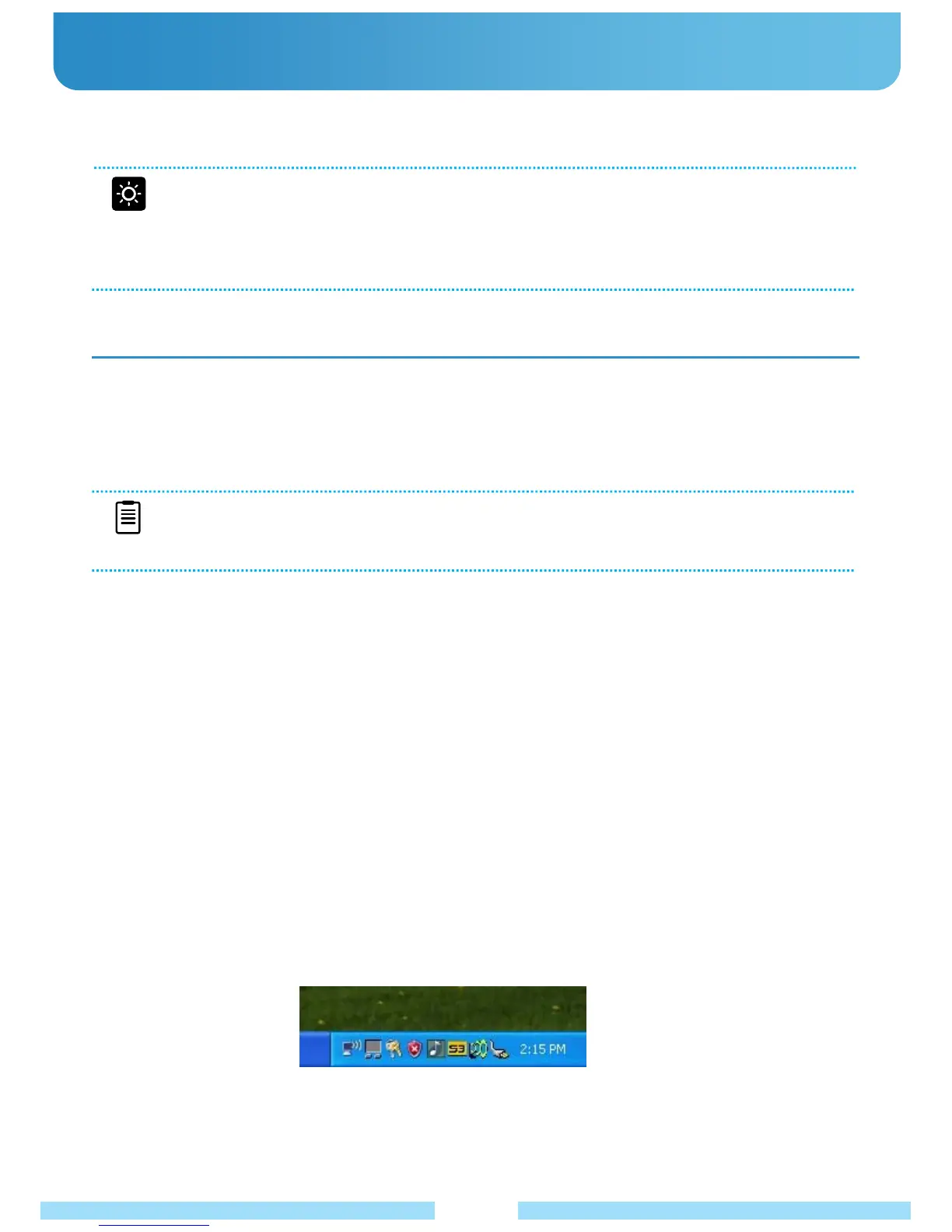
Left-click on the Network Connections icon on the taskbar.
(You can check the status of a network connection by hovering your mouse over this icon.)
●
Wireless Network
28
Before You Get Started
■ The descriptions below are for models with a Wireless LAN card or device. To check the installed
wireless LAN card, click Start -> Control Panel -> WIFISET. The actual device may differ from the
figures in this manual depending on your wireless LAN model.
■ To turn on wireless LAN, slide the WiFi switch upward. If the wireless LAN is turned on, the Wireless
LAN LED light will be illuminated.
● Connecting to a Wireless LAN
If there is an AP, you can connect to the Internet via the AP using the Wireless LAN connection service provided
through Windows XP.
The OS you are using will be slightly different than these instructions as they are based on Windows XP service
pack 2.
NOTE
■ An AP is a network device that bridges wired and wireless LANs and corresponds to a wireless hub in
a wired network. You can connect multiple wireless LANs and installed computers through an AP.



 To Next Page