○
3
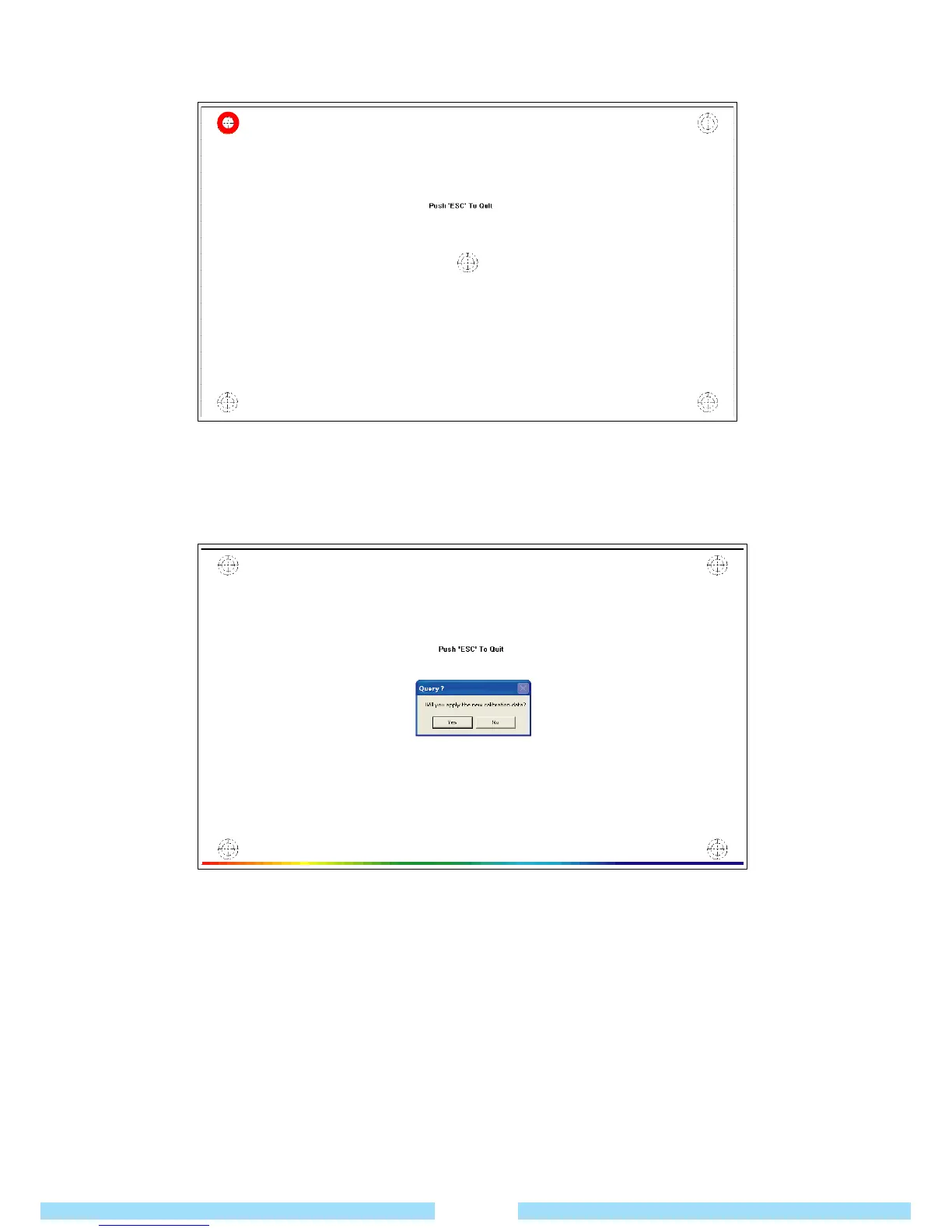
Press and hold the crosshair(+) displayed on the screen for 3~4 seconds with the stylus pen
wherever it appears on the screen.
○
4
Once you have pressed all the crosshairs, the calibration finishing window pops up.
Tap the OK button to apply the calibration result for pointing position correction.
2. Using the touch screen
Click : Tap an icon you would like to select.
Drag : Tap an icon, hold and drag it with the stylus pen to move.
25



 To Next Page