Start up BlueSoleil
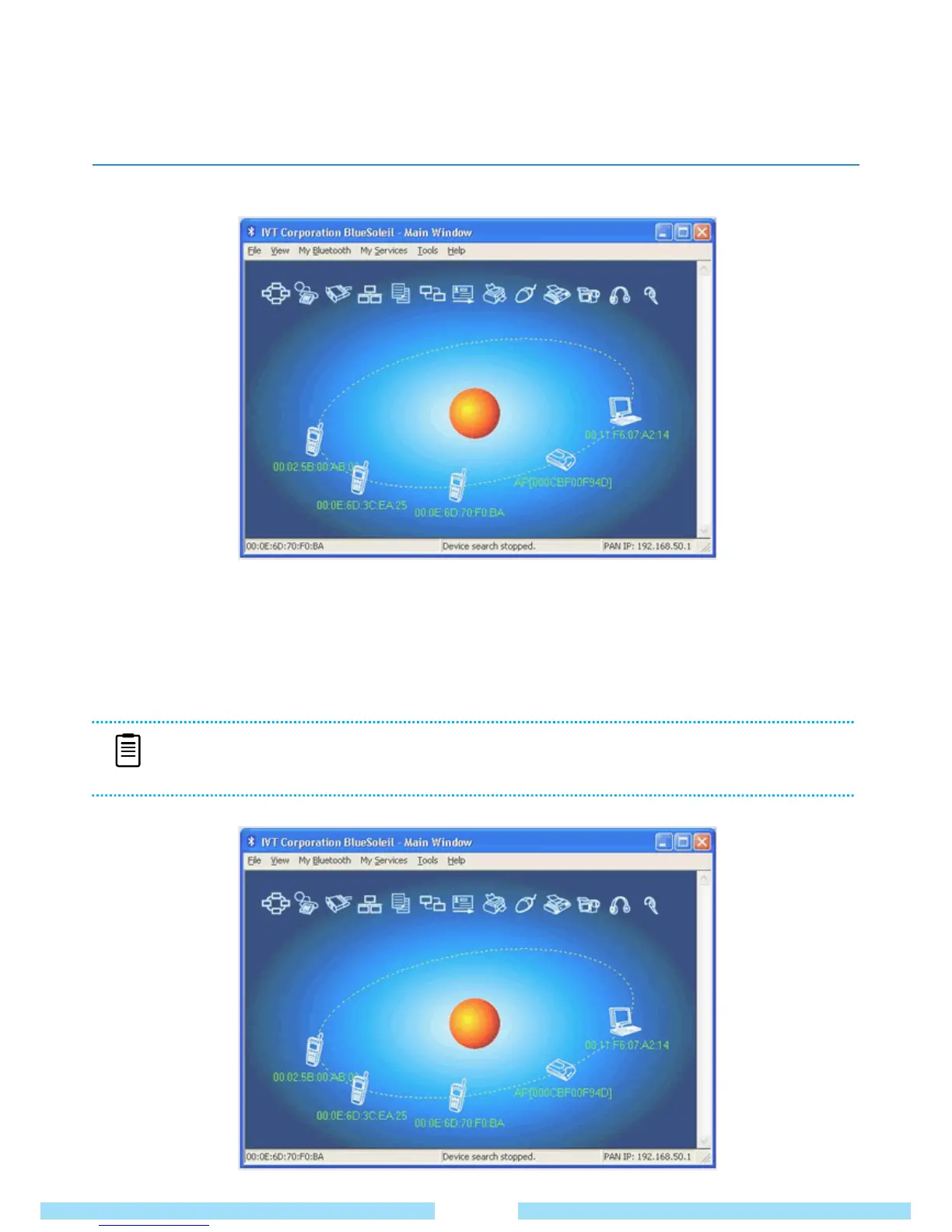
① Double click the BlueSoleil icon on the Windows Desktop. The mail page of BlueSoleil will appear as below.
② Click the red ball in the middle of the main page to start searching for Bluetooth devices nearby.
③ Bluetooth devices will be detected in orbit.
④ Choose a device you would like to connect to.
⑤ Right-click and select “Pair Device”. (At this time the Bluetooth device should be on pairing available status.)
31
NOTE
■ Go to Start -> Help, Support -> Networking and Web -> Wireless Networking -> Bluetooth Device to
find more information about Windows.
● BlueSoleil (Standard) Edition Quick Guide



 To Next Page