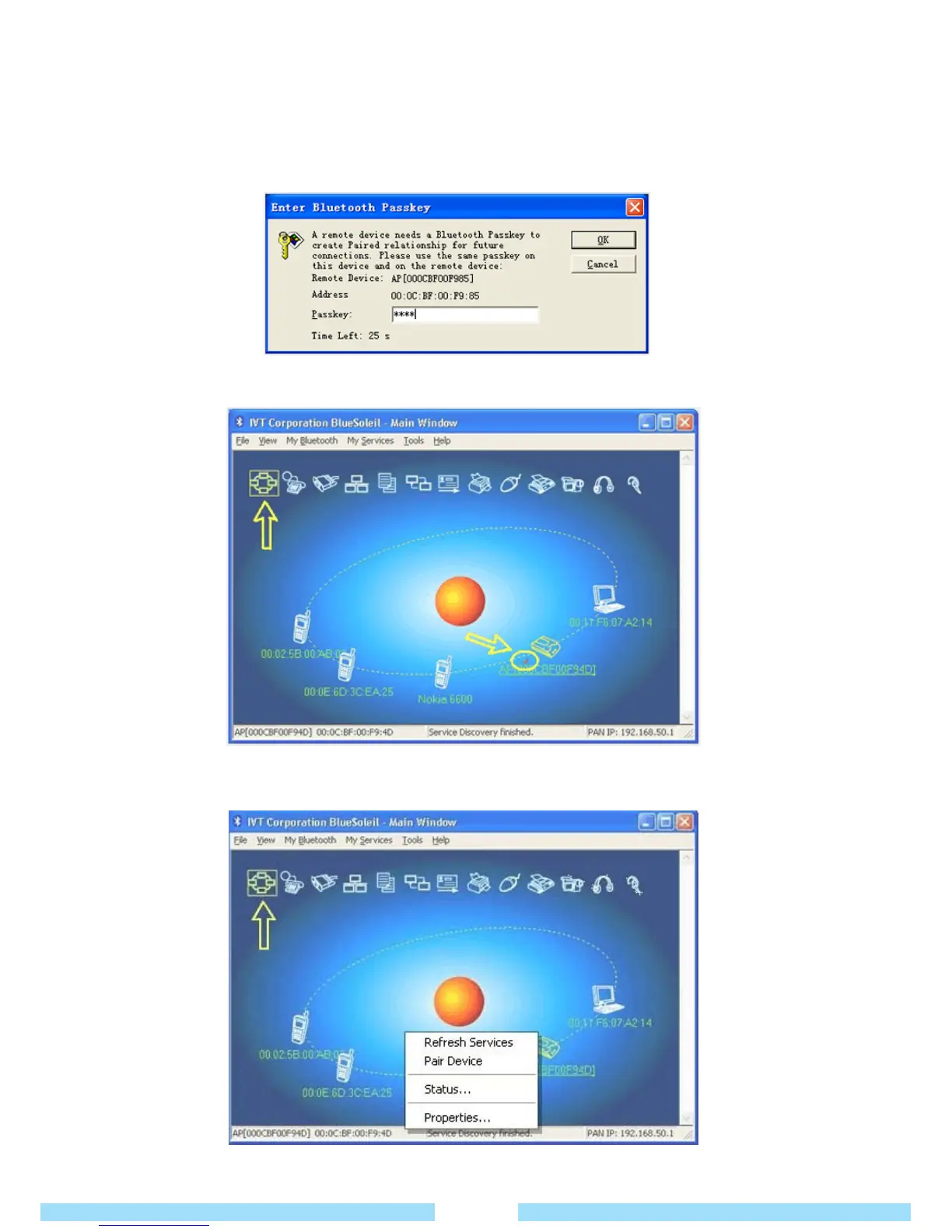
⑥ Double click the device icon to browse its services.
Note:In some cases, you need to make a connection between BlueSoleil and the remote device by
inputting the same passkey on both ends.
In BlueSoleil the following window will pop up, you can enter the passkey here.
⑦ After the pairing procedure succeeds you can find the available service icons as follows.
⑧ Single click one of the highlighted service icons, BlueSoleil will establish a Bluetooth connection to the remote
device. The device icon changes to green color and a line appears between the red ball and the device icon.
32



 To Next Page