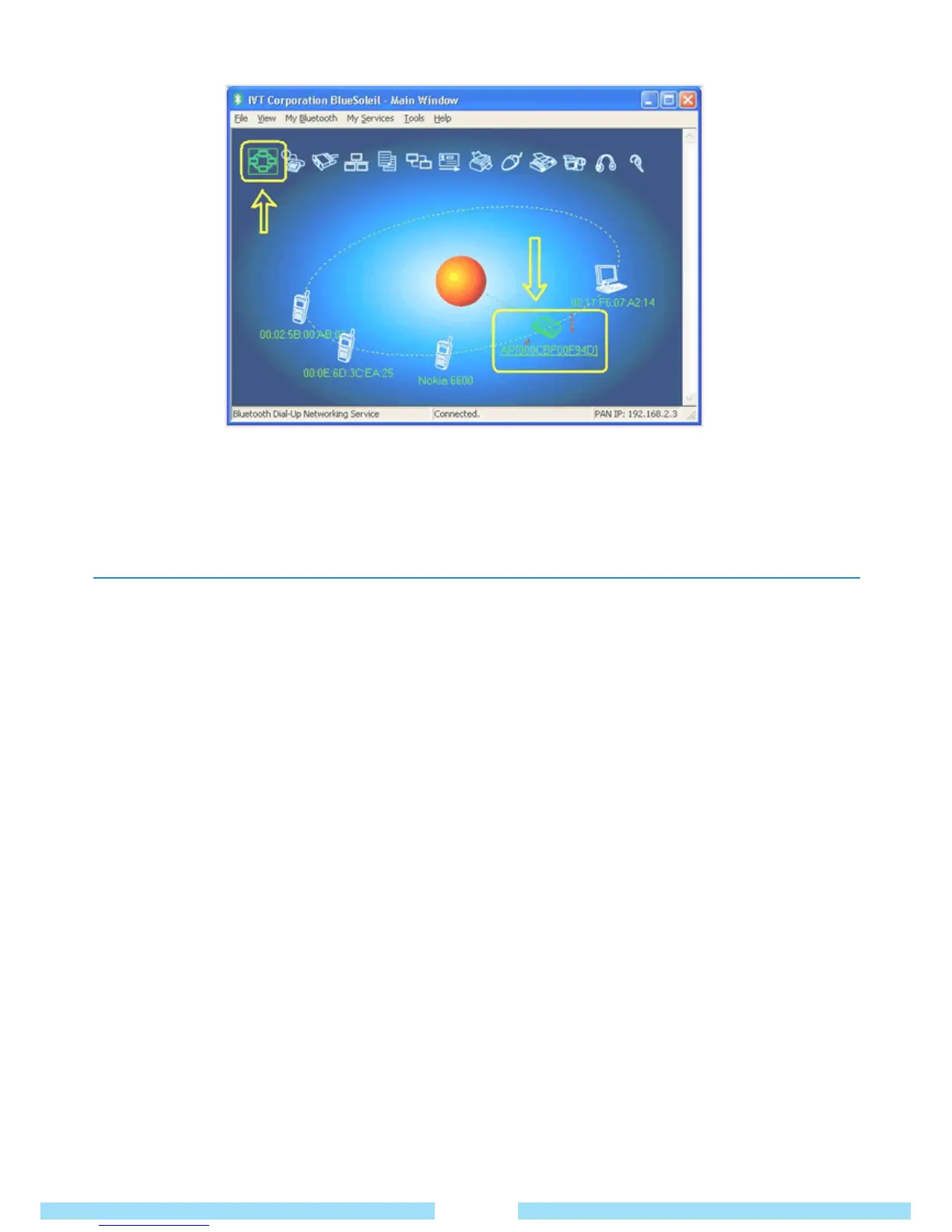
Notice for Windows XP
Expected outcome:
Installed Files & Directories (by default):
● Go to “Start -> Program -> IVT BlueSoleil -> BlueSoleil”
BlueSoleil execution and support files will be found here.
● Go to “My Documents -> Bluetooth” Support directory.
This is the directory for Object Push and Synchronization. Received cards and other objects will be put here.
⑨ Cancelation : Right-click on the device icon and click cancel.
33



 To Next Page