2 3
ACCESSORIES – See illustration 2
USBcable
CHARGING – See illustration 3
ConnectUSBcablebetweenthedeviceandthepower
supplyWerecommendthatthetwonecklooppartsare
notjoinedwhilechargingthedevice
Redlightcharginggreenlightfullycharged
Batterylifehoursstreamingdaysstandby
HOW TO USE – See illustration 4
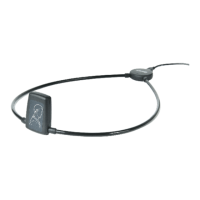
JointhetwonecklooppartsTheneckloopfunctionsas
anonoffswitch
PairthedevicetoyourmobilephoneusingBluetooth











 To Next Page