92 93
Incoming calls – See illustration 5
AnswercallPresspushbutton
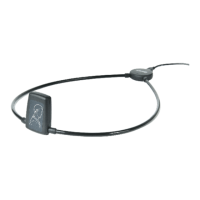
Speakintomicrophonewhiledeviceishangingaroundyourneck
EndcallPresspushbutton
RejectcallLongpressonpushbutton
Note: Answering and ending calls is also possible on the mobile phone.
NotethatonsomemobilephonesyoumayneedtoselecttheCOM-DEX
fromalistofdevicesOtherwisethesoundwillbetransmittedthrough
themobilephone’sspeakers
Outgoing calls – See illustration 5
Dialfrommobilephone
Note: You can also use the device to stream sound from any
Bluetooth enabled sound source to your hearing aids.











 To Next Page