Compass quick guide
Page 6
From the Fine tuning section of Compass you also have access to the Sound Diary and the
Documentation windows. You can find information about these windows in the Compass user’s manual.
ISTS test mode
The International Speech Test Signal (ISTS) is a standard speech signal consisting of small segments of
female speech in different languages. This signal corresponds to a general speech signal and can be used
for standardized measurements.
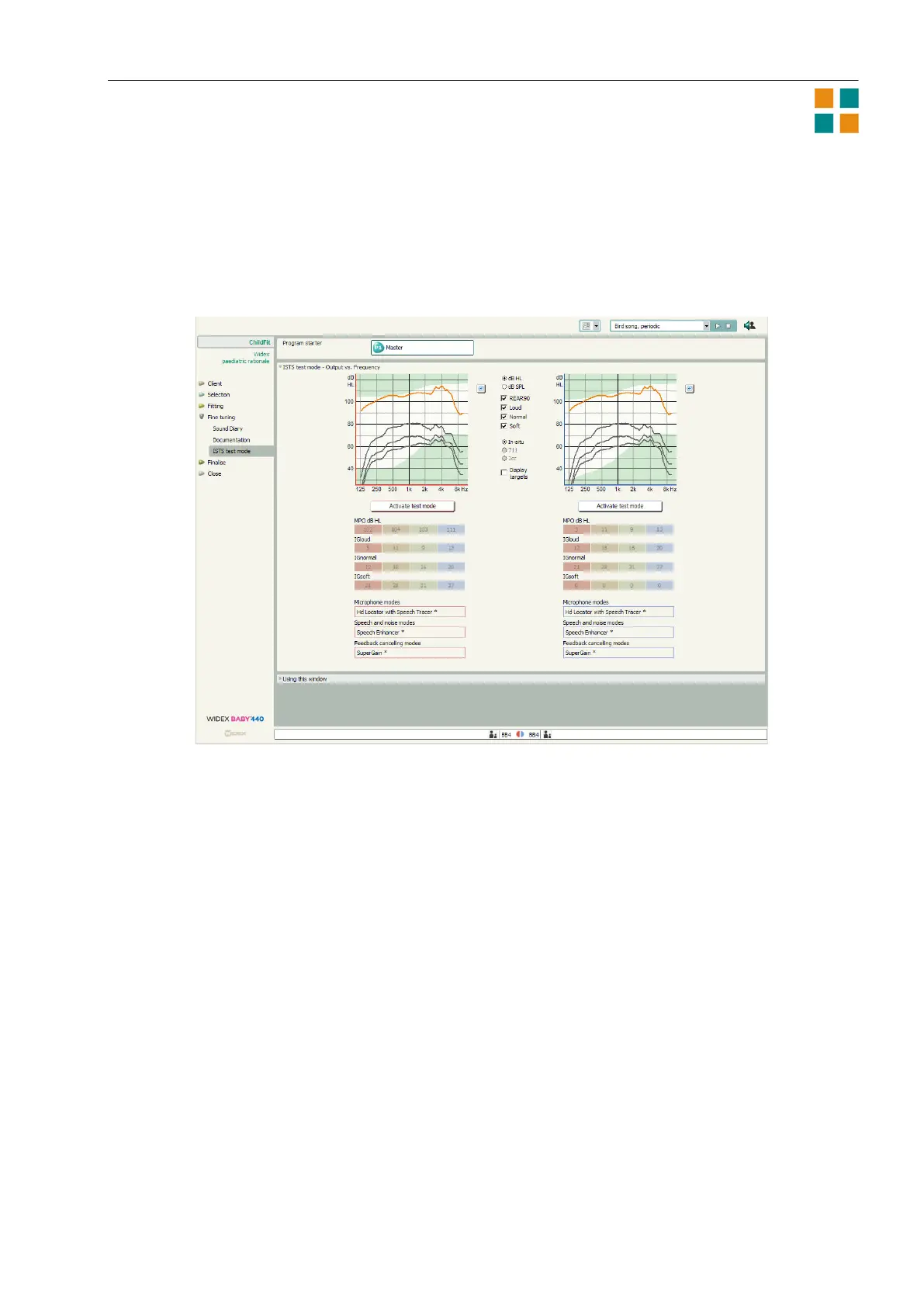
The graphics part of the ISTS test mode window shows the Output vs. frequency curves. You can choose
to see Insertion gain vs. frequency or Aided gain vs. frequency curves instead. In the area between the
two graphics displays (left and right), you can define what to show in the graphics. The options available
depend on the type of graphics you have chosen.
At the bottom of the window you can see the present fine tuning settings in the hearing aids. All gain
settings and feature settings are displayed, but you cannot change any settings from the ISTS test mode
window.
When you select the Activate test mode button, the test mode starts, using the graphics settings you
have defined. While the test mode is running, the Locator is set in the omni position, and other feature
settings remain as defined in the hearing aid. When you have finished using the test mode, select OK in
the Test mode active dialog box displayed on the screen.
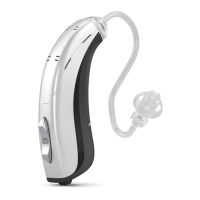
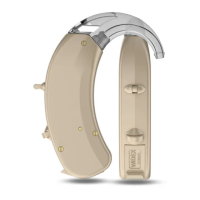
The pictures below illustrate the test set-up in the Audioscan Verifit
TM
system. Use the disk-shaped
adapter and putty to attach the Baby hearing aid eartip to the HA-1 (ITE) coupler (3a-3b). If you are
using a custom earmold, the disk is not necessary. Position the hearing aid front microphone facing the
Verifit left loudspeaker (3c). This is particularly important if you are not engaging the test mode.












 To Next Page