Compass quick guide
Page 7
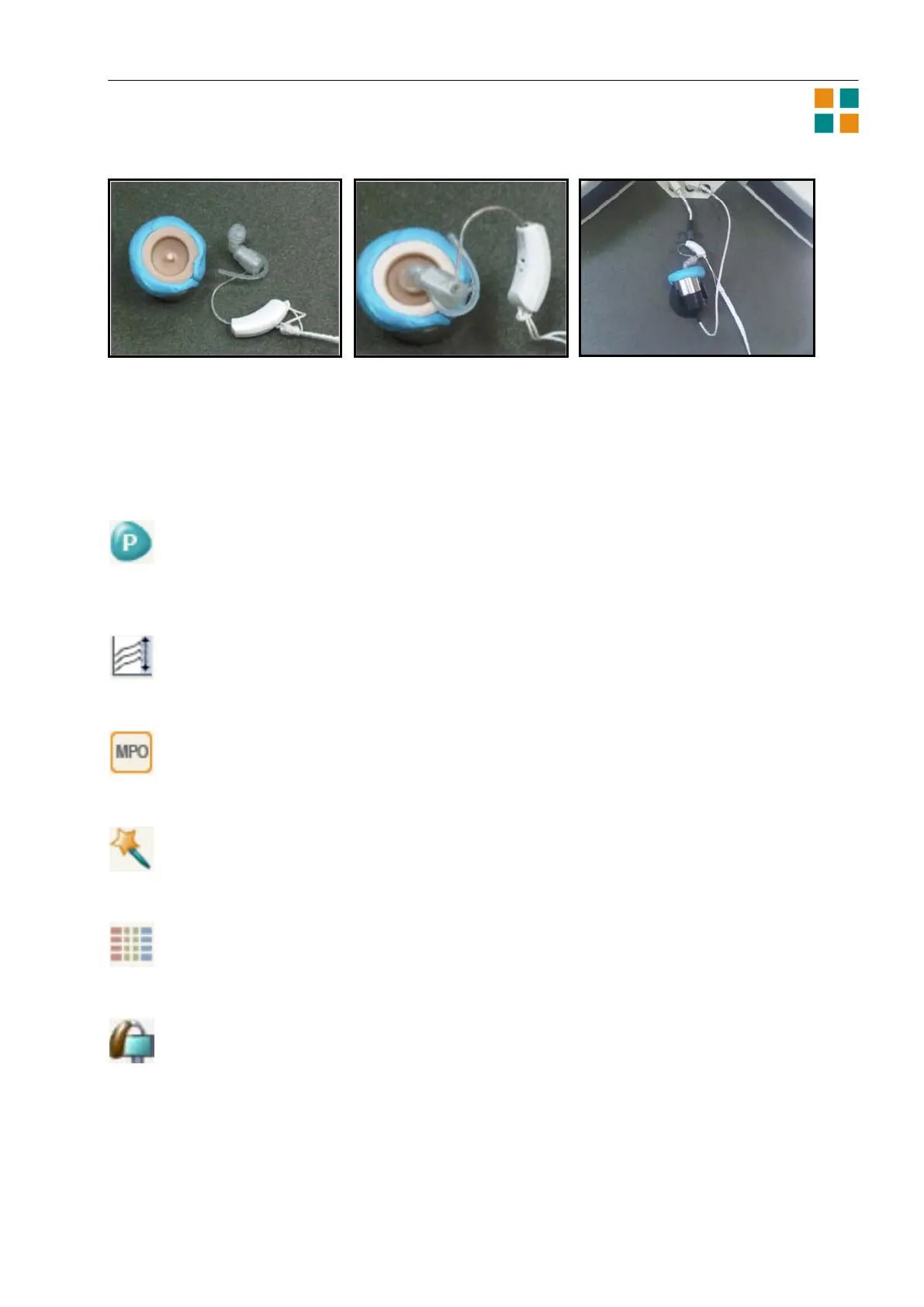
3a 3b 3c
ChildFit tools
Besides the questionnaires you have access to a number of other tools that can help you make your
fitting as precise as possible. The tools are available from the toptool bar in the Fine tuning window.
Program manager
You can open the Program manager from Fitting or Fine tuning. Use this tool to define other
programs in the hearing aids besides the Master program.
ClearBand tool
This tool lets you adjust the high-frequency gain by means of two parameters: One adjusts the
gain in the frequency range 5000-7000 Hz, and the other adjusts the gain in the frequency
range 7000-10000 Hz.
MPO manager
The Maximum Power Output tool shows the prescribed MPO values in SPL and HL for the four
basic bands in the hearing aid. You can, however, change and lock the MPO setting by means of
this tool.
Solution guide
You can open the Solution guide from the Fine tuning window. Use this tool if there is a specific
problem with the hearing aids. Compass can give you a number of possible solutions to a
problem and change the relevant settings for you before you close the tool.
Compression view
Use the Compression view tool to see compression threshold and compression ratio data for the
low-level and the high-level compression segments. The window shows the data for the four
basic frequencies in the hearing aid.
Recalculate
You can open the Recalculate tool from the Fine tuning window. Use this tool to set the fine
tuning settings to the default values.












 To Next Page