Compass quick guide
Page 8
Finalize
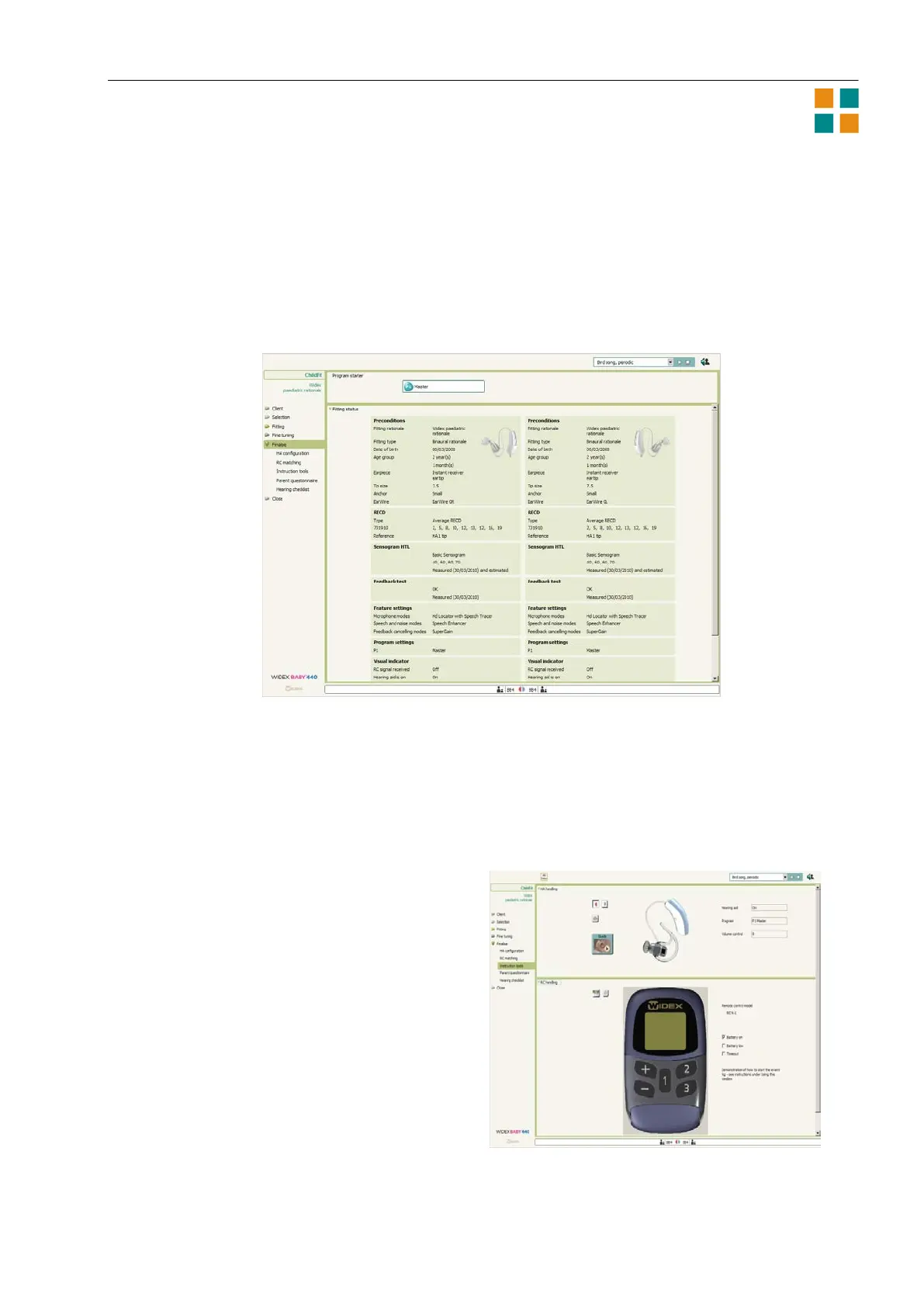
Before you end a fitting, use the Finalize section to make sure that everything is set correctly and that
the parents have the necessary knowledge about their child’s hearing aids. The Finalize window shows
information about the fitting and the adjustments you have made. This gives you an overview of the
hearing aid settings.
HA configuration
Use HA configuration to define the settings of the visual indicator (the light-emitting diode) on the
hearing aid. This indicator can flash whenever the hearing aid is on, or when a specific program is active
in the hearing aid.
RC matching
The remote control must be matched with the hearing aids before it can be used. The matching
procedure is a simple wizard in Compass. Follow
the directions on the screen.
The Instruction tools are on-screen tools that let
you teach the parents how to use the hearing aid
and the remote control and how to clean and
maintain the hearing aid.
Use the HA handling and the RC handling panels to
demonstrate how the hearing aid and the remote
control work. In the Toptool bar you find a 3D
tutor. Click an icon at the top of the 3D tutor
window to activate the corresponding procedure.
When you have run the full procedure, numbered
buttons are displayed on your screen. Use these
buttons to play the individual parts of the
procedure. You can repeat any difficult parts of the
procedures as many times as necessary.












 To Previous Page