DRM236/1213
1
Select receiving hearing aid
2
Connect receiving hearing aid to COMPASS
TM
GPS
3
Fit receiving hearing aid if BiCROS option
4
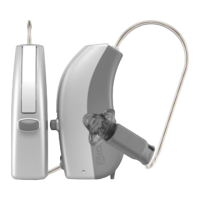
Match Widex CROS to the receiving hearing aid
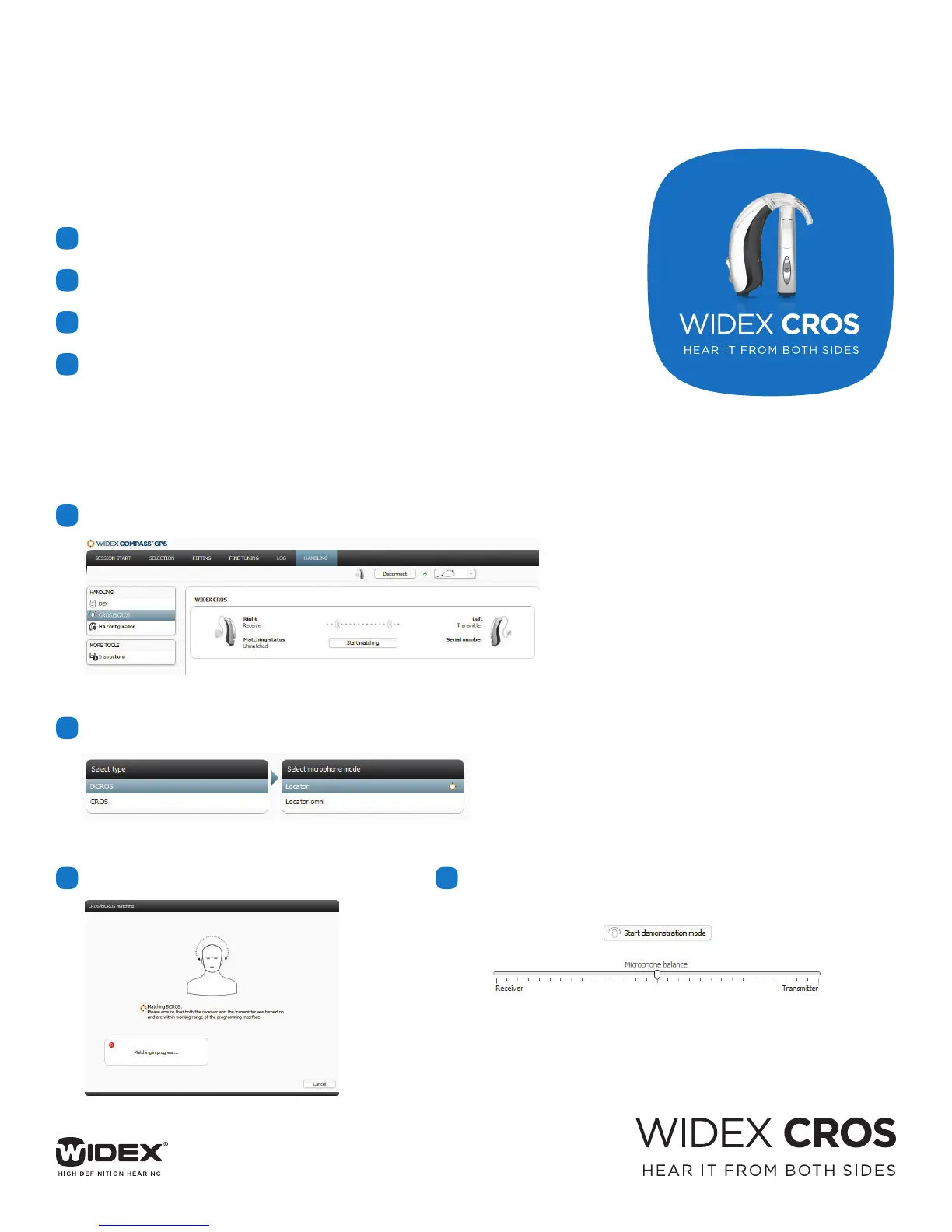
1
Go To HANDLING - Select CROS/BiCROS - Start Matching
3
Matching Begins
4
Start Demonstration Mode to turn on CROS/BiCROS.
2
Select Type of Fitting - Select Microphone Mode
WIDEX CROS QUICK GUIDE
For CROS/BiCROS Solutions
CROS Fitting Made Easy
Matching CROS in COMPASS
TM
GPS









 To Previous Page