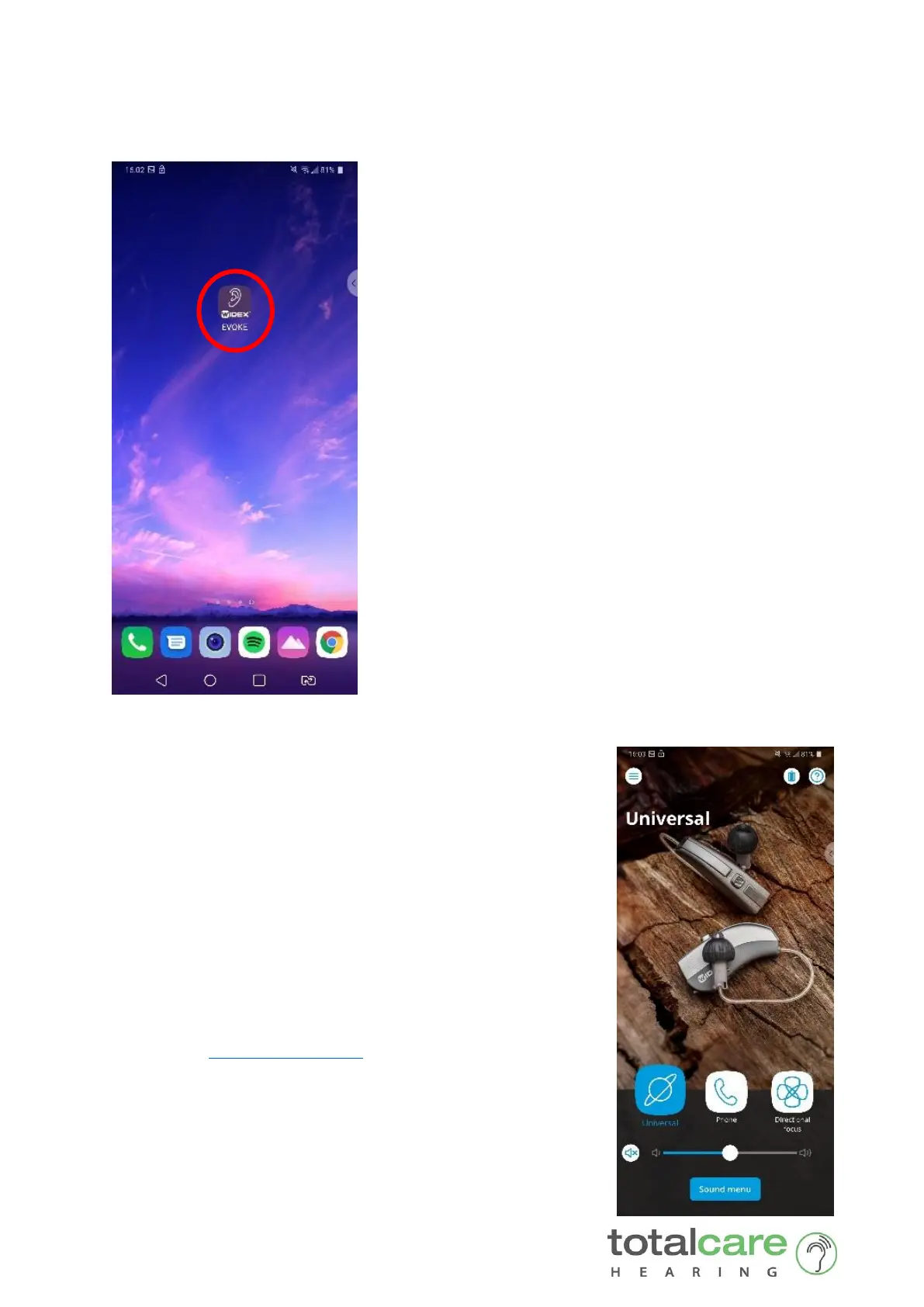
7. Once paired, exit the Bluetooth menu by pressing the home button
8. Find your Widex EVOKE App and click it
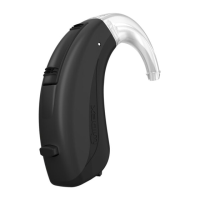
9. Congratulations, your hearing aids are now
successfully paired to your Phone. You can now:
• change your hearing aid programs
• adjust multiple parameters of your hearing
aids through the convenience of your Phone
• receive phone calls (requires Com-Dex*)
• stream music, podcasts and video sound
(requires Com-Dex*)
*Android Phone require an intermediary device
called the Widex COM-DEX for these features to
work between your Android phone and your hearing
aids.









 To Previous Page