19
Switching between the listening
programs
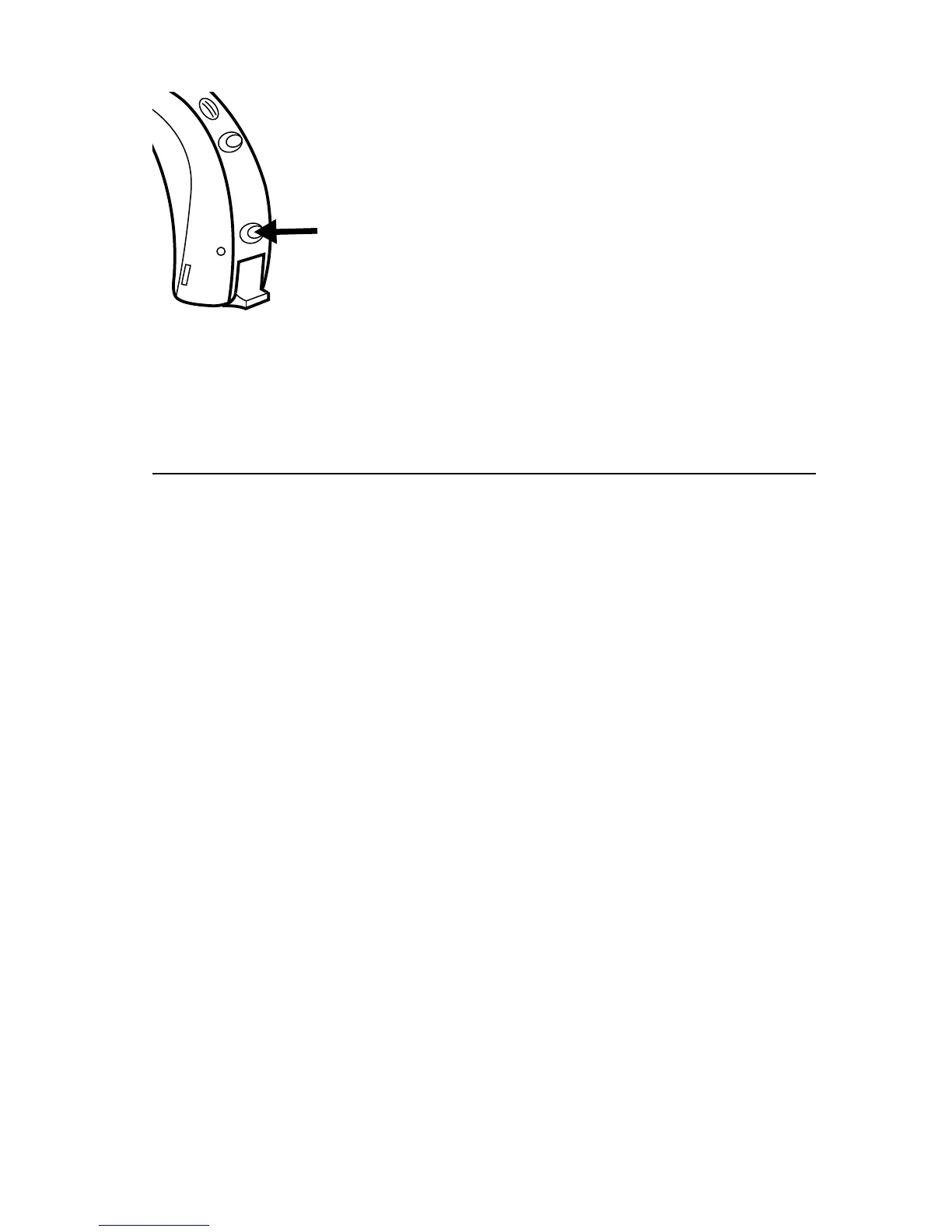
To change programs, press the pro-
gram button briefly. Each time you
switch to another program, an acous-
tic indicator will sound unless this
function has been disabled.
Program 1: One short beep or message
Program 2: Two short beeps or message
Program 3: Three short beeps or message
Program 4: One long and one short beep or message
Program 5: One long and two short beeps or message
If you wish to have the program button disabled, please
consult your hearing care professional.










 To Next Page