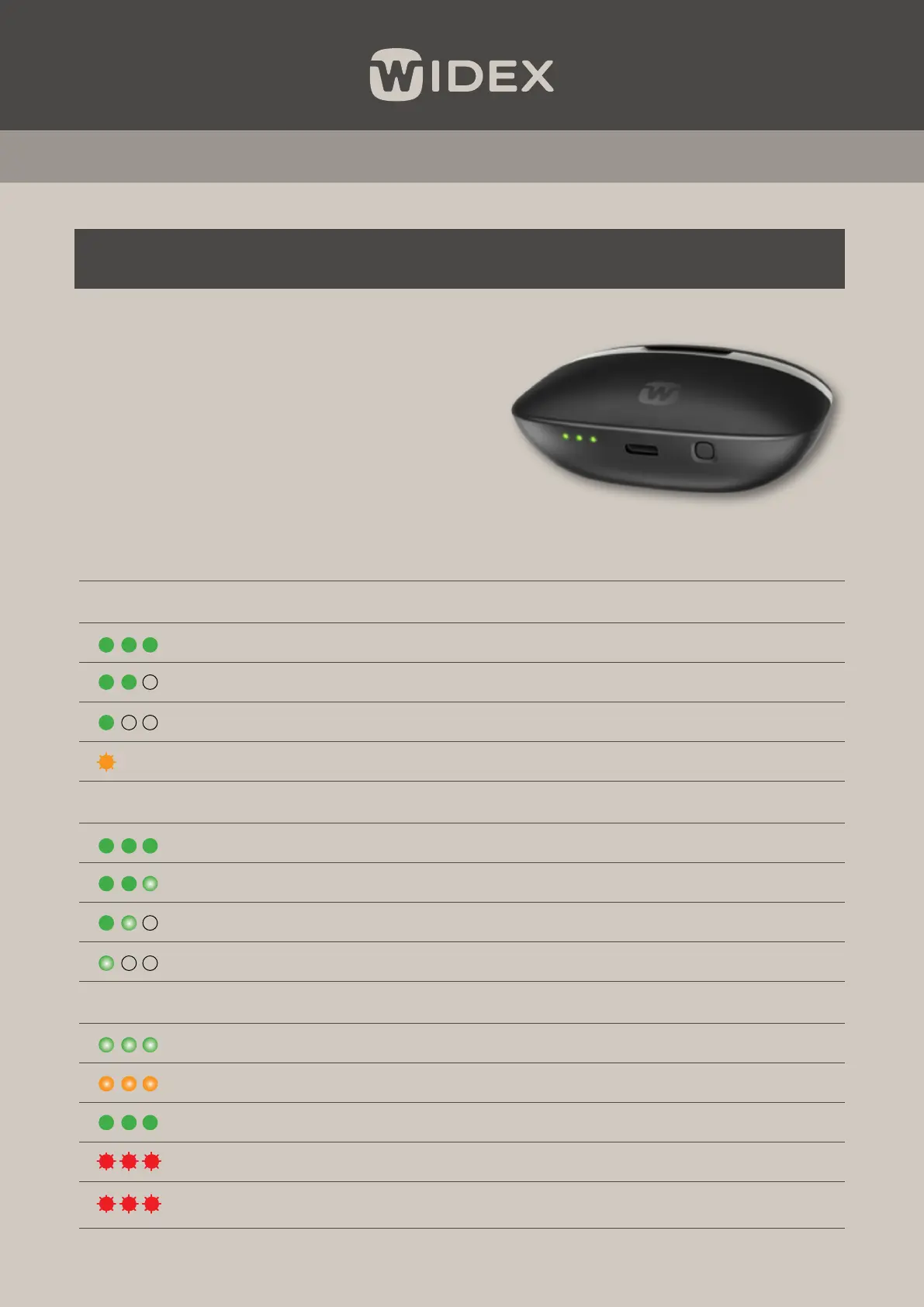
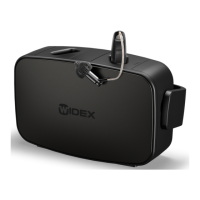
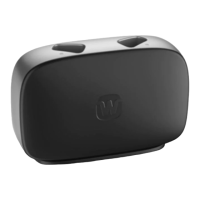
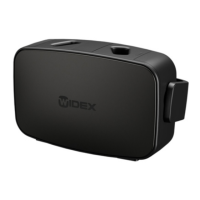
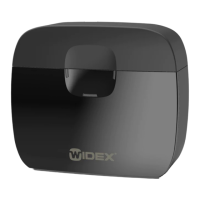
The internal battery of the portable charger can
be charged using a USB-C cable into mains power
supply or a Qi pad charger for wireless charging.
The Widex SmartRIC hearing aids can always be
charged if the charger is connected to the mains
or placed on a Qi pad charger. However, to use
the charger on the go, the internal battery of
the charger must be charged.
Light indicator
There are three LED light indicators at the bottom of the charger, showing power and battery status.
Charger not connected to mains
12 sec 3 + full hearing aid charges
12 sec Min. 2 full hearing aid charges
12 sec Min. 1 full hearing aid charge
12 sec Less than 1 hearing aid charge left
Charger connected to mains (USB-C/Qi pad)
Internal battery fully charged
Internal battery charging; < 3 full hearing aid charges
Internal battery charging; < 2 full hearing aid charges
Internal battery charging; < 1 full hearing aid charge
Other light indications that may appear:
Fading green Within 10 seconds of a long button press – charger is switching o.
Fading orange High temperature, charging paused (Qi pad charging).
Solid green Battery is fully charged, charging stopped (Qi pad charging)
Flashing red Error during Qi pad charging, voltage out of range.
Flashing red
12 sec
Internal battery temperature is too high or too low, charging stopped.
CHARGING THE WIDEX PORTABLE CHARGER


 To Next Page