16
WIKA operating instructions models DIH50, DIH52, DIH62
GB
14008548.03 05/2013 GB/D
6.1.3 Operating mode: Multidrop (models DIH52, DIH62)
In this specially dened operating state for HART
®
transmitters, the current signal is rmly
set to 4 mA and the measuring information is transmitted via the HART
®
communication
to the control room. To enable the displaying of the measured value of a transmitter, the
address of the desired transmitter must be set in the "Address" menu item.
If the HART
®
address is modied during operation, the establishment of a new connection
is started during which, however, the sensor must respond immediately in order to
complete the connection establishment.
The digital indicators show the measured values of the primary variable transmitted via
HART
®
to the control room. The display is passive, i.e. the transmission of the measured
values must be requested by the control room. The devices function as secondary master
with respect to the sensor during the parameterisation.
6.1.4 Operating mode: Basic mode, 4 ... 20 mA (models DIH50, DIH52, DIH62)
In the basic mode, all settings of the digital indicator must be carried out manually by
means of the front-side keys.
To navigate in the menu levels, four keys with the following functions are available:
▲ (UP) One menu item up
▼ (DOWN) One menu item down
OK Calls the programming menu
ESC Exits the programming menu
- Back to the previous menu level in the menu guidance
- Return from the edit function without saving the modication
see also chapter 8 "Menu guidance"
6.2 User interface
6. Commissioning, operation
Status data
Operating keys
Unit line, info line
Bar graph
Measured value
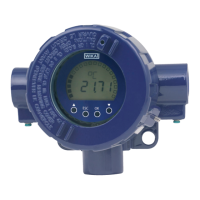
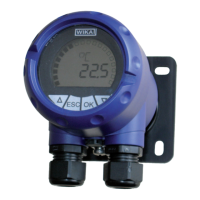
Models DIH50, DIH52
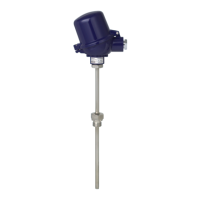
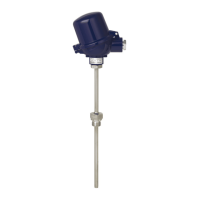
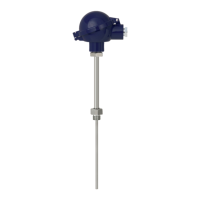
Model DIH62


 To Next Page
 Loading...