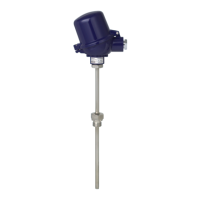
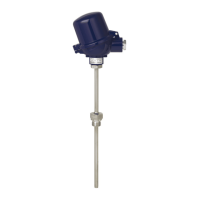
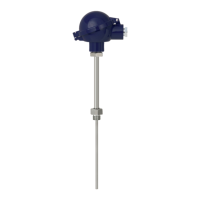
WIKA operating instructions models DIH50, DIH52, DIH62
19
GB
14008548.03 05/2013 GB/D
Note:
Fixed wires as well as exible wires with end splices are inserted directly into the terminal
openings. In the case of exible wires without end splice, press with a slotted screwdriver
the terminal to release the terminal opening. By loosening the slotted screwdriver, the
terminals are closed again.
Check the correct t by slight pulling.
Connect the screen to the internal earth terminal and the external earth terminal to the
equipotential bonding.
Put on the display and operation module and turn slightly to the right.
Tighten the cable gland and mount the case cover.
Note:
The terminal block is pluggable and can be pulled o from the electronics.
To do so, lift the terminal block using a small screwdriver and pull it out.
When plugging it again, it must engage with an audible click.
CAUTION!
When connecting an EN/IEC certied transmitter, please observe the
corresponding operating instructions and the requirements relating to the
transmitter.
7. Electrical connection
1 Connection of the transmitter: Connect the positive pole of the transmitter to the terminal marked with
⊕ (1) and the negative pole of the transmitter to the terminal marked with ⊖ (2).
2 Connection of the voltage supply: Connect the positive pole of the power supply to the terminal
marked with ⊕ (3) and the negative pole of the power supply to the terminal marked with ⊖ (4).
3 Connection of the display module: Put the display module connector accurately (coded!) on the
mating connector and press it down.
Transmitter
Voltage supply
Non-hazardous area Ex area



 To Next Page
 Loading...