Swift 2 X User Manual | English
16
Note: through your recent calls (if using the phone for first time there will be no call history) or use
the search on the top to look for a contact name. If the keypad is in the way, touch the Back button
to minimize/hide it.
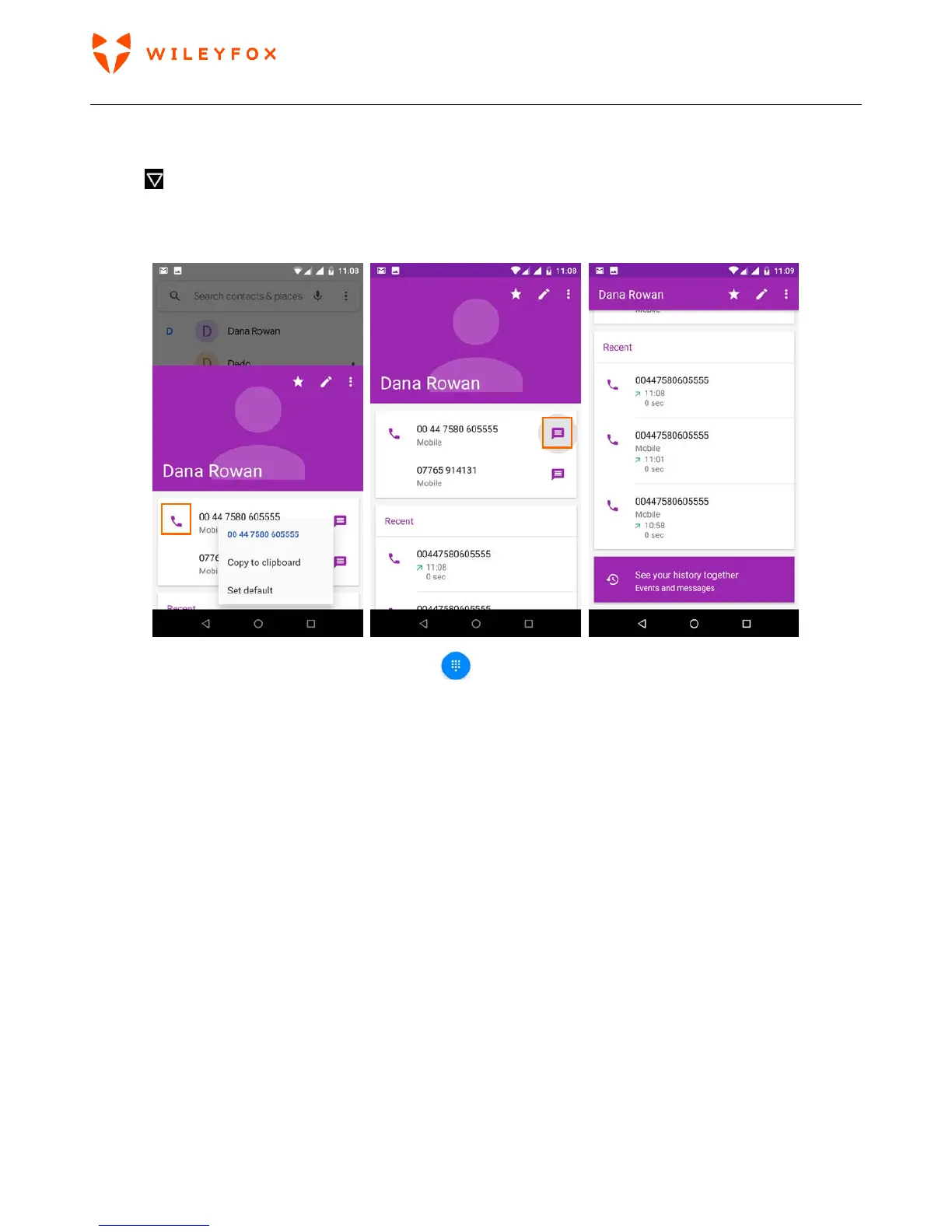
3. To place a call, select the contact’s name from the recent calls list. You will be given the option to Call,
Message and check or edit the profile.
To dial simply use the keypad, touch the keypad
button.
TIP: Caller ID by Google identifies inbound and outbound numbers, even for callers that you haven’t saved in
the Contacts app.
Send an email


 To Next Page