13
EN
AIR CONDITIONER · COOL 9 CONNECTED
USE
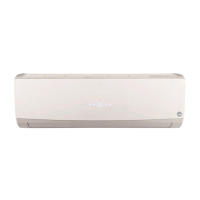
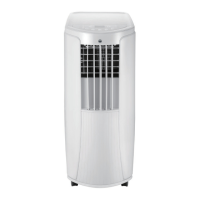
To change air direction:
1. Up/Down air ow direction:
– Hold the horizontal louvers and adjust the air ow directions.
– Do not adjust the horizontal louvers to the lowest or the highest position
in the COOL or DRY mode with the fan speed set too low for an extended
period of time, Condensation may form on the louvers.
2. Left/right air ow direction. Hold the vertical louver and adjust the air ow
direction.
Caution:
• Do not adjust the vertical louvers to the extreme left or right in the COOL
or DRY mode with the fan speed set too low for an extended period.
Condensation may form on the louvers.
OPERATION TEST
• Press on/off button on the remote controller to start the unit.
• Press mode button to select auto, cooling, drying or fan function, and check if
the unit operates normally.
• If ambient temperature is below 16°C the unit cannot operate in cooling
mode.


 To Next Page