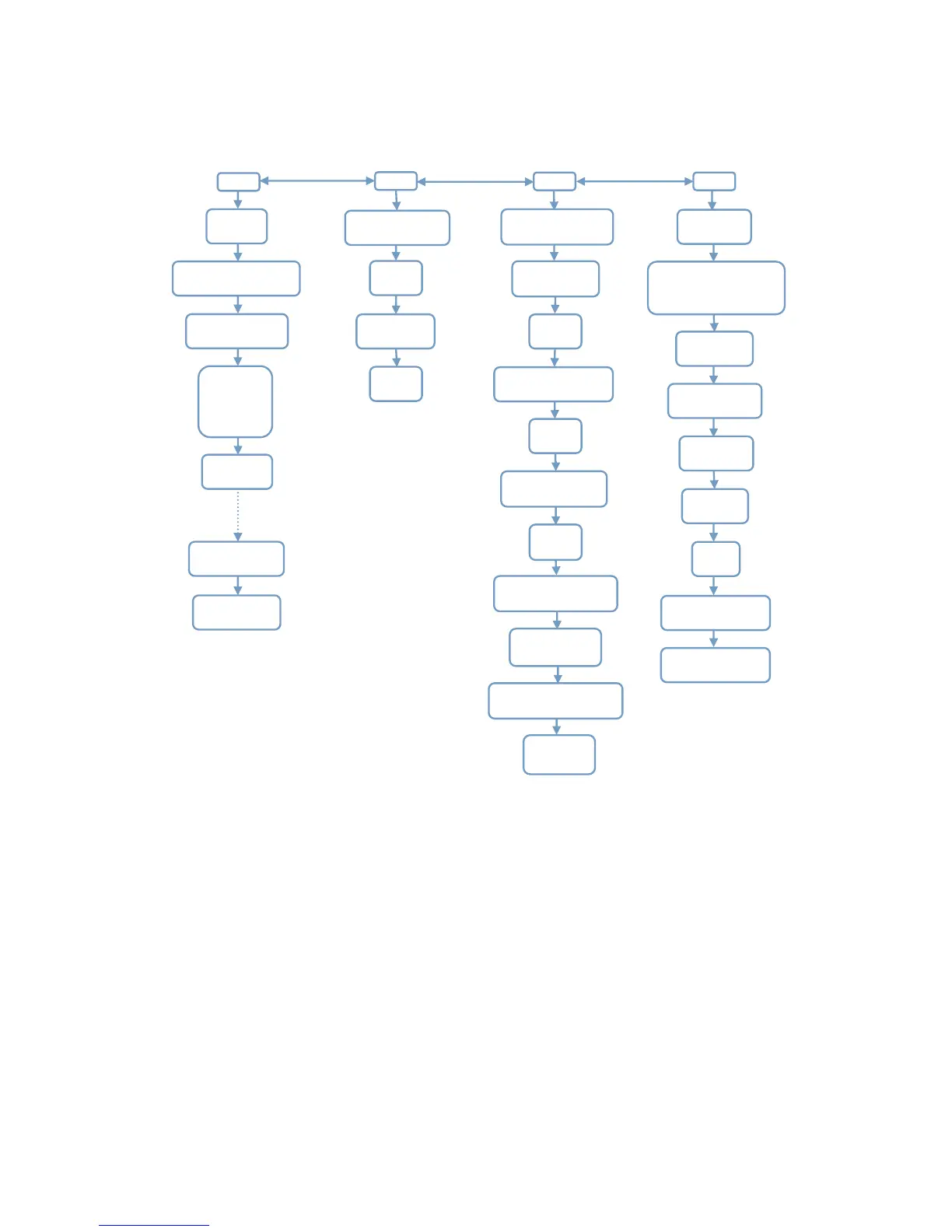
3.4 Camera Default Settings in Red Letter
Cam
Cam ID
OFF/ ON
Cam Mode
Photo/ PIC + VIDEO
Image Size
5MP/8MP/12MP
Night Mode
Balanced
Min. Blur
Max Range
Multi-shot
IP/2/3/4/5P
PIC+Video/ Video ON
Video Size
1080P/720P/D1
Video Length
05~59Secs
PIR
Sensitivity
High/Middle/Low
Delay
OFF/ON
Time Lapse
OFF/ON
Timer
OFF/ON
3G
SIM Auto Match
Auto/Manual
Manual Setup
MMS/3G
MMS
ON/OFF
SMTP
Default/Manual/OFF
FTP
ON/OFF
Send To
Phone/Email
SIM PIN
ON
SMTP/FTP Pic Size
640*480/1920*1440
Max Num/Day
Unlimited/1~99
SMS Ctrl
By Trigger/All the Time
Daily Report
OFF/ON
Other
Language
English…
Date/Time
Month : date : year;
hour : minute : second
Time Stamp
OFF/ON
Battery Type
Alkaline/NI-MH
Frequency
50Hz/60Hz
SD Cycle
OFF/ON
Reset
Yes/No
Password
OFF/ON(6 digits)
About
Ver: /IMEI: /MCU:
4. Operation List
4.1 Video/Photo Playback
Switch ON “Power Switch”, Press “OK” once to enter Test mode, press arrow button “↑” to
enter Playback; press “←” and “→” for selection, “OK” to play photo/video.
1) Press button “↑” again to exit.
2) In Playback Mode, press “Menu” button to delete files, or format SD card; press “Menu”
again to exit.
4.2 Delete
a. Delete one: delete selected photo/video;
Press “OK” to choose, press“↑” and “↓”for selection, “Yes” to confirm, “No” to exit to previous


 To Next Page