Shenzhen Bayite Technology Co., Ltd
Email: service@bayite.com
Using your Digital Temperature Controller
1. POWER button: Press once to turn the unit on. Hold for 3 seconds to
turn the unit off. In setting mode press once to save and exit.
2. SET button: Hold for 3 seconds to enter the settings menu. Once in the
settings menu press set to modify a parameter and again to exit back to
the menu.
3. UP/DOWN buttons: Press to navigate through the settings menu and
adjust parameter value. Hold to quickly cycle through menu options or
rapidly adjust a parameter.
4. ALARM: The alarm function is disabled by default but can be enabled if
you specify a value for AL or AH. Press any button to silence the alarm
when it sounds. Unplug the unit briefly to enable the alarm function again.
Quick Start:
Set two parameters, the on and off temperatures. These are “ON” and
“OFF” respectively in the settings menu. Set “ON” to the desired
temperature the unit should supply output power and “OFF” to the desired
temperature the unit should shut off output power.
Example: If you want a heater to turn on at 60° and off at 70° simply set
“ON to 60 and “OFF” to 70. Or if you want a cooler to turn on at 100° and
off at 80° simply set “ON to 100 and “OFF” to 80.
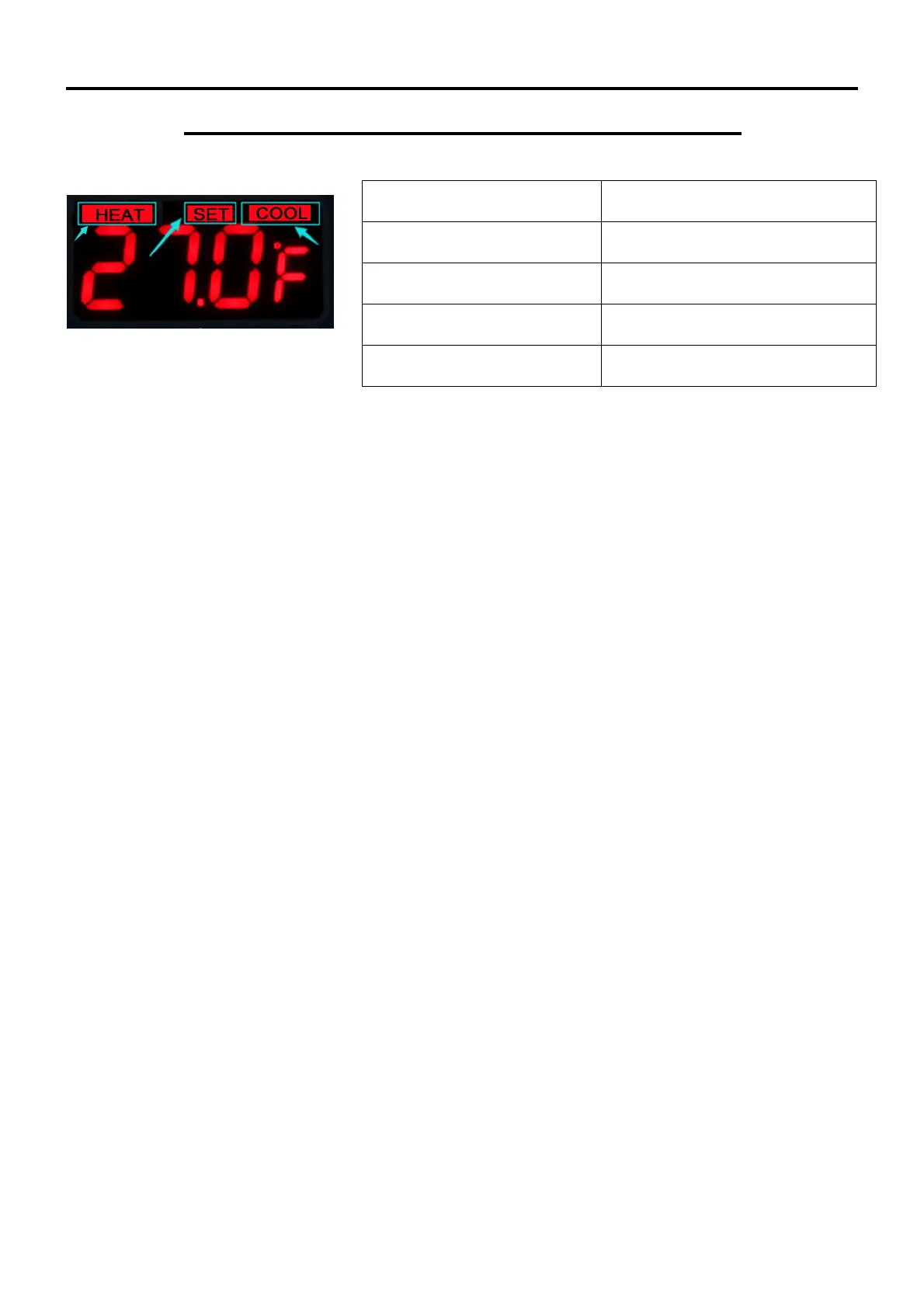
HEAT/COOL indicator is on
HEAT/COOL indicator is off
Not supplying output power


 To Next Page