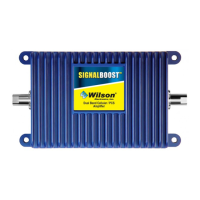
For Technical Support, call 866-294-1660 or 435-673-5021.
11
Warnings and Recommendations
Warning: Connecting the amplifi er directly to the cell phone with use of an adapter will damage the cell
phone.
Warning: Attach the desktop antenna and connect the cradle antenna before powering up the
amplifi er.
Warning: Use only the power supply provided in this package. Use of a non-Wilson product may
damage your equipment.
Warning: RF Safety: A minimum separation distance of at least 8 inches must be maintained between
the antennas supplied with this amplifi er and all persons. A different antenna may be used
in place of the desktop antenna, provided that its gain does not exceed 15 dBi and it is
separated by at least 8 inches from all persons. Antennas outside of the building may
have gains as high as 15 dBi, provided that a separation distance of at least 30 inches is
maintained between the antennas and all persons. Use of antennas with higher than the
above maximum gains and/or closer to people than the specifi ed minimum distance is in
violation of FCC regulations for which the offender is fully liable.
Warning: Always operate cell phone at least three feet from the desktop antenna.
Frequently Asked Questions
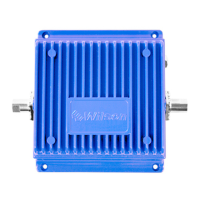
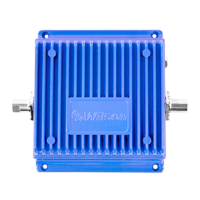
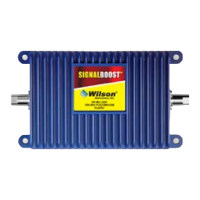
What kind of improvement in cell phone performance can I expect with the SignalBoost DT?
The SignalBoost DT’s performance will depend somewhat on the strength of the cellular signal outside your
home or building. However, if you install the SignalBoost DT in accordance with the instructions in this guide,
you can expect a signifi cant improvement in your ability to use your cell phone or cellular data card indoors.
Where should I install my SignalBoost DT to get the best coverage?
You should install the amplifi er in the area where you most need an improved signal. The farther you are from
the amplifi er, the less improvement you will experience. It is also important to install the cradle antenna in a
location where you have the strongest outside signal (see page 4). Also keep in mind the distance between the
amplifi er and the cradle antenna. You’ll need at least 20 feet of separation to prevent the start of oscillation, but
you’ll probably want to stay within the 50-foot length of the coax cable. (Additional cable and the necessary
connectors are available from your Wilson dealer, but using more cable will result in some signal loss.)
Instead of placing the amplifi er on a desk or table, I’d rather attach it to a wall – will it still work OK?
Yes! Your SignalBoost DT comes with a triangular wall bracket that allows you to mount the amplifi er on a wall.
Just be sure that the desktop antenna is installed correctly (see page 9).
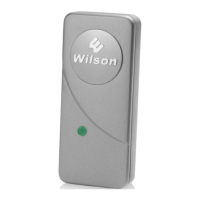
What color should the indicator light be showing?
Once the amplifi er is powered up, the indicator light should be green during normal operation.
The amplifi er light is red – what does that mean?
When the light is red, the amplifi er has shut down due to oscillation between the desktop antenna and the cradle
antenna. Increase the distance between the two antennas then remove and reinsert the power cable to reset the
amplifi er (see page 5).
I have a Nextel phone – will the SignalBoost DT boost that signal?
The SignalBoost DT is designed to work with both the Cellular (800 MHz) and PCS (1900 MHz) bands,
but not the iDEN/Nextel frequency. Wilson offers specifi c amplifi ers for iDEN/Nextel users. Visit www.
wilsonelectronics.com for details.
!
!
!
!
!
For Technical Support, call 866-294-1660 or 435-673-5021.
4
The roof or the outside walls of your house or building are the prefered place to mount the cradle antenna. The
best choice is to place the cradle antenna outside on the roof, mounted to a pole, facing toward the cell site
(see page 3), where you can make calls or you have several bars on your phone. Note: install the antenna as
high as possible on the roof or wall for the strongest signal.
Antenna Placement
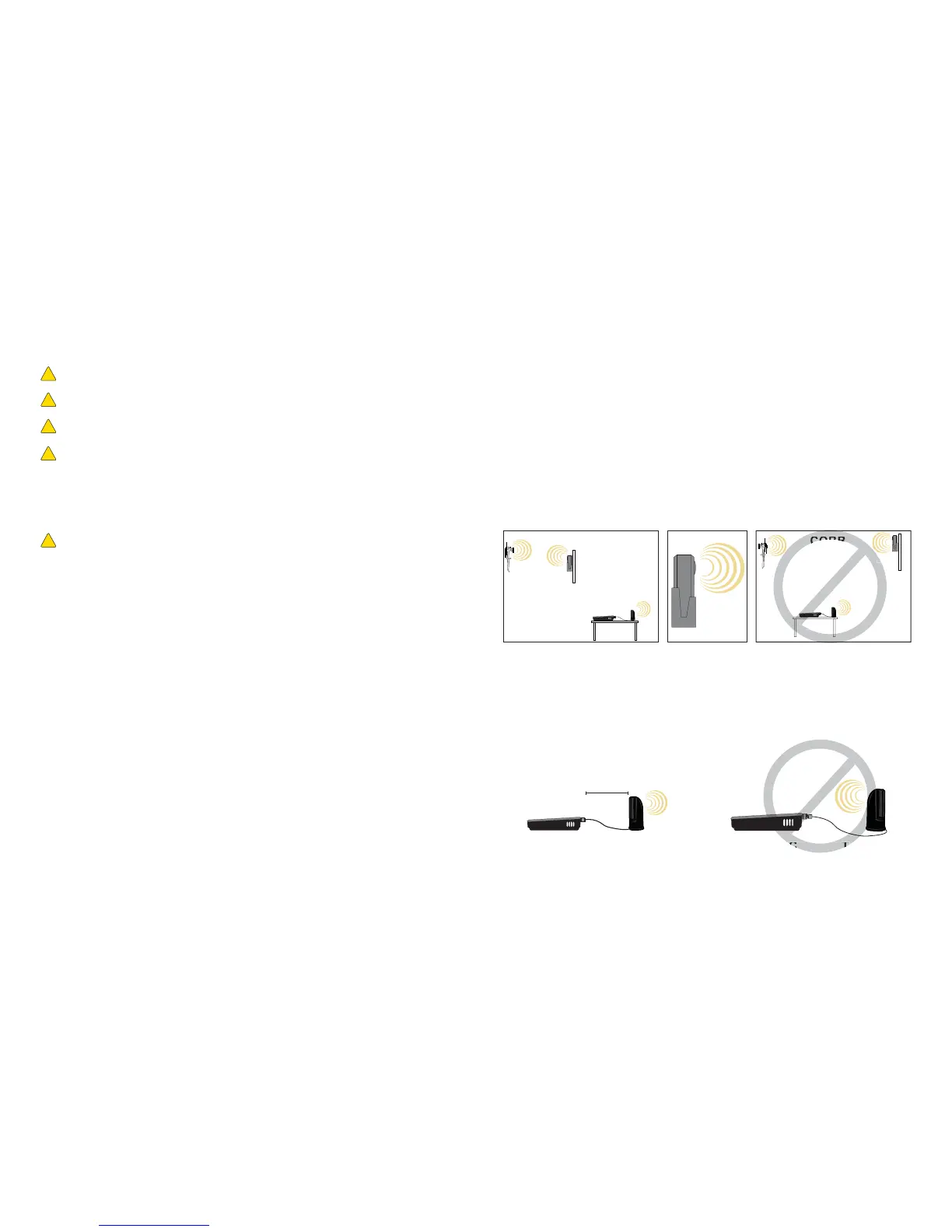
The location of the amplifi er with the desktop antenna in relation to the cradle antenna is very important. Once
you fi nd a good signal location for the cradle antenna, the amplifi er and desktop antenna need to be located
behind it to reduce the possibility of oscillation (indicated by a red indicator light on the amplifi er). In other
words, the front of the cradle antenna (indicated by the Wilson insignia) needs to face in the direction of the cell
site and not in the direction of the amplifi er and the desktop antenna (see Figure 3).
In addition, it is important that the desktop antenna be positioned so that the logo is not pointed towards the
amplifi er or the cradle antenna, as shown below. Also, the desktop antenna is recommended to be at least a
minimum of 18 inches away from the amplifi er.
CORRECT INCORRECT
Never point the cradle antenna across the
building toward the desktop antenna. Do
not let the cradle antenna and the desktop
antenna (logo side) transmit toward each
other.
Figure 3
Amplifi er with
On-Board
Antenna
Cell
Site
Cradle
Antenna
Amplifi er with
On-Board
Antenna
Cell
Site
Cradle
Antenna
The Wilson insignia
on the cradle antenna
should face toward the
cell site and away from
the desktop antenna.
CORRECT INCORRECT


 To Next Page
 Loading...