For Technical Support, call 866-294-1660 or 435-673-5021.
5
Antenna Separation
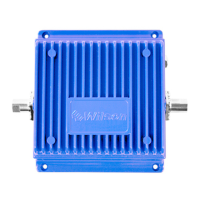
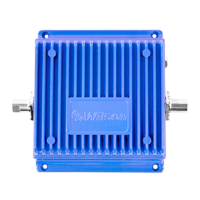
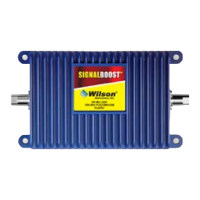
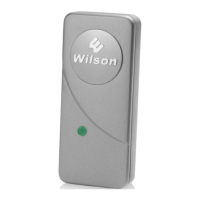
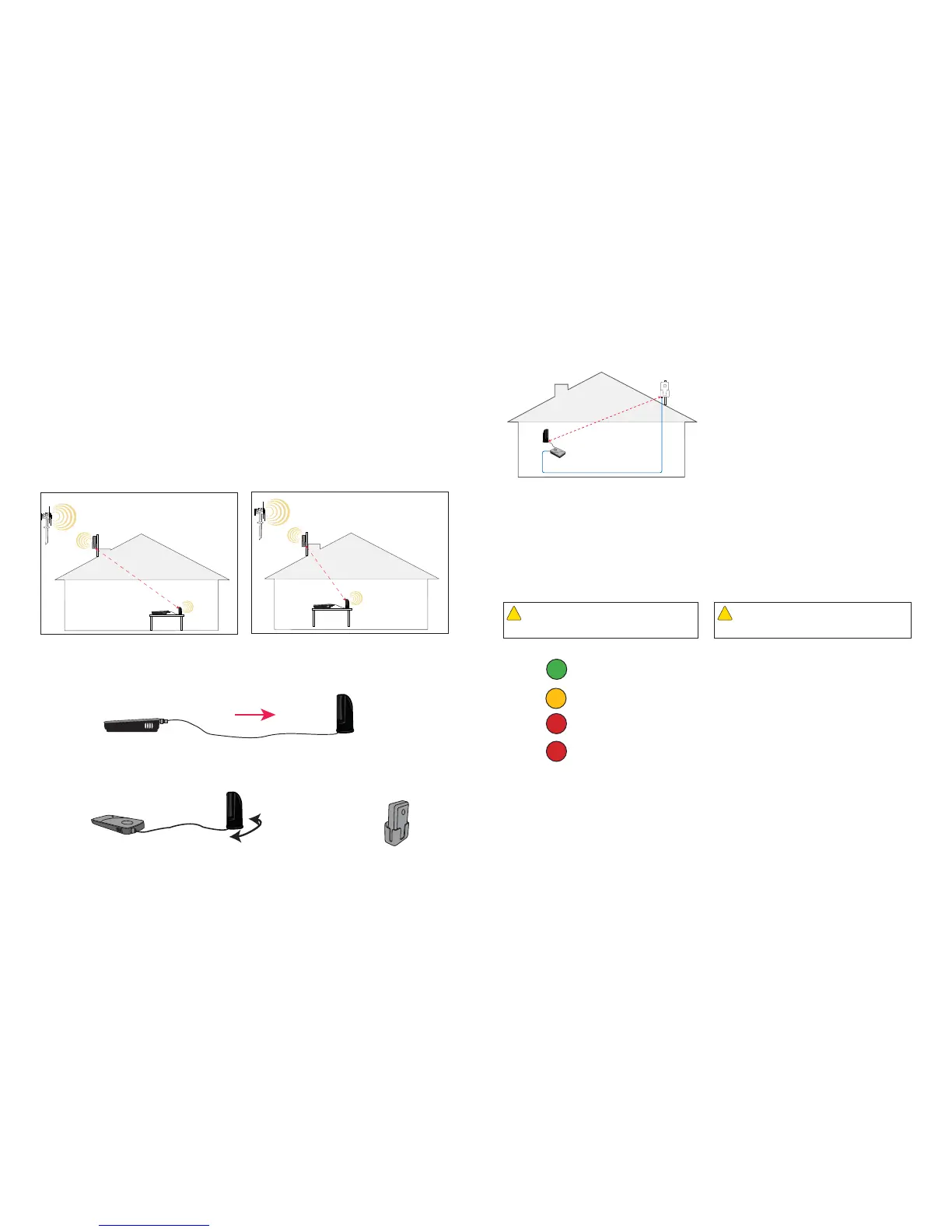
The distance between the cradle antenna and the amplifi er with the desktop antenna is extremely important! If
they are too close together, they will oscillate, causing the system to shut down, as indicated by a red light on
the amplifi er. The following three rules should be applied to make your Wilson DT perform correctly: 1- Make
sure the Desktop Antenna is facing AWAY FROM the Cradle Antenna. Ideally the Desktop Antenna should
be pointed 180 degrees from the position of the Cradle Antenna. 2- Make sure the position of the Desktop
Antenna observes the minimum required separation distance from the Cradle Antenna. The Desktop Antenna
must be positioned at least 20 horizontal feet OR 12 vertical feet from the Cradle Antenna. 3- If your
installation maintains at least 12 vertical feet of separation distance but the red light remains illuminated, then
relocate the Desktop Antenna more directly beneath the position of the Cradle Antenna, inside the imaginary
Cone of Signal. Make sure the relocated Desktop Antenna maintains the 12-vertical-foot minimum required
separation distance.
Even at 20 feet, the amplifi er may shut down, as indicated by the red light. By moving the desktop antenna
further away from the amplifi er, you may be able to change the red light to a green light, indicating that the
system is operating properly (see Figure 5).
If you are unable to maintain the 20-foot minimum separation between antennas, it may be possible to achieve
normal operation (a green light) at less than 20 feet by moving the desktop antenna to a different position, as
noted above, and rotating the desktop antenna in relation to the cradle antenna (see Figure 6). Do not position
the desktop antenna towards the amplifi er unit or the cradle antenna.
If you are not able to change the red light to green in this manner, more separation is needed between the
cradle antenna and the desktop antenna.
Correct Antenna Separation Incorrect Antenna Separation
Amplifi er with
Desktop
Antenna
Cell
Site
Minimum
20 feet
Cradle
Antenna
Cell
Site
Cradle
Antenna
Amplifi er with
Desktop
Antenna
Antennas too close.
Figure 4
Figure 5
Figure 6
CORRECT
INCORRECT
15 feet
For Technical Support, call 866-294-1660 or 435-673-5021.
10
Powering Up the Amplifi er
1. Ensure that the distance between the amplifi er
and the cell phone or cellular data card does not
exceed 4 feet.
2. Important: Ensure that any other cell phones
and cellular data cards are turned off unless they
are at least twice the distance from the amplifi er
than the desired unit.
3. Ensure that the distance between the desktop
antenna and the cradle antenna is a minimum
of 20 feet (see Figure 17). If you are using
a different antenna confi guration, see the
separation guidelines for your specifi c antennas
or call Wilson’s Technical Support department at
866-294-1660 or 435-673-5021.
4. Ensure that the coax cable is attached to the
amplifi er and the cradle antenna before powering
up the amplifi er.
5. Plug the power supply into the amplifi er input
marked “Power” (carefully, to avoid damaging the
center pin) and then into a wall outlet.
Understanding the Indicator Light
Warning: Use only the power supply provided in this
package. Use of a non-Wilson product may damage your
equipment.
!
Warning: Verify that the desktop antenna is attached
and that the cable from the cradle antenna is connected
before powering up the amplifi er.
!
Min. 20 feet
(see page 5)
Figure 17
The indicator light on the top of the amplifi er will be GREEN when the unit is powered
up and working properly.
A solid ORANGE light indicates the amplifi er has cut back it’s gain by either 4 dB or 8
dB due to the amount of oscillation it is experiencing.
A blinking RED light indicates the receiving or downlink signal on either the 800 or
1900 band or both is overloaded and the amplifi er has shutdown either that paticular
downlink signal or both.
A RED light indicates amplifi er shut-down as a result of oscillation between the desktop
antenna and the cradle antenna. When this occurs, greater separation distance is
required between the two units (see page 5). Also, it is very important to ensure that
the front of the cradle antenna (the side with the Wilson insignia) is facing away from
the amplifi er and the desktop antenna. If you see the red light come on, followed by a
green light and then back to red, the amplifi er is in the process of shutting down. It will
attempt to reset itself every fi ve seconds; however, if proper separation is not achieved
between the amplifi er and the cradle antenna, the light will change to a constant red
after four tries. If that occurs, increase the separation distance between the two units,
then unplug and re-plug the power supply cable to manually reset the amplifi er.
To reset the amplifi er, unplug and re-plug the power supply.
GREEN:
ORANGE:
RED:
RED:


 To Next Page
 Loading...