support01@wimius.com support01@wimius.com
EN EN
22 23
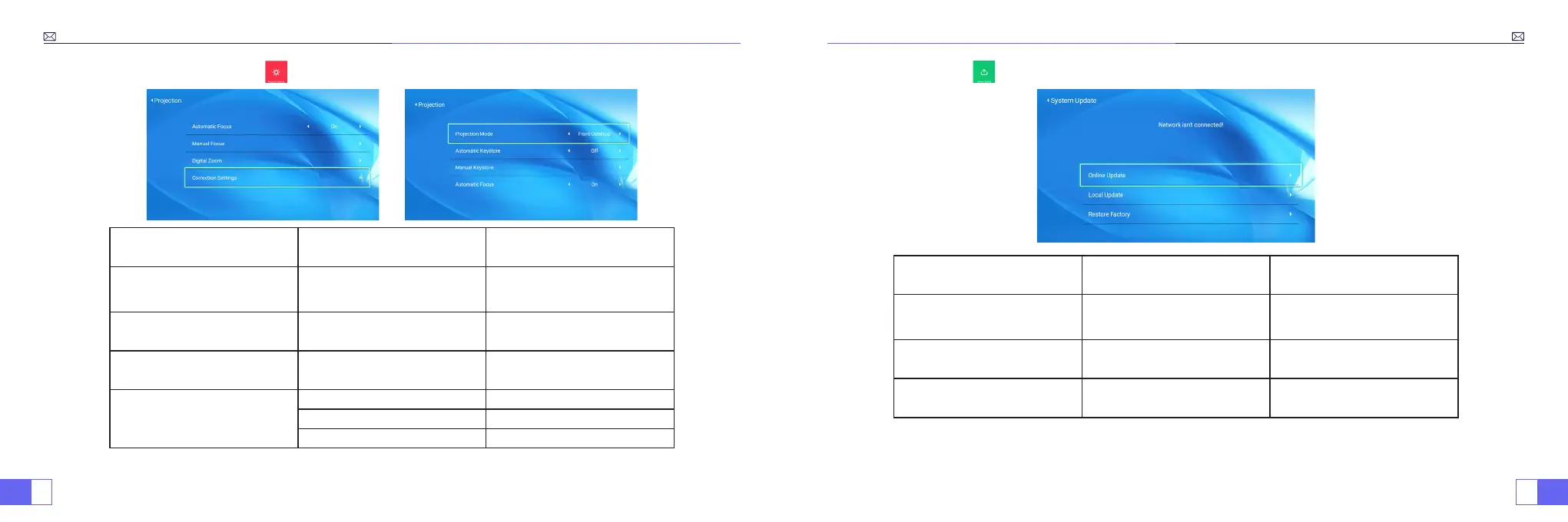
3.Projection Image Setting
Projection Menu included Function
Projection Mode
Front-Desktop / Rear-Desktop /
Front-Ceiling / Rear-Ceiling
Choose the projection
methods,ip the image
Manual Keystone 4-point Keystone correction
Adjust 4 conners of the projection
image
Digital Zoom Reduce Display 100%-50% Reduce the size of image size
Correction Setting
Trapezoidal Correction Reset Auto trapezoidal correction
Power onAuto Keystone correction On/off
Power on Auto Focus On/off
4.System Update
System Update Menu included Function
Picture Mode
User/Standard/Vivid/Sport/
Movie/Game/Energy Saving
To adjust the “Brightness/
Contrast/Saturation/Sharpness”
of the image
Color Temperature User/Cool/Standard/Warm To adjust Red/Blue/Green gain
Display Mode 16:9/4:3/Auto/Full To adjust Aspect ratio



 To Next Page