support01@wimius.com support01@wimius.com
EN EN
20 21
Main Menu Function
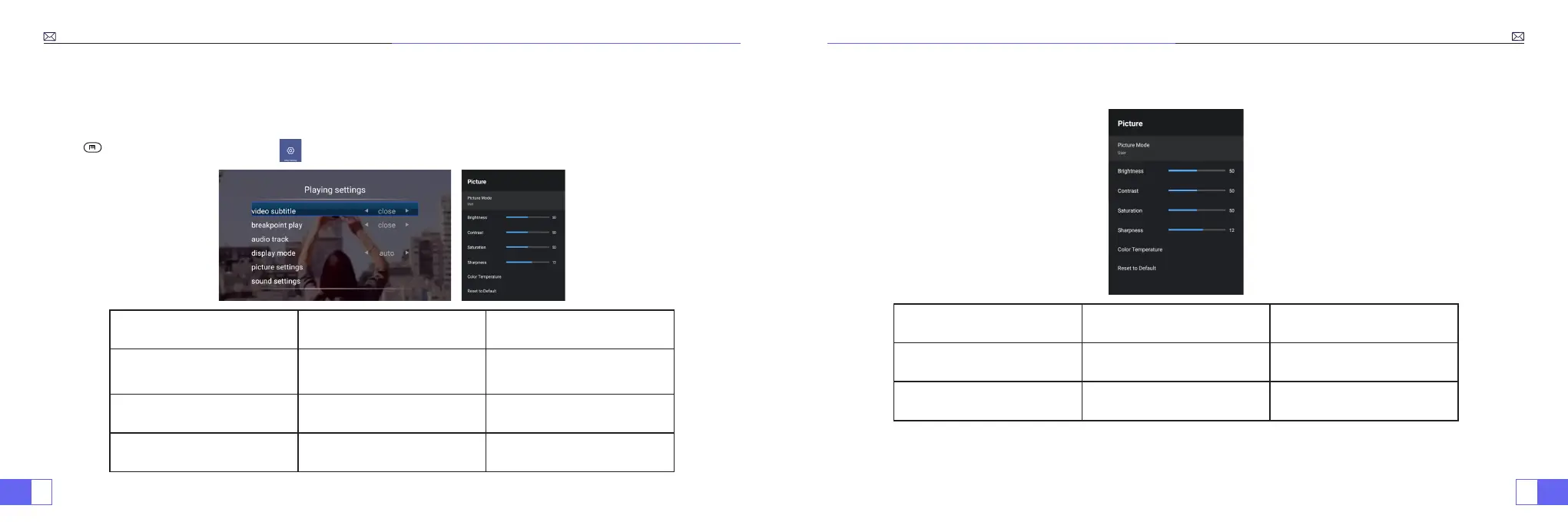
1.Picture Mode
Only when you play the video, you can set the “Picture Mode”.
Press “ ” and then select the setting on the remote control to make some personal settings.
Menu Menu included Function
Picture Mode
User/Standard/Vivid/Sport/
Movie/Game/Energy Saving
To adjust the “Brightness/
Contrast/Saturation/Sharpness”
of the image
Color Temperature User/Cool/Standard/Warm To adjust Red/Blue/Green gain
Display Mode 16:9/4:3/Auto/Full To adjust Aspect ratio
2.Sound Mode
Only when you play the video, you can set the “Sound Mode”.
Sound Mode Menu included Function
Sound Mode
User/Standard/Vivid/Sport/
Movie/Music/News
Adjust the mode of sound
Equalizer Detail 120/500/1.5K/5K/10K Hz Adjust the tone



 To Next Page