Settings
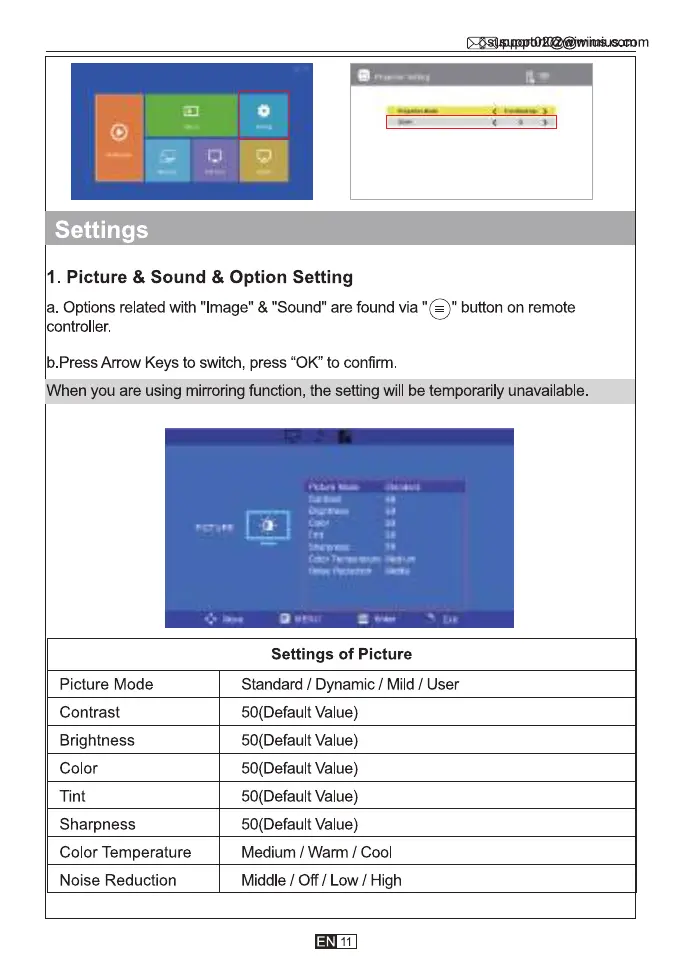
I. Picture & Sound & Option Setting
a.Options related with"Image"&"Sound"arefoundvia"G)" buttononremote
controller.
b.Press Arrow Keys to switch, press "0K' to confirm
When you are using mirroring function, the setting will be temporarily unavailable.
Picture Mode
Contrast
Brightness
Color
Tint
Sharpness
Color Temperature
Noise Reduction
Settings of Picture
Standard / Dynamic / Mild / User
50(Default Value)
50(Default Value)
50(Default value)
50(Default Value)
50(Default Value)
Medium / Warm / Cool
Middle / Off / Low / High
11



 To Next Page