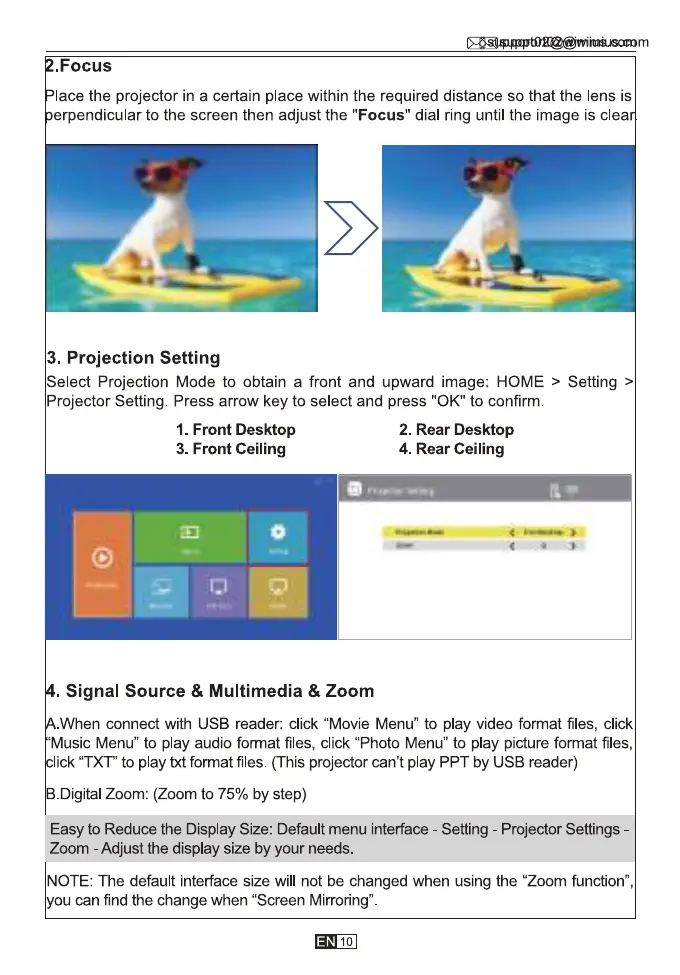
. Focus
lace the projector in a certain place within the required distance so that the lens is
erpendicular to the screen then adjust the "Focus" dial ring until the image is clea
3. Projection Setting
Select Projection Mode to obtain a front and upward image: HOME > Setting >
Projector Setting. Press arrow key to select and press "0K" to confirm
1. Front Desktop
3. Front Ceiling
Signal Source & Multimedia & Zoom
2. Rear Desktop
4. Rear Ceiling
When connect with USB reader: click "Movie Menu" to play video format files, click
Music Menu" to play audio format files, click "Photo Menu" to play picture format files,
lick "TXT" to play txt format files. (This projector can't play PPT by USB reader)
B.DigitaI Zoom: (Zoom to 75% by step)
Easy to Reduce the Display Size: Default menu interface - Setting - Projector Settings -
Zoom - Adjust the display size by your needs.
NOTE: The default interface size will not be changed when using the "Zoom function",
you can find the change when "Screen Mirroring"
10



 To Next Page