Signal Source Selection
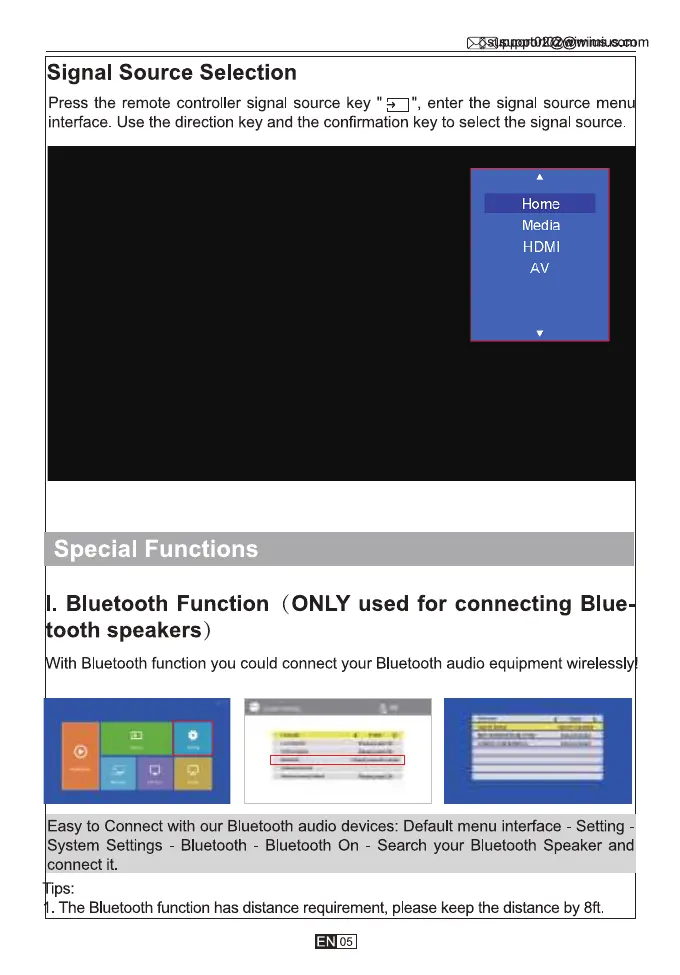
Press the remote controller signal source key " enter the signal source men
interface. Use the direction key and the confirmation key to select the signal source.
Home
Media
HDMI
AV
Special Functions
l. Bluetooth Function (ONLY used for connecting Blue
ooth speakers)
ith Bluetooth function you could connect your Bluetooth audio equipment wirelessl
Easy to Connect with our Bluetooth audio devices: Default menu interface - Setting
System Settings - Bluetooth - Bluetooth On - Search your Bluetooth Speaker and
connect it.
Ips:
The Bluetooth function has distance requirement, please keep the distance by 8ft
05



 To Next Page