The Bluetooth function can only connect one Bluetooth speaker during the use.
If you cannot find the Bluetooth device, please re-start your Bluetooth device again and
-search again. Or you can contact our official e-mail for support!
indiy NOTE: All LCD Bluetooth projector can only be used for Bluetooth output
evices(BIuetooth Speaker/Earphone/Headphone/Airpods/Earbuds), it is unable to
nnect to the phones/pads.
I. Wireless Mirror Projection
ynchronize your mobile devices to the projector. (iPhone / Android phone / iPad /
ndroid Tablets)
indly NOTE: Due to the copyright, the Wi-Fi screen mirroring function doesn't support
rotected videos. You can play Netflix app or Prime video directly when connected with
ptop, Macbook and fire TV stick!
.Miracast (For Android Phone I Android Tablets)
ith Miracast you could synchronize your Android mobile device to projector.
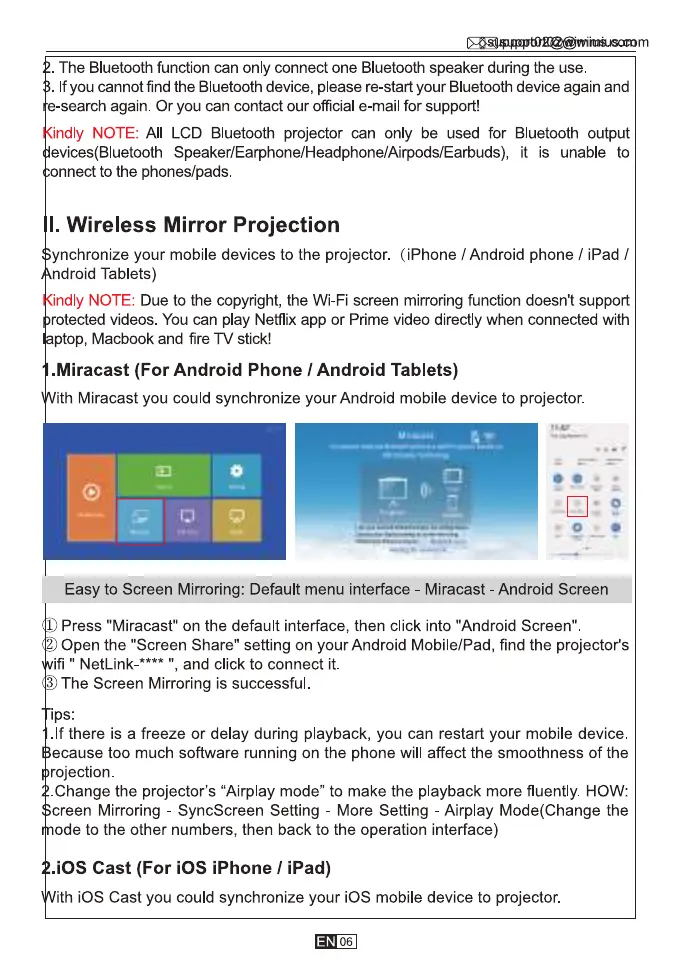
Easy to Screen Mirroring: Default menu interface - Miracast - Android Screen
1 Press "Miracast" on the default interface, then click into "Android Screen"
Open the "Screen Share" setting on your Android Mobile/Pad, find the projector's
ifi " NetLink-
, and click to connect it.
3 The Screen Mirroring is successful.
Ips:
.lf there is a freeze or delay during playback, you can restart your mobile device.
ecause too much software running on the phone will affect the smoothness of the
rojection.
Change the projector's "Airplay mode" to make the playback more fluently. HOW:
creen Mirroring - SyncScreen Setting - More Setting - Airplay Mode(Change the
ode to the other numbers, then back to the operation interface)
.iOS Cast (For iOS iPhone / iPad)
ith iOS Cast you could synchronize your iOS mobile device to projector.
06,



 To Next Page