com
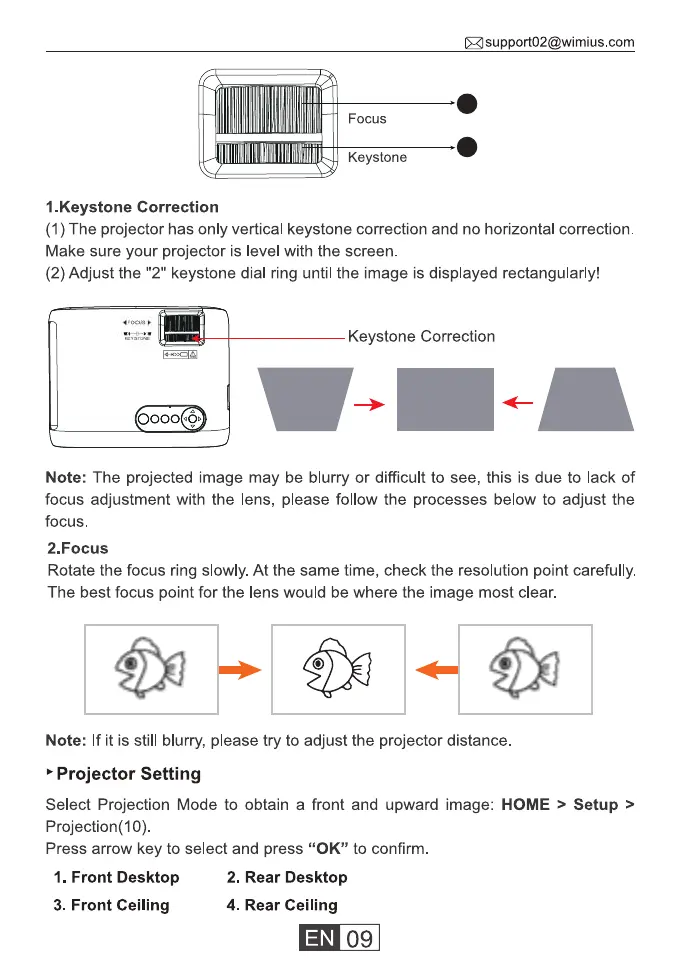
Focus
Keystone
1.Keystone Correction
(I ) The projector has only vertical keystone correction and no horizontal correction.
Make sure your projector is level with the screen
(2) Adjust the "2" keystone dial ring until the image is displayed rectangularly!
Keystone Correction
0000
Note: The projected image may be blurry or difficult to see, this is due to lack of
focus adjustment with the lens, please follow the processes below to adjust the
focus.
2.Focus
Rotate the focus ring slowly. At the same time, check the resolution point carefully.
The best focus point for the lens would be where the image most clear.
Note: If it is still blurry, please try to adjust the projector distance
Projector Setting
Select Projection Mode to obtain a front and upward image: HOME > Setup >
Projection(10)
Press arrow key to select and press "0K" to confirm
1. Front Desktop
3. Front Ceiling
2. Rear Desktop
4. Rear Ceiling
09



 To Next Page